
4mapper
Web based projection mapping tool for visual artists and VJs
- Freemium
- Web
- VideoWritingImage Generation
- Free plan available
- No credit card
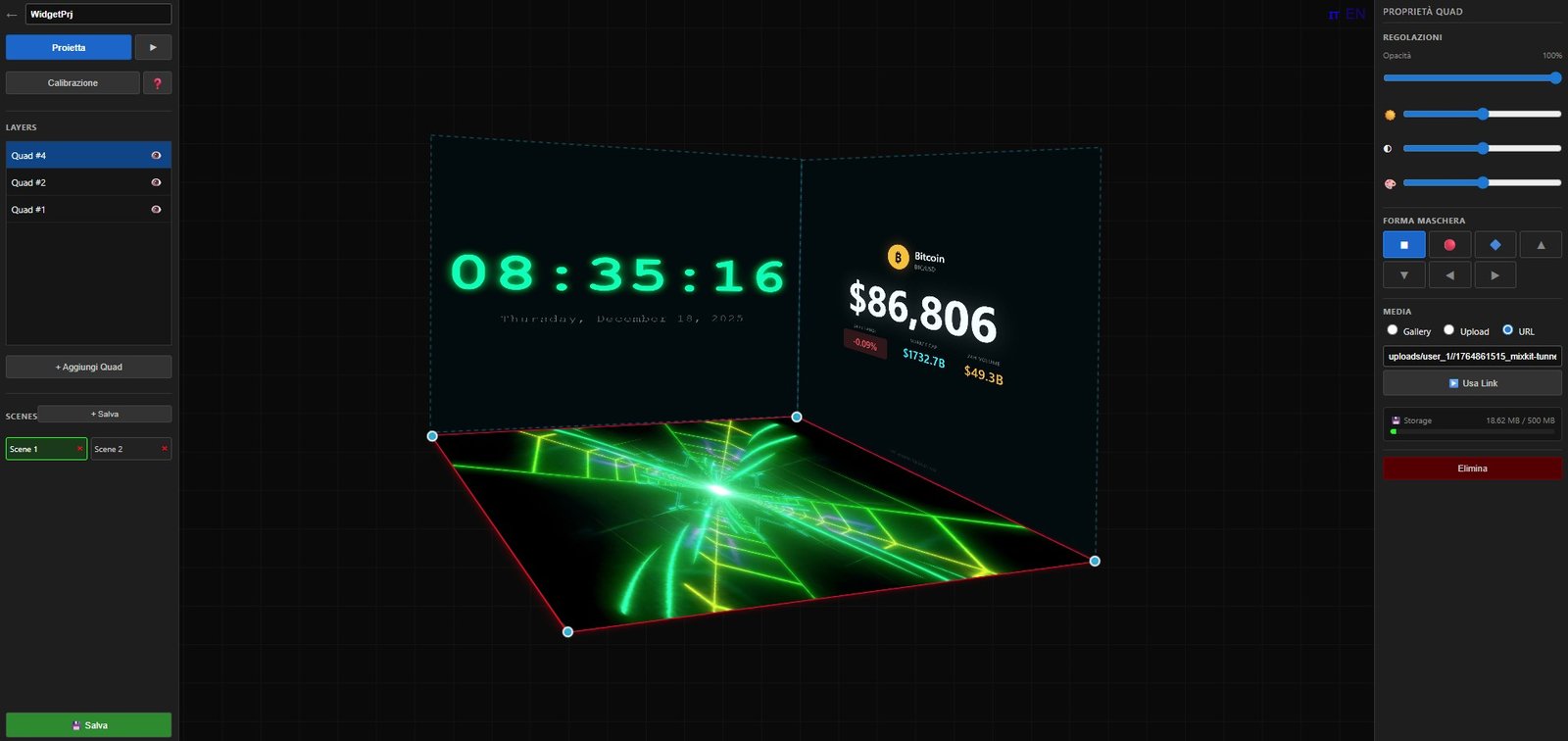
What is 4mapper?
Key features
Web-based interface
access from any browser without installation
Multi-surface mapping
project content onto multiple surfaces and objects simultaneously
Live preview
see how your mapped content will look in real-time
Keystone correction
adjust projector distortion and perspective issues
Content import
add images and video files to map across surfaces
Export options
save and share your mapping configurations
Pros & cons
Advantages
- No software installation needed; works entirely in a web browser
- Freemium model lets you test the tool before committing to paid features
- Useful for both planning sessions and live performance work
- Accessible from any device with internet access
Limitations
- Relies on internet connection; offline functionality may be limited
- Web-based performance may lag with very complex or high-resolution projects
- Feature set of the free tier may be restrictive for advanced users
Use cases
Planning projection mapping for theatre and stage productions
Creating visual designs for live DJ or VJ performances
Designing architectural projections for building facades
Testing projection layouts before live events
Collaborating with other artists on mapping projects
Ready to try 4mapper?
Pricing
Premium
Contact for pricing
Increased project capacity, advanced export options, priority support
Get started with 4mapper
Click through to 4mapper and start using it now.
- Free plan available
- No credit card