
A collection of GPT
IMAGE-2 prompts from X(Twitter)
- Freemium
- Web
- Image GenerationSocial Media
- Free plan available
- No credit card
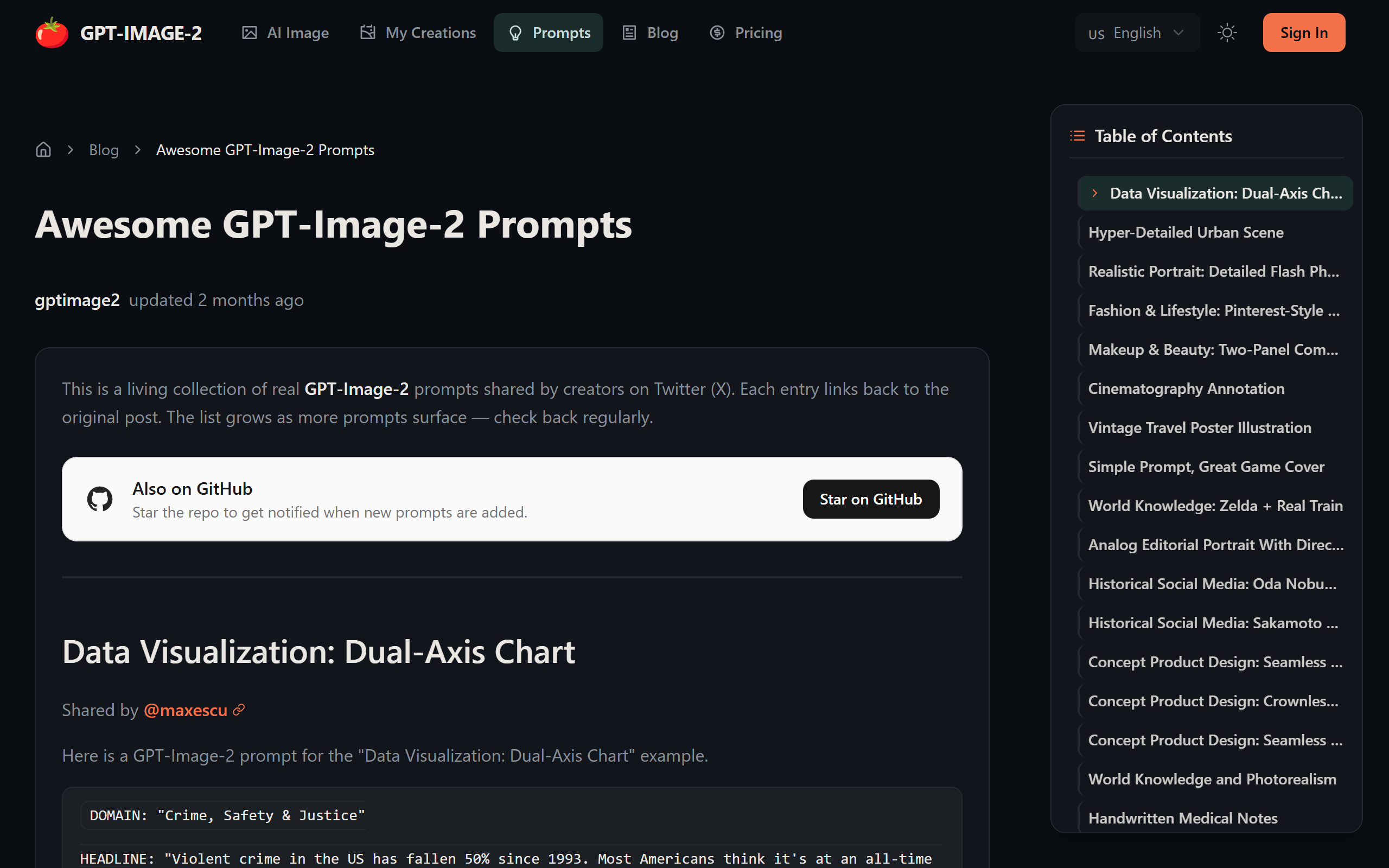
What is A collection of GPT?
Key features
Real-world prompts
Actual prompts shared by X users that produced successful GPT-Image-2 outputs
Categorised by type
Browse prompts organised by category (charts, portraits, scenes, etc.) to find relevant examples
Copy-and-paste ready
Use prompts directly or adapt them for your own image generation tasks
No signup required for browsing
View and explore the prompt collection without creating an account
Community sourced
Prompts come from actual user experiences across Twitter
Pros & cons
Advantages
- Saves time by providing tested prompts instead of writing from scratch
- Good for learning prompt structure and what language produces specific visual results
- Free to browse and use, making it accessible to all users
- Real examples from Twitter mean you can see what others actually generated
Limitations
- Prompts may vary in quality and consistency, as they're user-submitted
- No guarantee that a prompt will work identically for you, as image generation results can be unpredictable
- Limited to prompts that people have chosen to share on Twitter; doesn't cover all possible use cases
Use cases
Learning how to structure prompts for GPT-Image-2 by studying successful examples
Finding starting points for generating business charts and data visualisations
Creating character portraits and concept art by adapting existing prompts
Generating background scenes and landscapes for creative projects
Quickly prototyping visual ideas without spending time writing prompts from scratch
Ready to try A collection of GPT?
Pricing
Get started with A collection of GPT
Click through to A collection of GPT and start using it now.
- Free plan available
- No credit card