
Ableton Live
Create tracks, shape sound, automate music with an intuitive clip-based MIDI sequencer.
- Free plan available
- No credit card
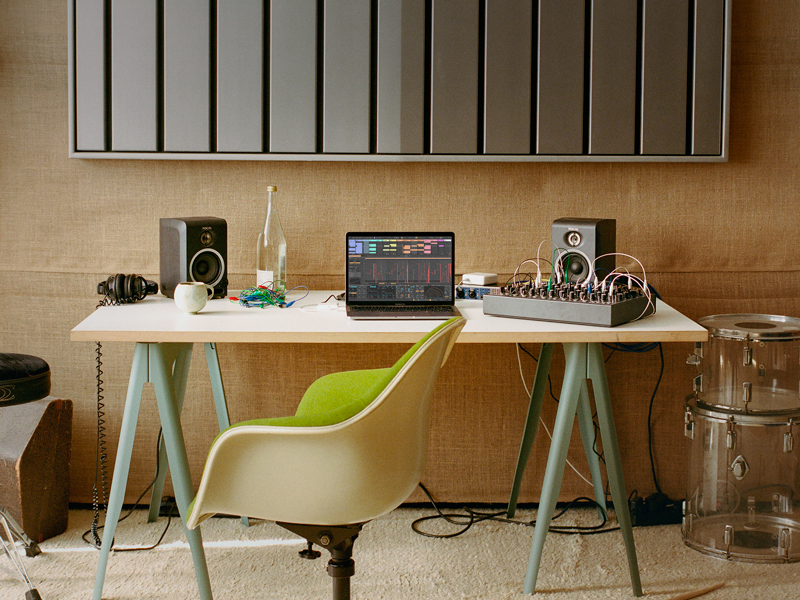
What is Ableton Live?
Key features
Clip-based sequencing
trigger and layer musical ideas without a fixed timeline
Dual view system
Session View for live performance and improvisation, Arrangement View for detailed composition
MIDI editing and automation
draw and adjust parameter changes across instruments and effects
Built-in instruments and effects
includes samplers, synthesisers, and audio processing tools
Audio recording and warping
capture and time-stretch audio to match your project tempo
Max for Live integration
extend functionality with custom instruments and effects (paid add-on)
Pros & cons
Advantages
- Intuitive workflow for both composition and live performance; the same project works for both
- Strong MIDI tools and flexible clip-based organisation make experimentation quick and natural
- Excellent for electronic music, hip-hop, and genres where loop-based production is common
- Active user community and substantial library of tutorials and third-party sounds
Limitations
- Steeper learning curve than some competitors; the clip-based approach differs from standard DAW conventions
- Free tier is limited; most serious work requires a paid licence
- Built-in sound library is smaller than some other DAWs; you may need to purchase additional packs
Use cases
Producing electronic music, house, techno, and beat-based genres
Live performance and DJ sets with real-time clip triggering and improvisation
Audio sampling and remixing with time-stretching and pitch adjustment
Teaching music production through its approachable interface and visual feedback
Sound design and experimentation with built-in effects and Max for Live scripting
Ready to try Ableton Live?
Pricing
Free
Free
Limited Session View with up to 2 simultaneous audio tracks, access to core tools and a basic sound library
Standard
One-time purchase (typically £240–280)
Full Session and Arrangement View, unlimited audio and MIDI tracks, complete instrument and effect suite
Suite
One-time purchase (typically £560–680)
Everything in Standard plus Max for Live, advanced audio analysis tools, and additional sound content
Get started with Ableton Live
Click through to Ableton Live and start using it now.
- Free plan available
- No credit card