
Abstra
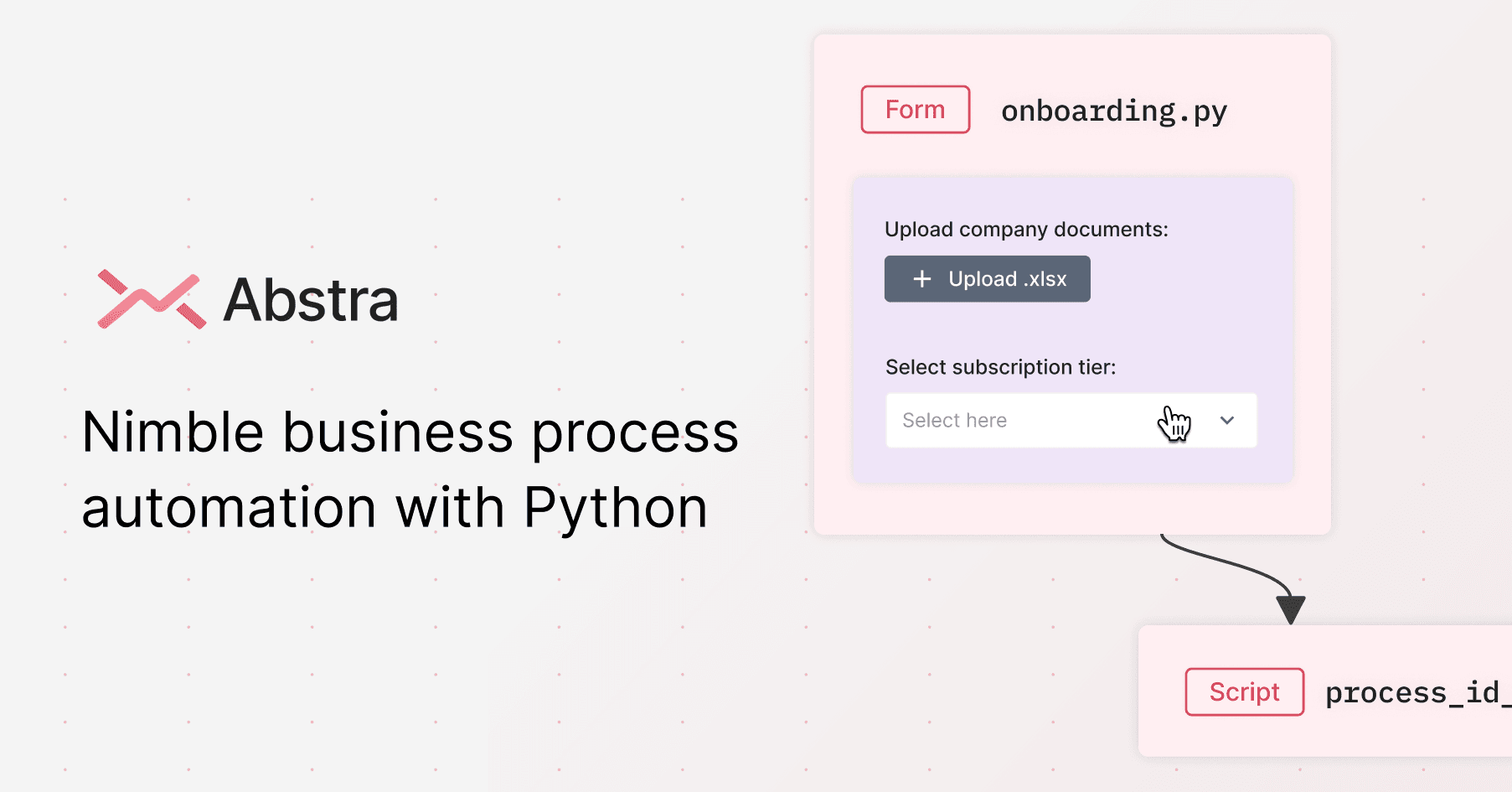
Abstra is a cutting-edge workflow engine designed to revolutionize business process automation and management through the integration of Python coding and AI advancements. It allows businesses to stre
- Free plan available
- No credit card
What is Abstra?
Key features
Python-based workflow engine
write automation logic in Python or use the visual builder
Pre-built components
Forms, Jobs (scheduled tasks), and Hooks (webhook endpoints) for common automation patterns
AI integration
add AI capabilities to your workflows for text processing or decision logic
Audit logs and access controls
track who did what and when, with SSO and SAML support for enterprise authentication
Third-party integrations
connect to external services and APIs from your workflows
Drag-and-drop interface
build workflows visually without writing code if preferred
Pros & cons
Advantages
- Mix of visual and code-based building gives flexibility depending on your team's skills
- Built-in audit trails and security features suit regulated industries
- Python support means existing Python developers can contribute immediately
- Freemium model lets you test automation before committing to paid plans
Limitations
- Requires either Python knowledge or time to learn the visual interface; not ideal if your team prefers no-code tools
- Documentation and community resources may be limited compared to larger platforms
- Pricing tiers and feature limits not clearly stated, making budget planning difficult
Use cases
Automating data entry and form submission workflows in finance or HR departments
Running scheduled tasks like report generation or data synchronisation between systems
Building customer support automation that routes inquiries or generates responses
Creating internal tools that non-technical staff can use to trigger complex processes
Webhook-based automation for responding to events from external services
Ready to try Abstra?
Pricing
Free
Free
Basic workflow automation, limited execution time, suitable for testing and small-scale use
Paid plans
Contact for pricing
Higher execution limits, priority support, team collaboration features, and advanced integrations; specific pricing not publicly listed
Get started with Abstra
Click through to Abstra and start using it now.
- Free plan available
- No credit card