
Adalo
- Freemium
- Web, iOS, Android
- Free plan available
- No credit card
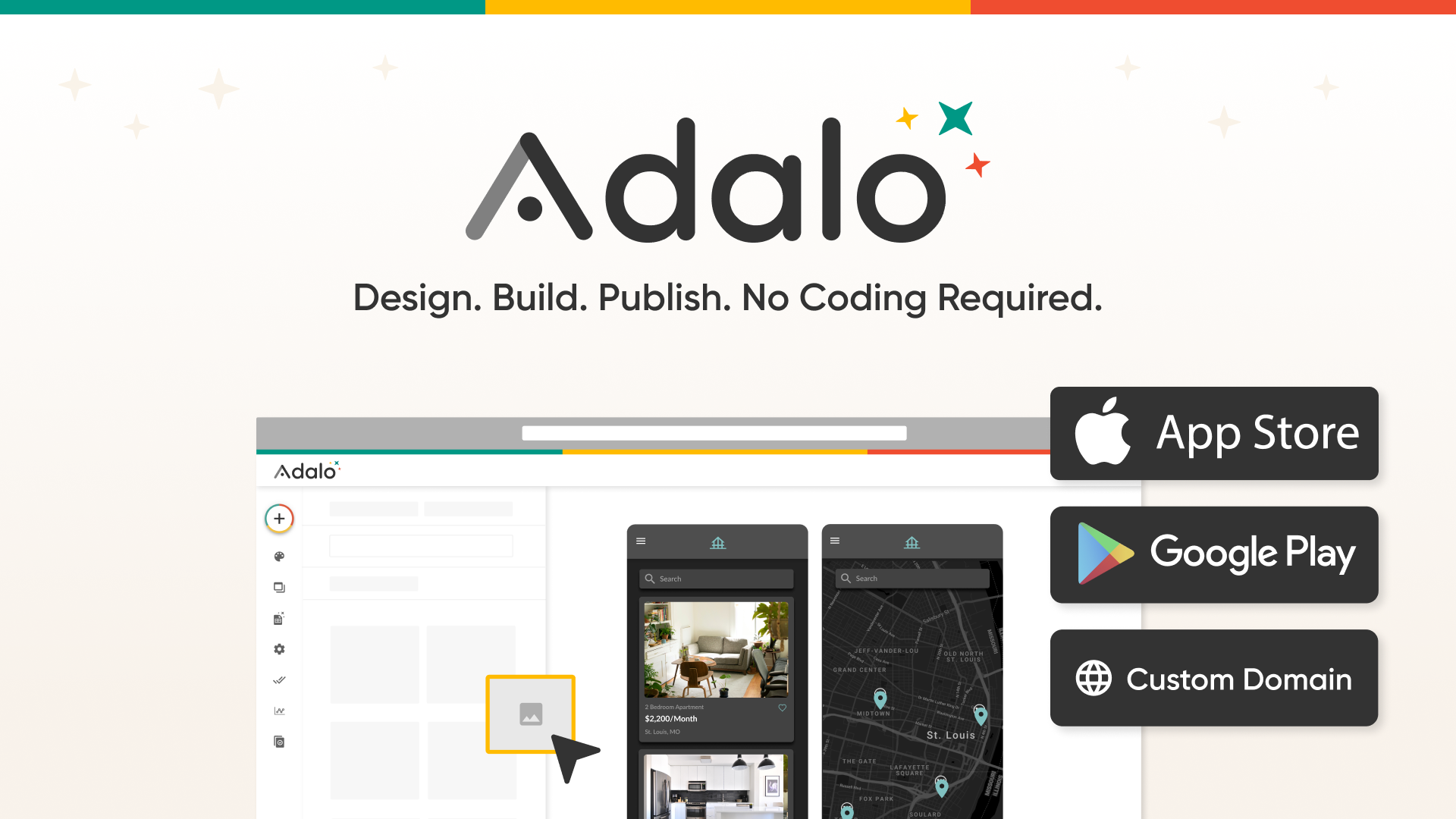
What is Adalo?
Key features
Single project for iOS, Android, and web
Build once and deploy to all three platforms without managing separate codebases
Visual drag-and-drop builder
Create user interfaces and workflows by arranging components without code
Direct app store publishing
Submit finished apps to Apple App Store and Google Play Store directly from Adalo
Pre-built integrations
Connect to external services, databases, and APIs without custom coding
AI-assisted development
Use AI tools to help generate components, logic, and other development tasks
Database and backend
Include data storage and backend functionality within your app project
Pros & cons
Advantages
- Publish to multiple platforms simultaneously from one codebase, saving time versus building separate native apps
- Free tier lets you start building and testing without payment, with paid plans only if you need advanced features
- Direct integration with app stores means no need to hire developers for submission and deployment
- Built-in backend reduces reliance on separate backend services or third-party infrastructure
Limitations
- Complex apps may feel limited compared to custom development; performance and customisation options depend on Adalo's component library
- Learning curve exists despite no-code approach; building sophisticated logic still requires understanding app concepts
- Vendor lock-in means migrating an existing app to another platform or to native code is difficult
Use cases
Small business owners launching a customer-facing mobile app for bookings, payments, or service delivery
Entrepreneurs validating app ideas quickly with a minimum viable product before investing in full development
Internal company apps for inventory management, field operations, or employee workflows
Content-driven apps like news readers, community platforms, or educational tools
Marketplace or social apps connecting buyers and sellers with basic functionality
Ready to try Adalo?
Pricing
Free
Free
One project, basic components, limited integrations, test on device, Adalo branding included
Pro
Pricing available on website
Multiple projects, advanced components, priority integrations, remove Adalo branding, enhanced support
Enterprise
Custom pricing
Dedicated support, custom integrations, white-label options, advanced security features
Get started with Adalo
Click through to Adalo and start using it now.
- Free plan available
- No credit card