
Aftershoot
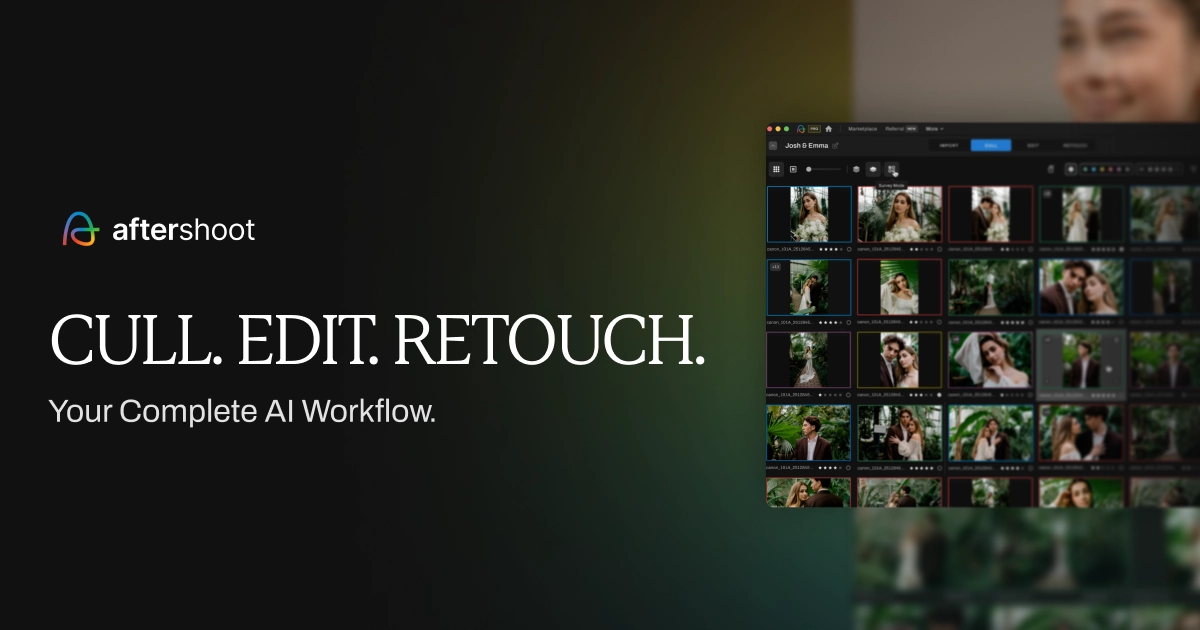
Aftershoot introduces a revolutionary AI-powered culling and editing solution for professional photographers, designed to maximize efficiency without sacr...
- Freemium
- Web, macOS, Windows
- DesignImage GenerationPhoto Editing & Enhancement
- Free plan available
- No credit card
What is Aftershoot?
Key features
AI photo culling
automatically rates and sorts images to identify your best shots
Batch editing
applies automatic edits to multiple photos based on learned preferences
Style learning
learns your editing style from examples you provide
Rating and flagging
marks photos as keepers, rejects, or maybes for manual review
Integration with Lightroom
works with your existing Lightroom workflow
Pros & cons
Advantages
- Saves significant time on repetitive culling and editing tasks
- Learns your personal editing style rather than applying generic presets
- Accessible freemium model lets you try before paying
- Reduces decision fatigue when reviewing hundreds of similar shots
Limitations
- Requires initial setup and training on your style preferences before it works optimally
- Results depend on consistent shooting conditions; varying lighting or composition may confuse the algorithm
- Free tier likely has limitations on number of photos or features available
Use cases
Wedding photographers culling hundreds of shots from a ceremony and reception
Event photographers quickly sorting and editing coverage from conferences or parties
Portrait photographers applying consistent edits across multiple client sessions
Product photographers batch-editing similar product shots with consistent styling
Photographers with tight turnaround times who need faster delivery to clients
Ready to try Aftershoot?
Pricing
Get started with Aftershoot
Click through to Aftershoot and start using it now.
- Free plan available
- No credit card