
AgentOS
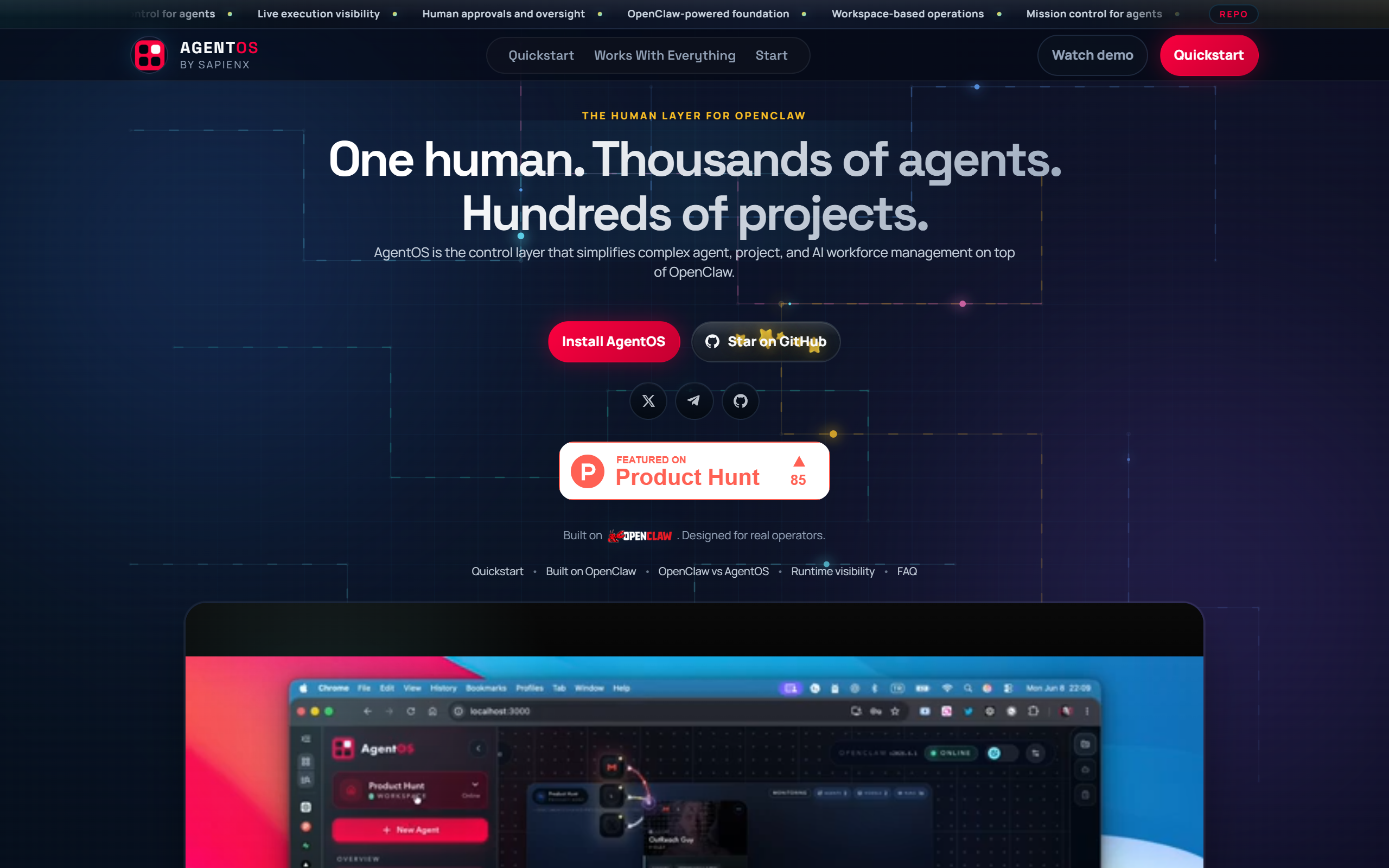
Open-source human control layer for AI agents, built on the OpenClaw orchestration kernel by SapienX.
- Open Source
- macOS, Linux, Windows, Self-hosted, CLI
- Productivity
- Open source
- Free forever
What is AgentOS?
Key features
Mission control
A central interface for dispatching missions to OpenClaw agents, including thinking level support.
Live topology canvas
A visual map of the relationships between workspaces, agents and runtime state.
Runtime inspection
Transcript-backed views of sessions, models, output, token usage and file changes.
Human approvals
Approval gates that require operator sign-off before critical agent actions run.
Workspace wizard
Guided creation flows with templates and a planner mode for setting up workspaces, agents and tasks.
Agent policy presets
Create agents from preset roles such as worker, setup, browser, monitoring or custom.
OpenClaw onboarding and diagnostics
Built-in setup and health checks for the underlying OpenClaw runtime from within the UI.
Pros & cons
Advantages
- The project is fully open-source under the MIT licence, so it can be inspected, self-hosted and modified without licence fees.
- It is local-first, meaning agent processes, transcripts and workspace files stay on the operator's own machine rather than a third-party cloud.
- Human approval gates and runtime visibility reduce the risk of agents taking unreviewed actions.
- Installation is straightforward across macOS, Linux and Windows via a one-line shell script, PowerShell or pnpm and npm.
- It builds on an existing orchestration kernel (OpenClaw) rather than reinventing the underlying agent runtime.
Limitations
- It is tightly coupled to OpenClaw, so it is only useful to teams already running or willing to adopt that orchestration kernel.
- The current implementation is local-first and best suited to operator workstations or trusted environments, not serverless-only deployments.
- It requires Node.js 24 or newer and some command-line setup, so it is less approachable for non-technical users.
- There is no managed or hosted option, so the operator is responsible for running and maintaining the stack themselves.
Use cases
Operators who need to coordinate many AI agents across multiple projects from a single mission-control dashboard.
Developers running OpenClaw who want a visual layer for planning, dispatching and inspecting agent work.
Teams that require human approval checkpoints before agents execute sensitive or irreversible actions.
Engineers who want to inspect agent transcripts, token usage and file changes to debug agent behaviour.
Self-hosting users who prefer keeping agent runtimes and data on a trusted local workstation rather than a third-party cloud.
Ready to try AgentOS?
Pricing
Open Source (MIT)
Free
Full AgentOS control plane under the MIT licence. Install on macOS, Linux or Windows via shell script, PowerShell, pnpm or npm. Requires Node.js 24 or newer and a working OpenClaw runtime.
Get started with AgentOS
Click through to AgentOS and start using it now.
- Open source
- Free forever