AI Dictation
Transform your plain-spoken voice notes into clean, formatted text with this AI transcription tool for Mac
- Paid
- macOS
- WritingDeveloper ToolsAudio
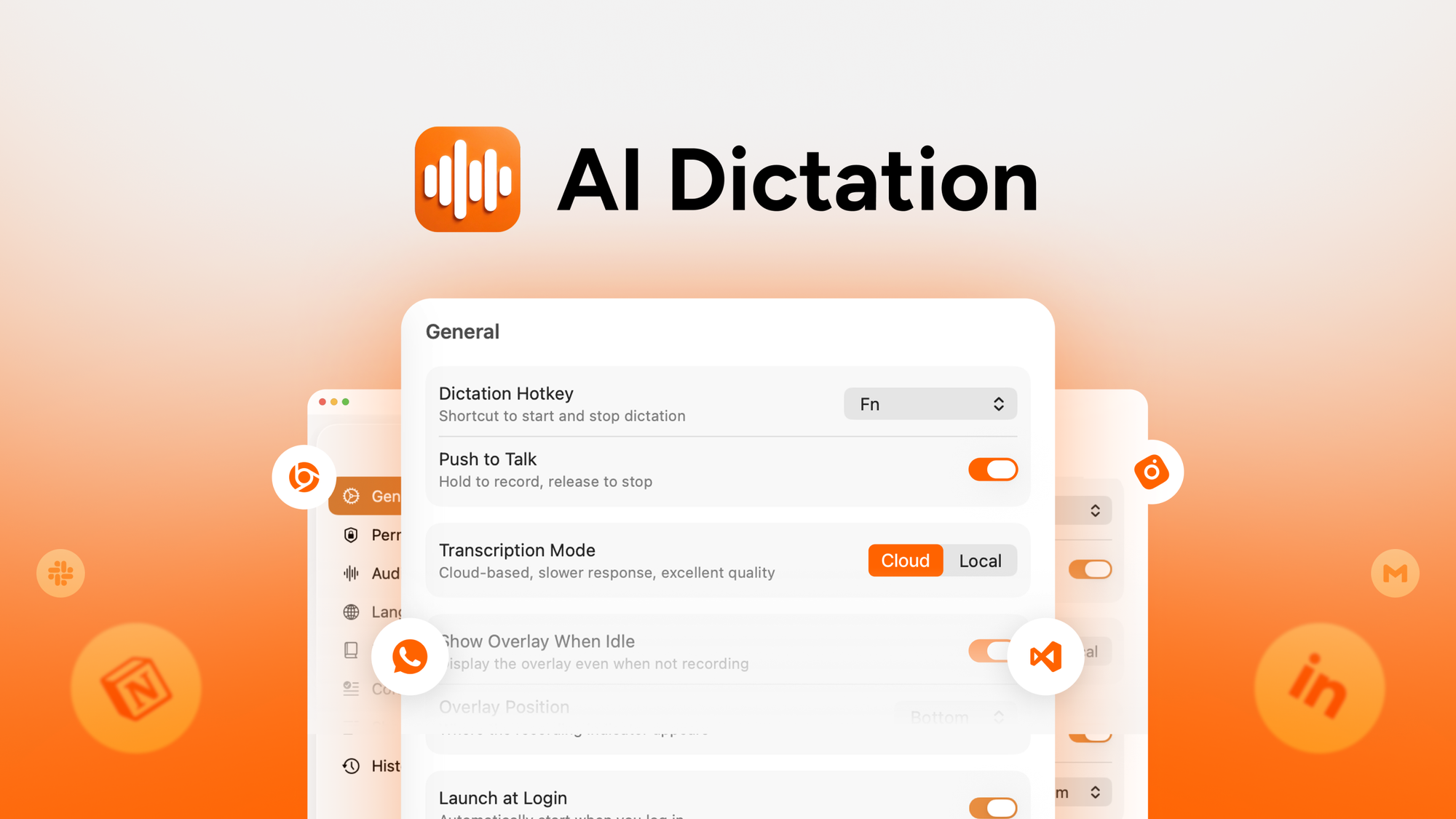
What is AI Dictation?
Key features
Voice-to-text conversion
Records and transcribes spoken words into written text automatically
Mac compatibility
Built specifically for macOS users
Text formatting
Produces clean, readable output rather than raw transcription
Audio processing
Handles various audio quality levels and speaking styles
Quick turnaround
Processes transcriptions without significant delays
Pros & cons
Advantages
- Faster than manual typing for people who speak faster than they write
- Mac-native application means good integration with the operating system
- Useful for capturing thoughts and ideas without needing to type them out
- Reduces repetitive strain injuries associated with extensive typing
Limitations
- Mac-only tool, so Windows users cannot use it
- Accuracy depends on audio quality and speaking clarity; accents or background noise can affect results
- Requires a paid subscription, which adds to costs if you only transcribe occasionally
Use cases
Transcribing meeting notes and discussions into written summaries
Converting voice memos into emails or documents for work
Capturing interview recordings and converting them to text
Creating written content from spoken blog posts or article ideas
Documenting thoughts and observations hands-free while working
Ready to try AI Dictation?
Pricing
Paid Plan
Pricing varies; available through AppSumo
Access to full transcription features on macOS
Get started with AI Dictation
Click through to AI Dictation and start using it now.