
AI for Google Slides
AI presentation maker for Google Slides
- Freemium
- Web, Chrome Extension
- Presentation DesignWorkflow AutomationAI Presentation Makers
- Free plan available
- No credit card
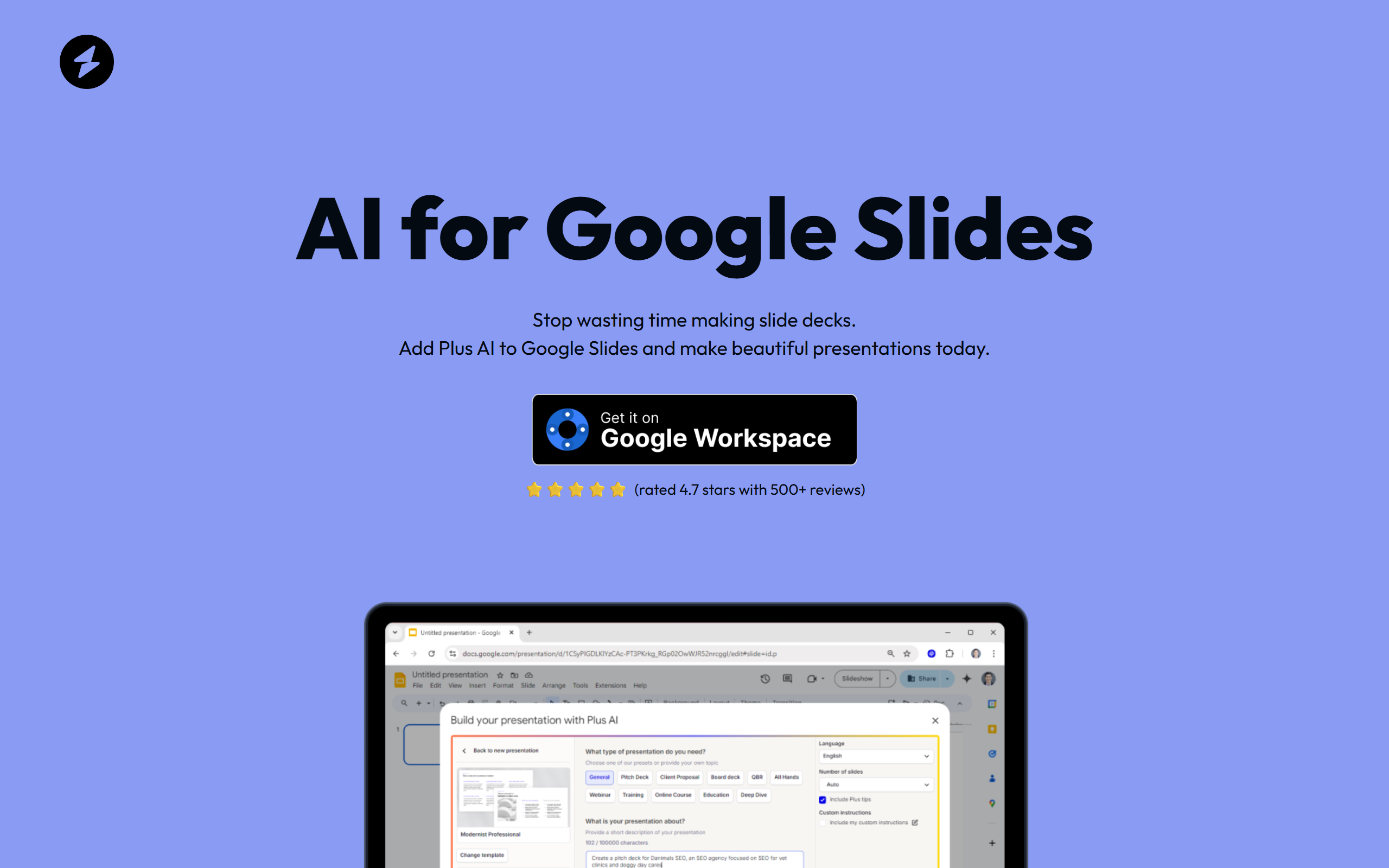
What is AI for Google Slides?
Key features
AI-powered presentation generation from prompts or outlines
Automatic slide design and layout formatting
Content expansion and intelligent text suggestions
Direct Google Slides integration as a native extension
Ability to generate presentations in minutes rather than hours
Free tier available for testing and basic use cases
Pros & cons
Advantages
- smooth integration with Google Slides, no need to leave your familiar workspace
- Dramatically reduces presentation creation time for busy professionals
- Freemium model allows users to try the tool without financial commitment
- Accessible to non-designers and those with limited design experience
- Works with existing Google Workspace ecosystem
Limitations
- AI-generated designs may require customization for brand-specific requirements or unique styling preferences
- Free tier likely has limitations on presentation length, design variations, or advanced features
- Quality and relevance of AI-generated content depends on input quality and specificity of prompts
Use cases
Business professionals creating quarterly reports, investor decks, or sales presentations on tight deadlines
Students and educators generating educational presentations for classes or research projects
Marketing teams rapidly prototyping presentation concepts or creating multiple presentation variations
Consultants and freelancers quickly producing client presentations without extensive design time
Teams needing to standardize presentation formats across multiple projects or departments
Ready to try AI for Google Slides?
Pricing
Free
Free
Basic AI presentation generation, limited slides per presentation, access to core features, Google Slides integration
Plus/Premium
Pricing not publicly specified
Unlimited presentations, advanced design templates, priority support, enhanced AI capabilities, commercial use rights
Get started with AI for Google Slides
Click through to AI for Google Slides and start using it now.
- Free plan available
- No credit card