
AI for Google Slides
AI presentation maker for Google Slides
- Freemium
- Web, Chrome Extension
- Presentation DesignAI Presentation MakersAI Tools for Presentation Creation
- Free plan available
- No credit card
What is AI for Google Slides?
Key features
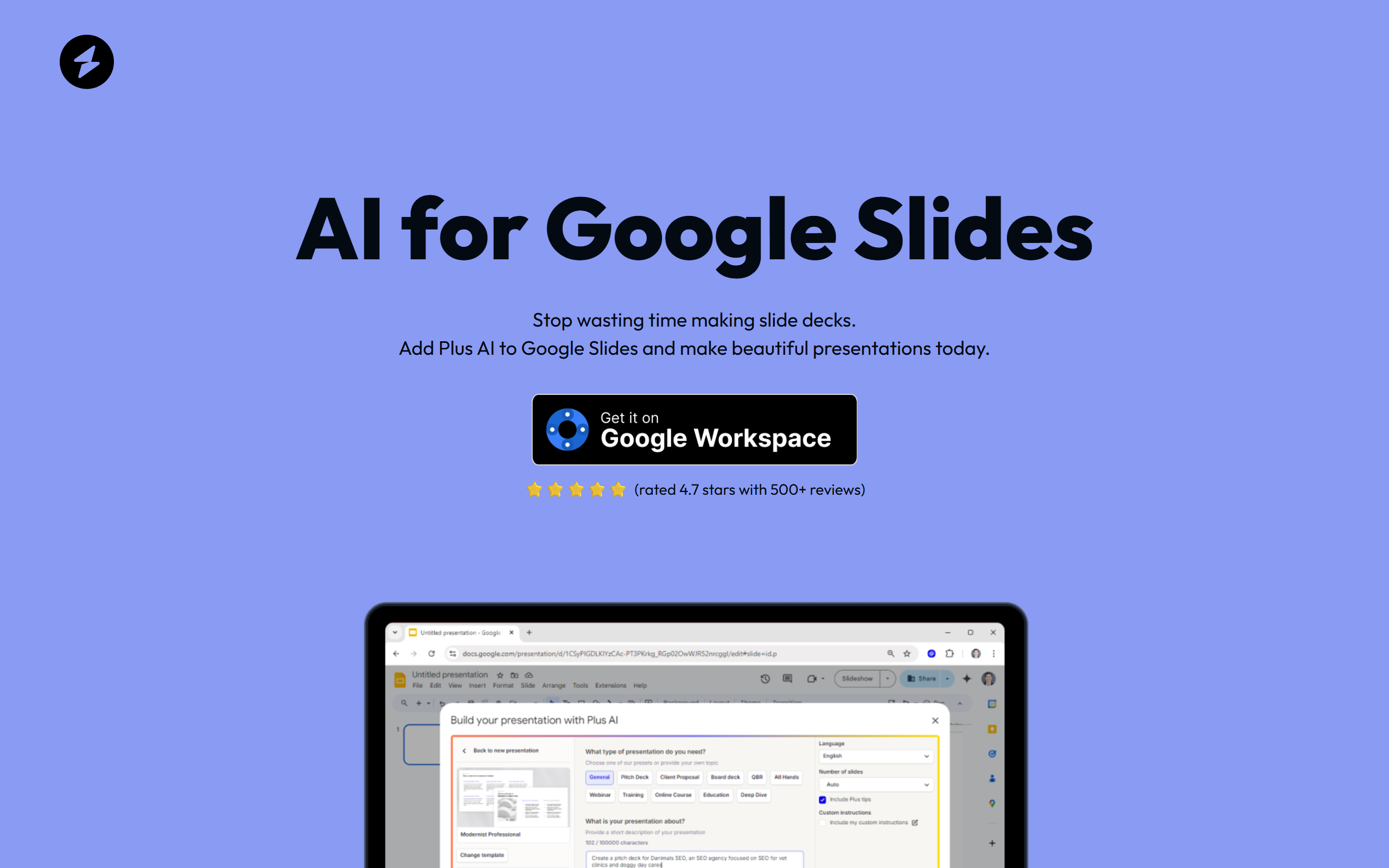
AI slide generation
describe what you need and the tool creates full slides with text and layouts
Prompt-based creation
use natural language instructions to build presentations
Google Slides integration
works as an extension within Google Slides, no separate platform needed
Content suggestions
the AI can help develop ideas and fill in slide content
Template-based design
generated slides follow professional templates and formatting
Pros & cons
Advantages
- Saves time on initial presentation creation and structure
- Works directly in Google Slides so no need to export or learn new tools
- Free tier available to test before committing to paid features
- Good for creating first drafts quickly that you can then customise
Limitations
- Relies on how well you describe what you want; unclear prompts may produce less useful results
- Generated content may need significant editing to match specific brand guidelines or messaging
- Free tier likely has limitations on number of slides or prompts per month
Use cases
Creating business presentations for meetings or pitches when time is limited
Generating initial slide layouts and content that you refine afterwards
Building educational presentations quickly for classes or training
Developing pitch decks or investor presentations from scratch
Creating team status updates or internal communication slides
Ready to try AI for Google Slides?
Pricing
Get started with AI for Google Slides
Click through to AI for Google Slides and start using it now.
- Free plan available
- No credit card