
AI Formatter
AI Formatter is a web-based tool designed to help users create professional documents quickly by applying AI-powered formatting to uploaded files or raw t...
- Freemium
- Web
- DesignUI/UX DesignDocument Management
- Free plan available
- No credit card
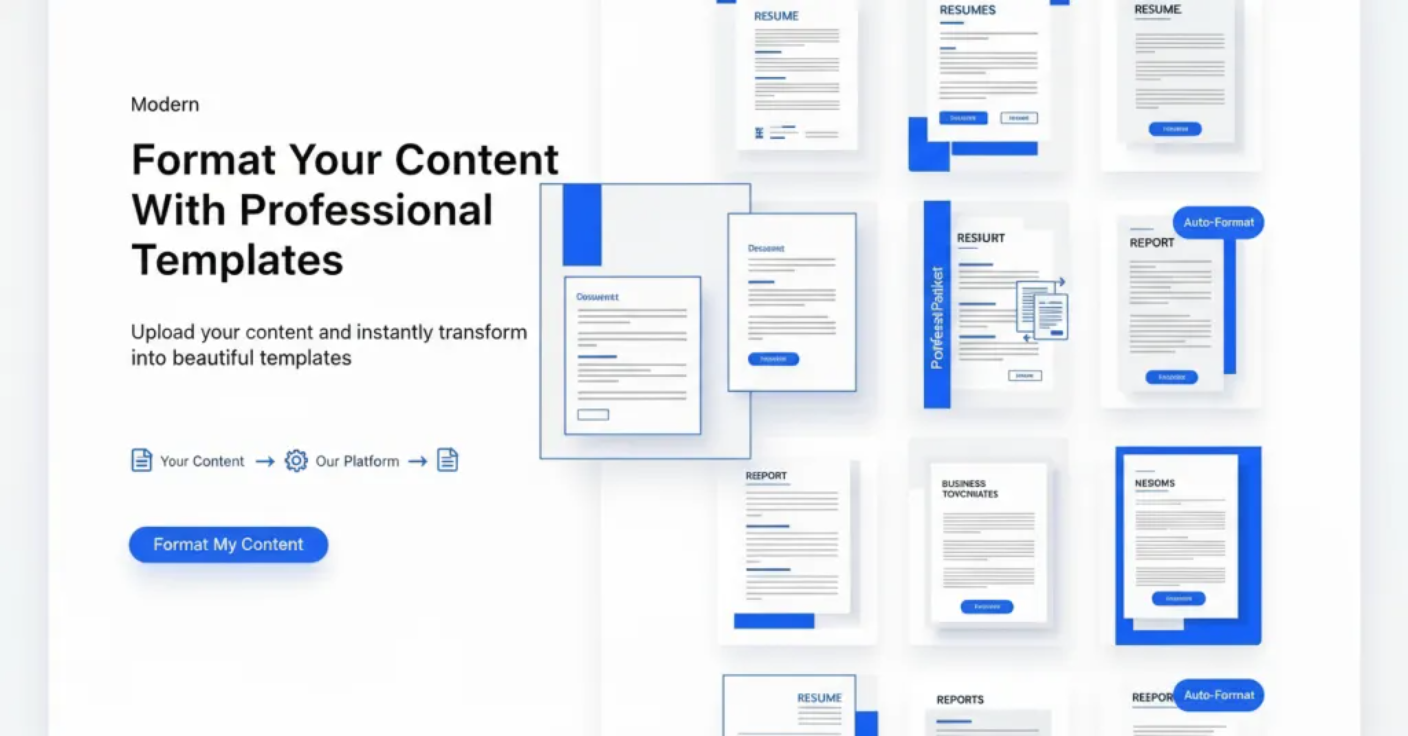
What is AI Formatter?
Key features
File upload support
accepts multiple document formats for processing
Raw text input
paste content directly into the tool without uploading files
AI-powered formatting
automatically applies professional document structure and style
Formatting consistency
ensures uniform styling throughout documents
Web-based access
no software installation required
Freemium model
basic functionality available at no cost with optional paid upgrades
Pros & cons
Advantages
- Quick processing with minimal manual effort required
- No installation needed; works directly in a web browser
- Free tier allows users to test the tool before paying
- Reduces time spent on document formatting tasks
Limitations
- Limited control over specific formatting choices if the AI applies changes you don't want
- Output quality may vary depending on the complexity and format of your input
Use cases
Preparing reports and business documents quickly for meetings or deadlines
Formatting academic papers and essays with consistent styling
Converting rough notes into formatted documents for presentations
Standardising formatting across multiple documents from different sources
Cleaning up poorly formatted text received from colleagues or clients
Ready to try AI Formatter?
Pricing
Premium
Pricing not publicly specified
Additional file uploads, advanced formatting options, priority processing, export to multiple formats
Get started with AI Formatter
Click through to AI Formatter and start using it now.
- Free plan available
- No credit card