
AI Photo Editor | Canva
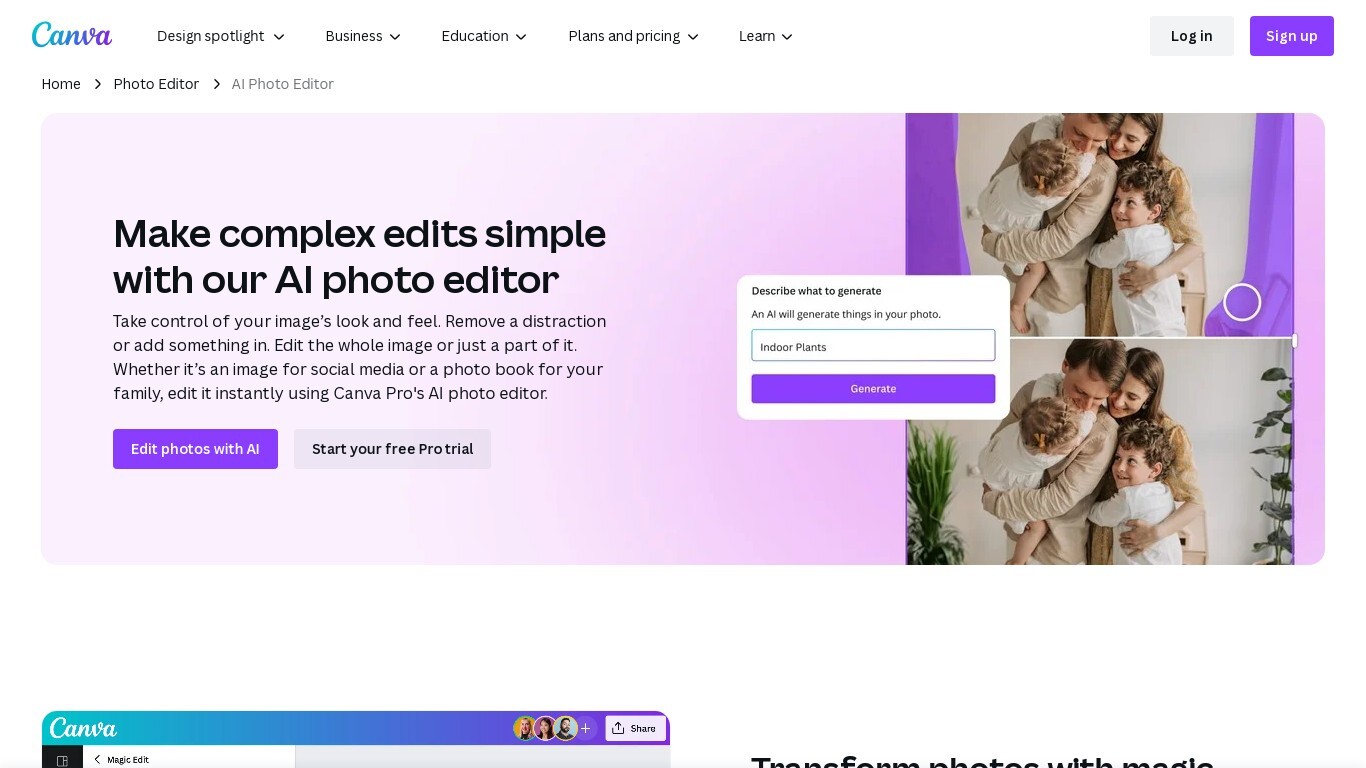
Enhance and transform your photos effortlessly with the advanced AI photo editor provided by Canva Pro. This intuitive online tool simplifies complex phot...
- Freemium
- Web
- DesignImage GenerationCode
- Free plan available
- No credit card
What is AI Photo Editor | Canva?
Key features
Background removal
automatically isolate subjects and remove or replace backgrounds
Object removal
erase unwanted elements from photos using AI detection
Colour and brightness adjustment
fine-tune exposure, saturation, and temperature
Image upscaling
enlarge photos whilst maintaining quality
Magic edit
make contextual changes to specific areas of an image
Integration with Canva designs
move edited photos directly into templates and layouts
Pros & cons
Advantages
- No software installation required; works directly in your web browser
- Intuitive interface makes basic editing accessible to non-technical users
- smooth workflow if you're already using Canva for design work
- Reasonably priced as part of Canva Pro rather than as a standalone subscription
Limitations
- Advanced editing features available in dedicated software like Photoshop or Lightroom are not present here
- Quality of AI outputs can be inconsistent depending on image complexity and lighting
- Requires Canva Pro subscription for full access to photo editing features
Use cases
E-commerce sellers removing product backgrounds for online listings
Social media managers quickly editing photos for posts and stories
Small business owners preparing images for newsletters and marketing materials
Content creators removing distracting elements before posting to blogs or YouTube
Marketers adjusting photo colours to match brand guidelines
Ready to try AI Photo Editor | Canva?
Pricing
Free
Free
Access to basic design templates; limited photo editing capabilities; Canva branding on exports
Pro
£119.99/year or £14.99/month
Full AI photo editor access; background removal; object removal; magic edit; image upscaling; premium templates; brand kit; unlimited uploads
Teams
£299/year per person
All Pro features plus team collaboration tools; centralised asset library; brand control across team members
Get started with AI Photo Editor | Canva
Click through to AI Photo Editor | Canva and start using it now.
- Free plan available
- No credit card