
AI PPT Maker
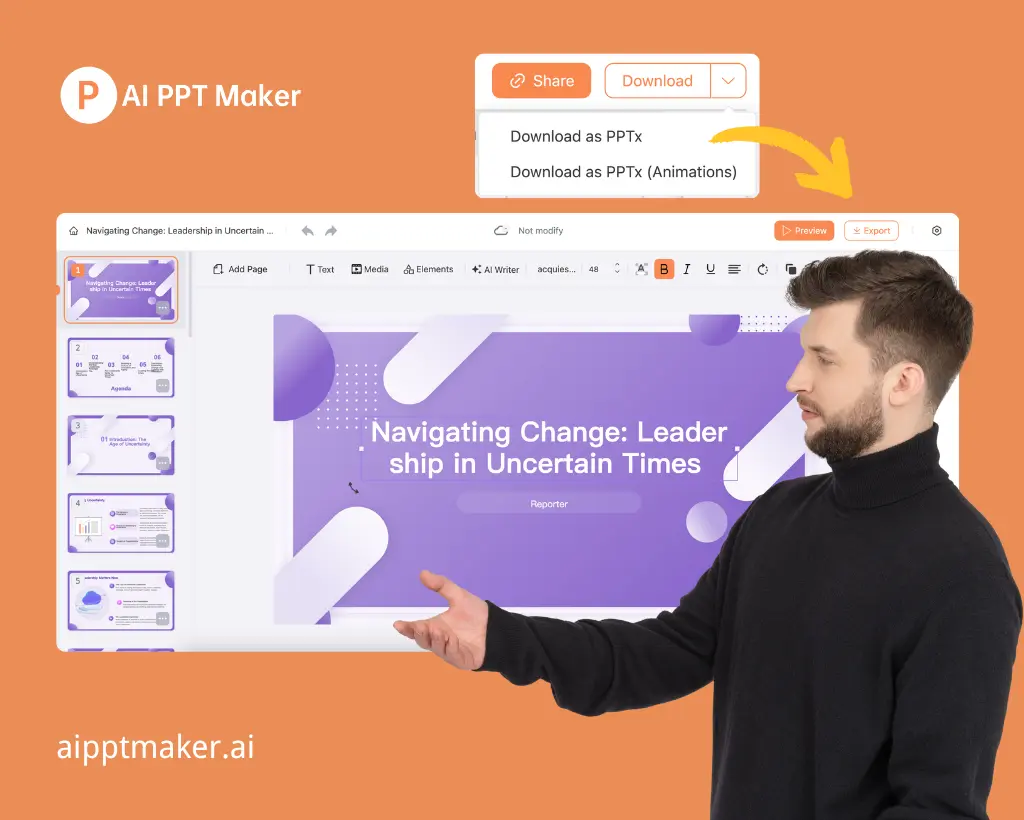
AI PPT Maker is a smart online tool that turns your content into professional presentations in just seconds. Whether you have a text document, PDF, websit...
- Free plan available
- No credit card
What is AI PPT Maker?
Key features
Content conversion
transforms text, PDFs, and web content into slide decks automatically
Design templates
applies professional layouts and styling to generated presentations
Bulk generation
can process multiple documents or longer content at once
Editable output
generates PowerPoint files you can customise further in standard tools
Web-based interface
no software installation required; works in a browser
Pros & cons
Advantages
- Saves substantial time compared to manual slide creation
- Removes the need for design skills to produce presentable output
- Free tier available for testing and light use
- Output is editable, so you're not locked into the AI's first attempt
Limitations
- Quality depends on input clarity; poorly structured source material may produce awkward slides
- Limited customisation in the free tier; paid plans likely required for branded design or detailed adjustments
- May not capture complex narratives or detailed arguments as effectively as hand-crafted presentations
Use cases
Converting a written report or article into a conference talk or webinar
Turning research notes or study materials into student presentations
Quickly generating internal team updates or status report slides
Creating first drafts of pitch decks from business plans or proposals
Repurposing blog posts or long-form content into visual slide formats
Ready to try AI PPT Maker?
Pricing
Get started with AI PPT Maker
Click through to AI PPT Maker and start using it now.
- Free plan available
- No credit card