
AI Subroutines
Run automation scripts inside your browser tab
- Freemium
- Web, Chrome Extension
- AI Browser ExtensionsAI Browser AutomationDeveloper Tools
- Free plan available
- No credit card
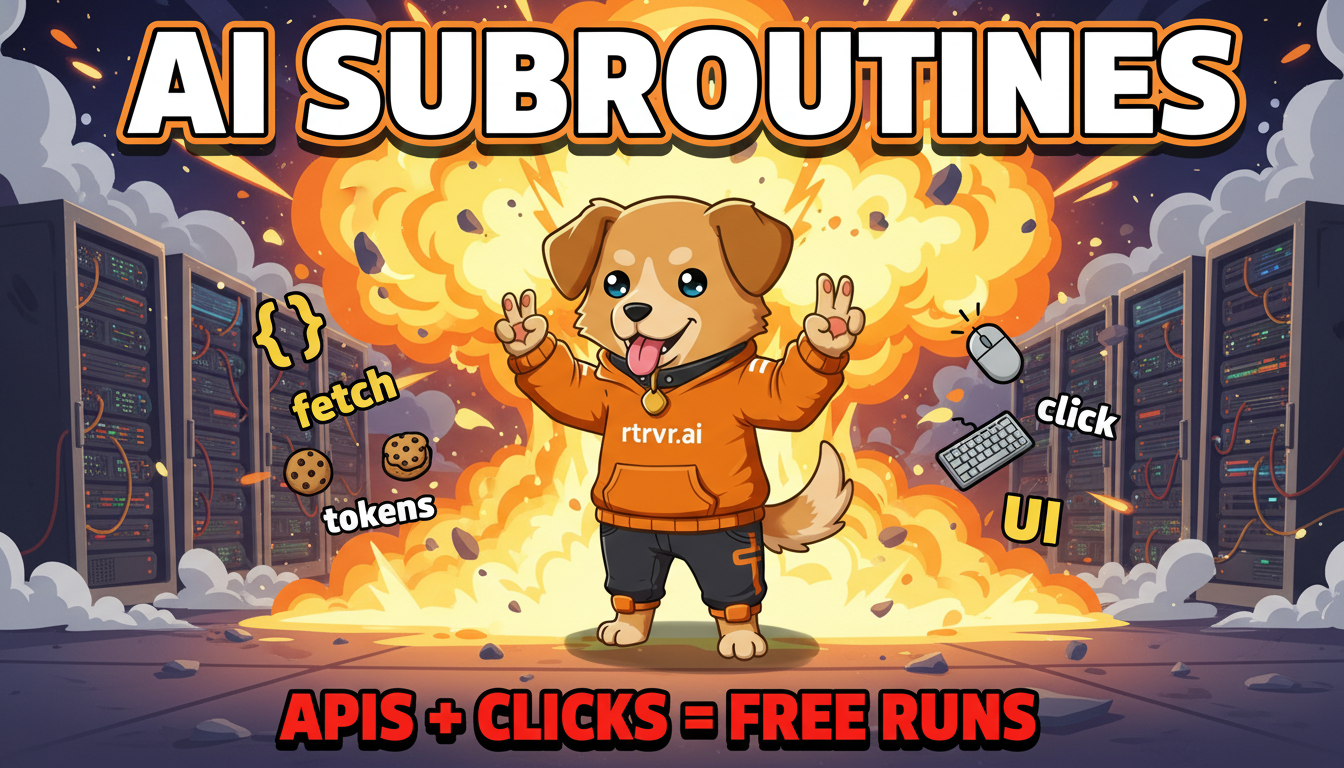
What is AI Subroutines?
Key features
Browser task recording
capture mouse clicks, keyboard input, and navigation by performing actions normally
Zero token cost
replayed automation uses no AI tokens or API credits
Deterministic execution
recorded tasks run the same way every time without variation
Auth persistence
authentication from your active browser session transfers to automated runs
Callable tools
trigger recorded subroutines on demand within your workflows
In-browser processing
automation executes directly in your tab with no external service dependency
Pros & cons
Advantages
- No ongoing token costs once a task is recorded, making it economical for frequent repetition
- Reliable and predictable because automation is deterministic rather than probabilistic
- Simple setup without needing programming knowledge or script syntax
- Preserves your logged-in state, so no need to manage credentials separately
Limitations
- Limited to tasks performable in a browser; more complex system-level automation may require other tools
- Recorded tasks may break if websites change their layouts or UI elements significantly
- Likely requires some trial and error to capture the exact sequence of actions needed
Use cases
Automating repetitive data entry across web forms and databases
Running scheduled reports by clicking through dashboards and exporting results
Testing form submissions and user flows in web applications
Populating spreadsheets from information scattered across multiple websites
Automating social media posting or content management workflows
Ready to try AI Subroutines?
Pricing
Free
Free
Access to core task recording and replay functionality; suitable for light automation needs
Premium
Contact for details
Enhanced features and higher usage limits; exact pricing and capabilities not publicly specified
Get started with AI Subroutines
Click through to AI Subroutines and start using it now.
- Free plan available
- No credit card