AI Video Editing | Clipchamp
Experience the next level of video editing with Clipchamp's AI Video Editing tools, designed to elevate your creative projects effortlessly. Clipchamp har...
- Freemium
- Web
- VideoDesignVideo Editing
- Free plan available
- No credit card
What is AI Video Editing | Clipchamp?
Key features
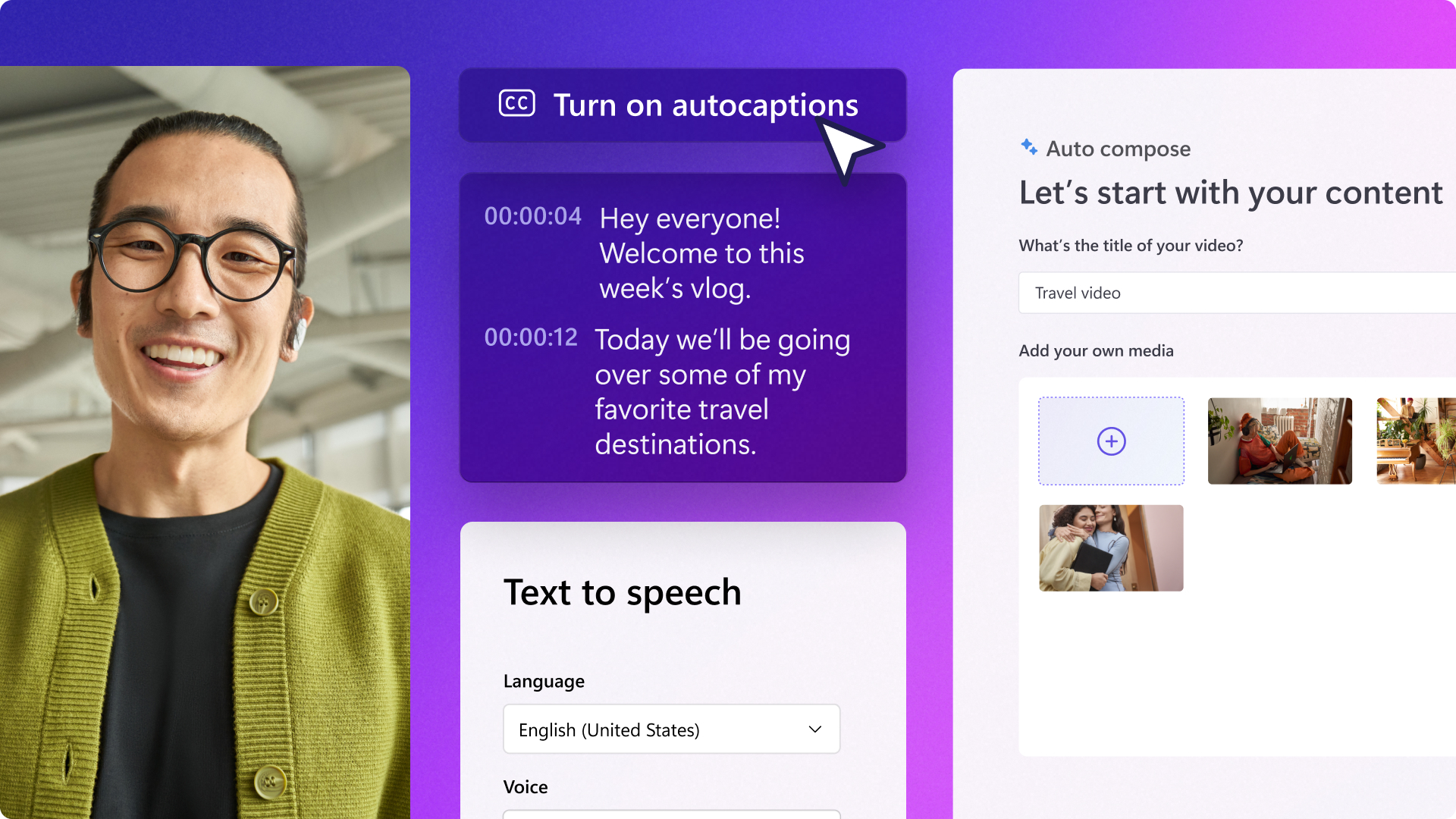
AI-generated captions
automatically transcribes and adds subtitles to video content in multiple languages
Background removal
uses AI to separate subjects from backgrounds without manual masking
Voice-over generation
creates spoken narration using text-to-speech technology
Auto-framing
intelligently crops and zooms video to keep subjects in focus
Stock library integration
access to music, footage, and images within the editor
Template-based editing
pre-built layouts for common video types like social media posts
Pros & cons
Advantages
- No software installation required; works entirely in your browser
- Free tier available with reasonable functionality for basic projects
- AI features handle repetitive tasks like captioning and background removal effectively
- Simple interface suitable for beginners without sacrificing features for experienced editors
Limitations
- Advanced editing capabilities are more limited compared to dedicated desktop software like Adobe Premiere or DaVinci Resolve
- AI-generated captions sometimes require manual correction for accuracy, particularly with technical terminology or accents
- Premium features and higher video quality exports require a paid subscription
Use cases
Creating social media videos with captions and quick edits for platforms like TikTok, Instagram, and YouTube
Adding professional captions to training videos and educational content
Producing straightforward marketing and product demo videos for small businesses
Generating voice-over narration for slideshows and presentations without recording audio separately
Ready to try AI Video Editing | Clipchamp?
Pricing
Get started with AI Video Editing | Clipchamp
Click through to AI Video Editing | Clipchamp and start using it now.
- Free plan available
- No credit card