
AILab Tools
Unlock the potential of your images with AILab Tools. Our powerful AI-based online tools offer a range of innovative features that enhance and transform y...
- Free plan available
- No credit card
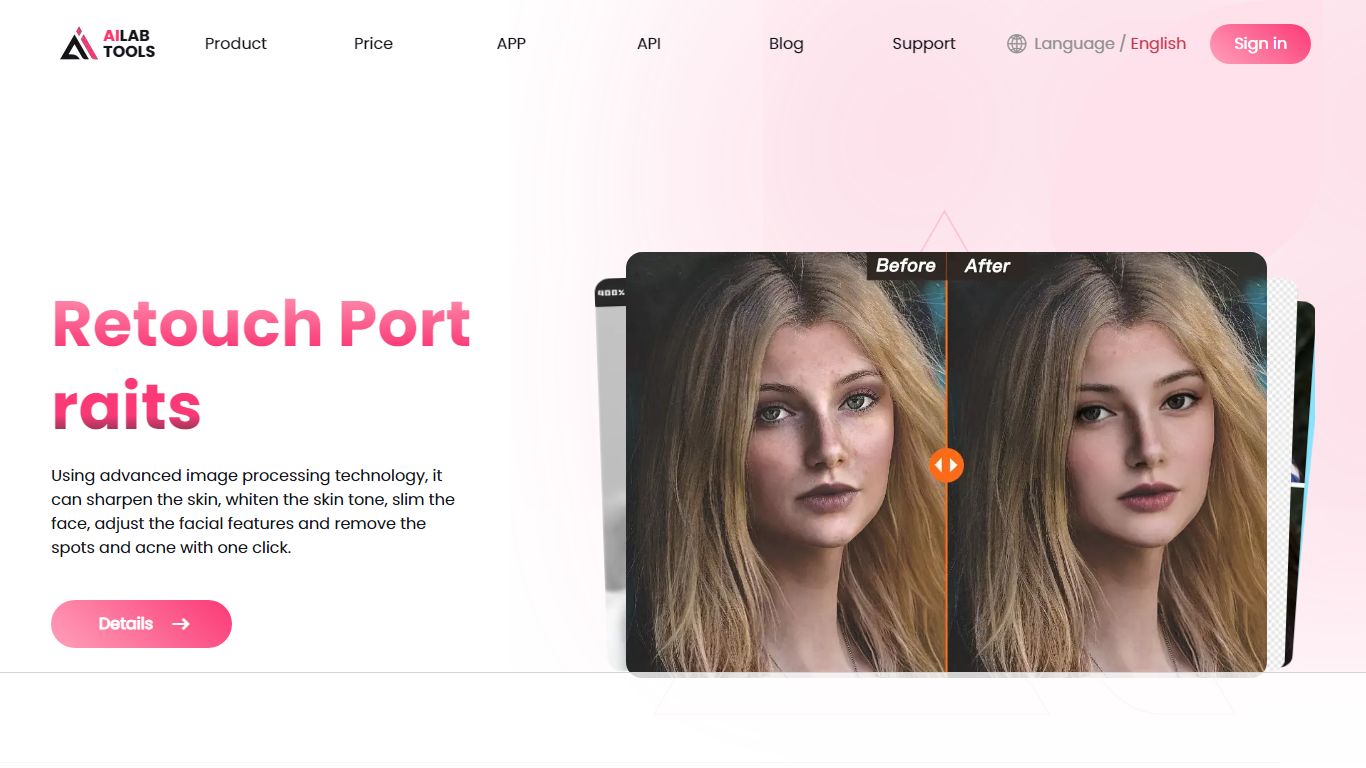
What is AILab Tools?
Key features
Background removal
automatically separate subjects from backgrounds using AI detection
Image upscaling
enlarge images whilst maintaining clarity through machine learning algorithms
Colour and tone adjustment
modify brightness, saturation, and colour balance automatically
Object detection and segmentation
identify and isolate specific elements within images
Batch processing
apply the same edits to multiple images at once
Online editor
no software installation required; work directly in your browser
Pros & cons
Advantages
- Free tier lets you test tools without payment or credit card
- No software installation needed; accessible from any device with a web browser
- Processes images quickly using AI, saving time on manual editing
- Straightforward interface suitable for users without design experience
Limitations
- Free tier likely includes watermarks or resolution limits on output files
- Quality and accuracy of AI processing can vary depending on image complexity and type
- Limited control compared to professional editing software like Photoshop for detailed manual adjustments
Use cases
E-commerce sellers cleaning up product photos for online listings
Social media creators preparing images for posts and thumbnails
Photographers needing to enlarge low-resolution images without quality loss
Designers removing backgrounds from images for mockups or composites
Content teams batch-processing multiple images for consistency
Ready to try AILab Tools?
Pricing
Free
Free
Access to core tools with basic resolution limits; likely includes watermarks on outputs
Premium
Pricing varies by feature
Higher resolution outputs, watermark removal, batch processing, priority processing
Get started with AILab Tools
Click through to AILab Tools and start using it now.
- Free plan available
- No credit card