
AIPhotoeditor
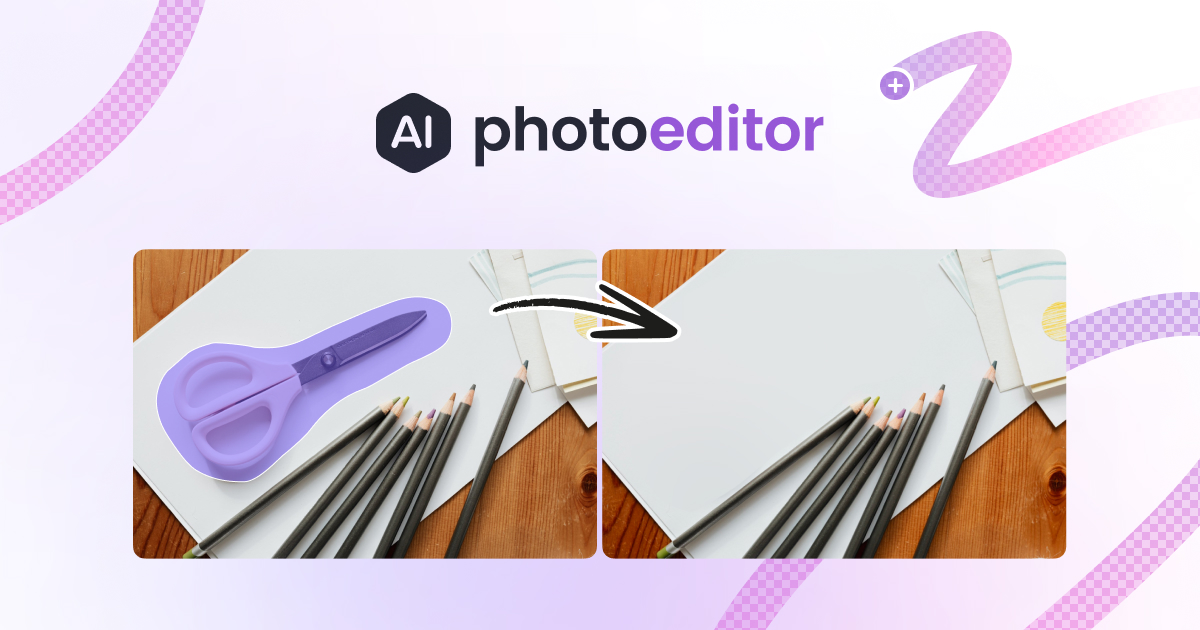
PhotoEditor.ai revolutionizes image editing with a suite of powerful AI tools. The cutting-edge platform offers features like text-to-image generation, advanced detailing, object removal, and more. De
- Free
- Web, iOS, Android
- Text-to-Image ModelsWritingDesign
- Always free
- No credit card
What is AIPhotoeditor?
Key features
Text-to-image generation
Create images from written descriptions using AI
Object removal
Delete unwanted elements from photos automatically
Image enhancement
Improve photo quality, sharpness, and visual detail
Web and mobile access
Edit images from a browser or dedicated mobile apps
Free tier availability
Basic editing tools work without payment
Batch processing
Handle multiple images if your plan allows
Pros & cons
Advantages
- No design experience needed; AI handles technical aspects of editing
- Free tier lets you try the tool without commitment
- Works in a web browser, so no software installation required
- Mobile apps provide editing on the go
Limitations
- Free tier likely has limitations on image resolution, file size, or monthly usage
- AI-generated content quality depends on your text descriptions or input images
- Advanced features require a paid subscription
Use cases
Remove unwanted background objects from product photos for e-commerce listings
Create social media graphics by describing what you want rather than designing from scratch
Quickly enhance and clean up photos for presentations or reports
Generate placeholder images for website mockups or design concepts
Touch up family photos by removing distracting elements
Ready to try AIPhotoeditor?
Pricing
Free
Free
Basic image editing, text-to-image generation, object removal with standard quality and processing limits
Premium
Varies by region and subscription length
Higher resolution outputs, faster processing, increased monthly usage limits, advanced enhancement tools
Get started with AIPhotoeditor
Click through to AIPhotoeditor and start using it now.
- Always free
- No credit card