
AirBrush Studio
AirBrush Studio offers a hassle-free platform for creating professional-quality images. Users can easily upload their selfies, choose a headshot style, and retouch their photos to achieve a polished a
- Always free
- No credit card
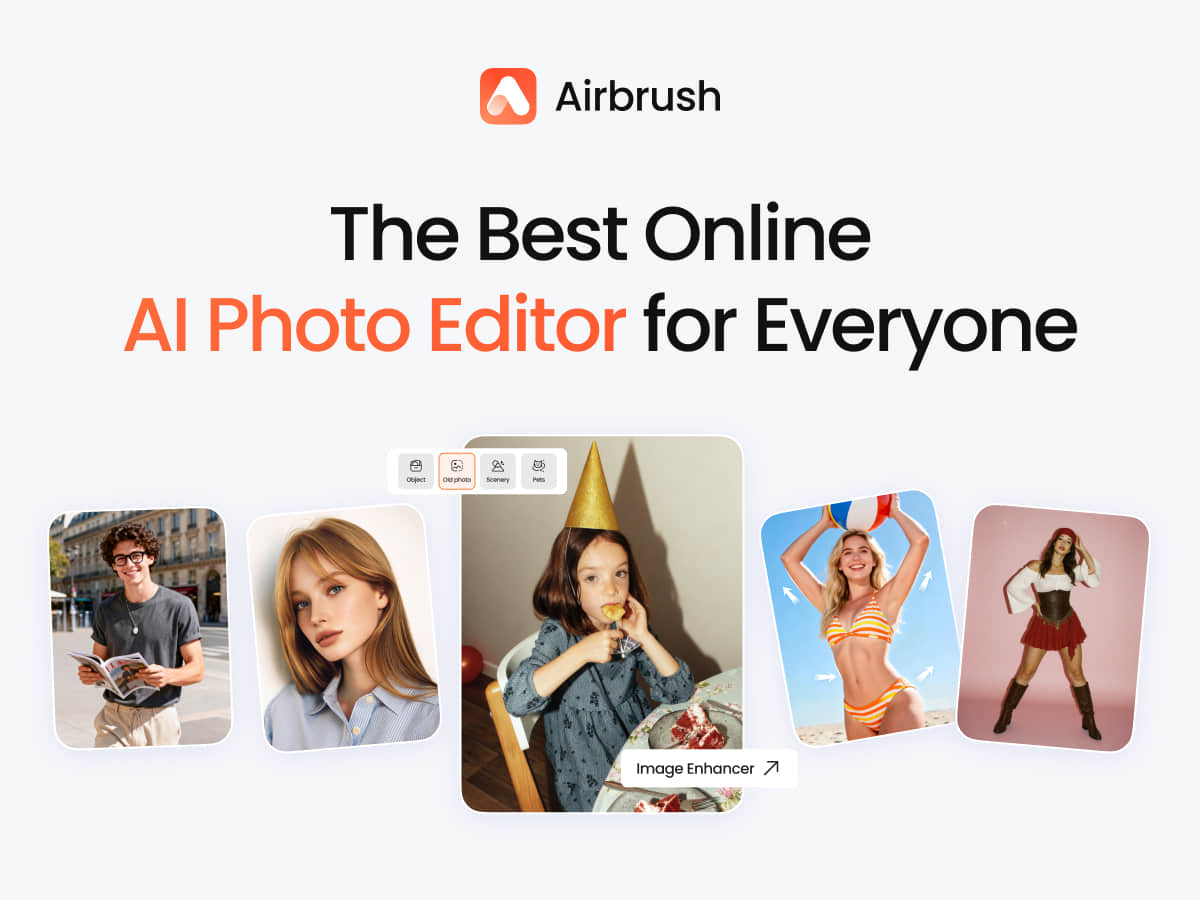
What is AirBrush Studio?
Key features
Photo upload and headshot style selection from preset templates
AI-powered retouching tools for skin smoothing and blemish removal
Background editing and replacement capabilities
Colour correction and lighting adjustment controls
Quick login via Google or Facebook, or direct account creation
Download and save edited photos in high quality
Pros & cons
Advantages
- Completely free to use with no subscription required
- Simple interface that doesn't require photo editing experience
- Produces results suitable for professional use like LinkedIn profiles
- Fast turnaround compared to booking and paying for professional photography
- Multiple login options for convenience
Limitations
- Limited to headshots and portrait editing; not designed for general photo editing
- Results depend on input photo quality; poor lighting or angles may limit what retouching can achieve
- May not replace professional photography for high-stakes uses like corporate branding or marketing campaigns
Use cases
Creating a professional LinkedIn profile photo
Preparing a headshot for job applications or CVs
Updating profile pictures across social media platforms
Generating a portrait for freelance portfolios or websites
Quick photo retouching for personal use without learning complex editing software
Ready to try AirBrush Studio?
Pricing
Free
Free
Full access to photo upload, retouching tools, headshot style selection, and photo download
Get started with AirBrush Studio
Click through to AirBrush Studio and start using it now.
- Always free
- No credit card