Airtable
Create customizable tables, databases, and spreadsheets, share data securely with team members.
- Freemium
- Web, macOS, Windows, iOS, Android, API
- Data & Analytics
- Free plan available
- No credit card
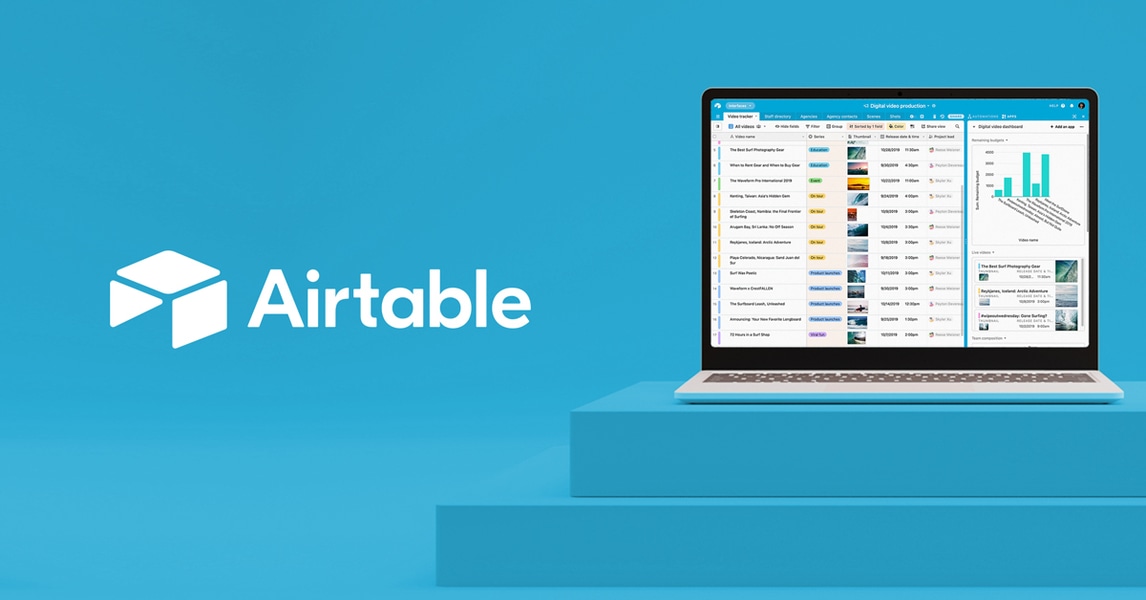
What is Airtable?
Key features
Multiple views
display the same table data as a grid, calendar, gallery, form, Kanban board, or timeline depending on what works best for your workflow
Customisable field types
text, numbers, dates, attachments, links to other records, lookups, formulas, and more to match your data structure
Automations and scripting
trigger actions based on conditions, run scripts, or connect to external services without custom code
Sharing and permissions
invite team members and control whether they can view, edit, or comment on specific bases and records
API and webhooks
connect Airtable to other applications or build custom integrations to sync data automatically
Templates
start with pre-built bases for common workflows like project tracking, content calendars, or customer databases
Pros & cons
Advantages
- Much more flexible than a spreadsheet; you can link records together, create lookups, and prevent data duplication
- Faster to set up than a custom database; no SQL or programming knowledge required
- Multiple views of the same data make it suitable for different roles and workflows within a team
- Free tier is genuinely usable for small projects or testing before upgrading
Limitations
- Can become expensive quickly if you need many records or team members across multiple bases
- Steeper learning curve than a spreadsheet, especially for setting up relationships and automations
- Performance may slow down with very large datasets (hundreds of thousands of records)
Use cases
Project management: track tasks, timelines, and team assignments with a custom database that syncs across views
Content calendars: plan and manage blog posts, social media, or campaign content with dates, status, and assigned owners
Customer or lead tracking: store contact information, interactions, and pipeline stage in a single system your whole team can access
Inventory or asset management: keep stock levels, locations, and maintenance schedules up to date and visible to relevant teams
Event planning: manage registrations, venue details, timelines, and vendor information in one shared base
Ready to try Airtable?
Pricing
Free
Free
Up to 1,200 records per base, 2 GB attachments, basic automations, and API access for light use
Plus
$20/month per base (billed annually) or higher billed monthly
Up to 100,000 records per base, 20 GB attachments, advanced automations, and priority support
Pro
$45/month per base (billed annually) or higher billed monthly
Unlimited records, 1 TB attachments, advanced scripting, granular permissions, and audit logs
Enterprise
Custom pricing
Dedicated support, single sign-on, advanced security, and custom integrations
Get started with Airtable
Click through to Airtable and start using it now.
- Free plan available
- No credit card