
Amazon Q Developer CLI
CLI that provides command completion, command translation using generative AI to translate intent to commands, and a full agentic chat interface with context management that helps you write code.
- Freemium
- macOS, Windows, Linux, API
- WritingIDEs & Editor ExtensionsDevOps & CI/CD
- Free plan available
- No credit card
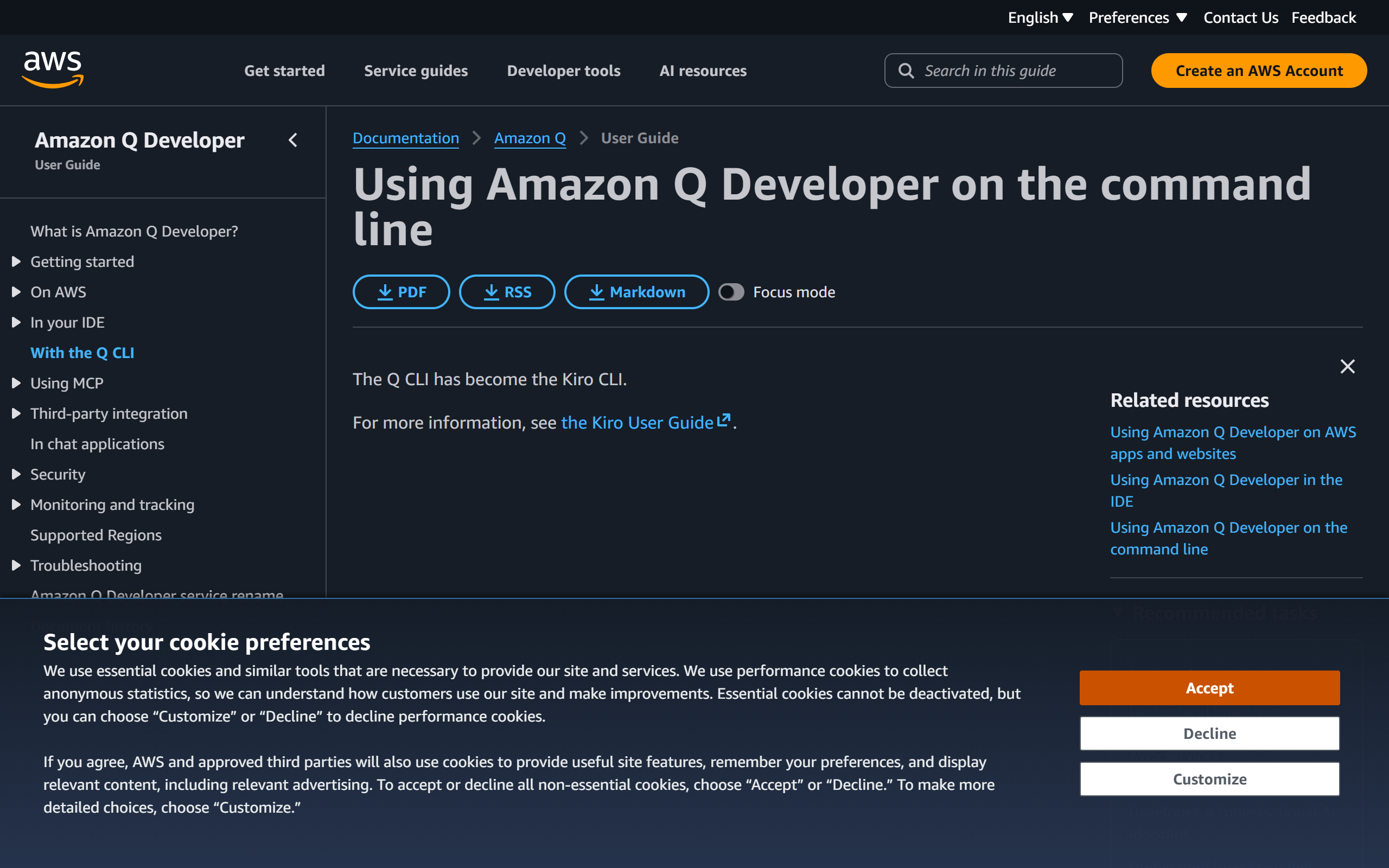
What is Amazon Q Developer CLI?
Key features
AI-powered command autocompletion
Suggests relevant commands and flags based on context and usage patterns
Natural language command translation
Convert natural language descriptions into proper CLI syntax automatically
Agentic chat interface
Interactive chat within the terminal that understands context and can help with complex tasks
Multi-CLI support
Works with hundreds of popular command-line tools and frameworks
Context management
Maintains awareness of your current project and environment for more relevant suggestions
Code generation
Assists in writing scripts and code snippets directly from the terminal
Pros & cons
Advantages
- Dramatically reduces time spent remembering command syntax and flags
- Lowers the barrier to entry for complex CLI tools and infrastructure management
- Integrates smoothly into existing terminal workflows without requiring new applications
- Freemium pricing model allows users to try core features at no cost
- AWS-native tool with strong integration potential for developers already in the AWS ecosystem
Limitations
- Functionality may be limited or dependent on internet connectivity for AI features
- As a relatively newer tool, ecosystem support and third-party integrations may still be developing
- Potential learning curve for users unfamiliar with chat-based AI interfaces in terminal environments
Use cases
DevOps engineers managing infrastructure through AWS CLI, Docker, Kubernetes and other command-line tools
Full-stack developers working across multiple CLI tools who need quick syntax reminders
Teams onboarding new developers who need guidance on complex command structures
Infrastructure-as-code developers writing scripts and managing cloud resources
System administrators managing servers and configurations across multiple platforms
Ready to try Amazon Q Developer CLI?
Pricing
Free
Free
Core AI-powered command completion, natural language command translation, and basic chat interface for hundreds of popular CLIs
Premium
Contact AWS for pricing
Enhanced features, advanced context management, priority support, and additional CLI integrations
Get started with Amazon Q Developer CLI
Click through to Amazon Q Developer CLI and start using it now.
- Free plan available
- No credit card