
Amazon Q Developer CLI
CLI that provides command completion, command translation using generative AI to translate intent to commands, and a full agentic chat interface with context management that helps you write code.
- Freemium
- macOS, Windows, Linux, API
- WritingDeveloper ToolsCode
- Free plan available
- No credit card
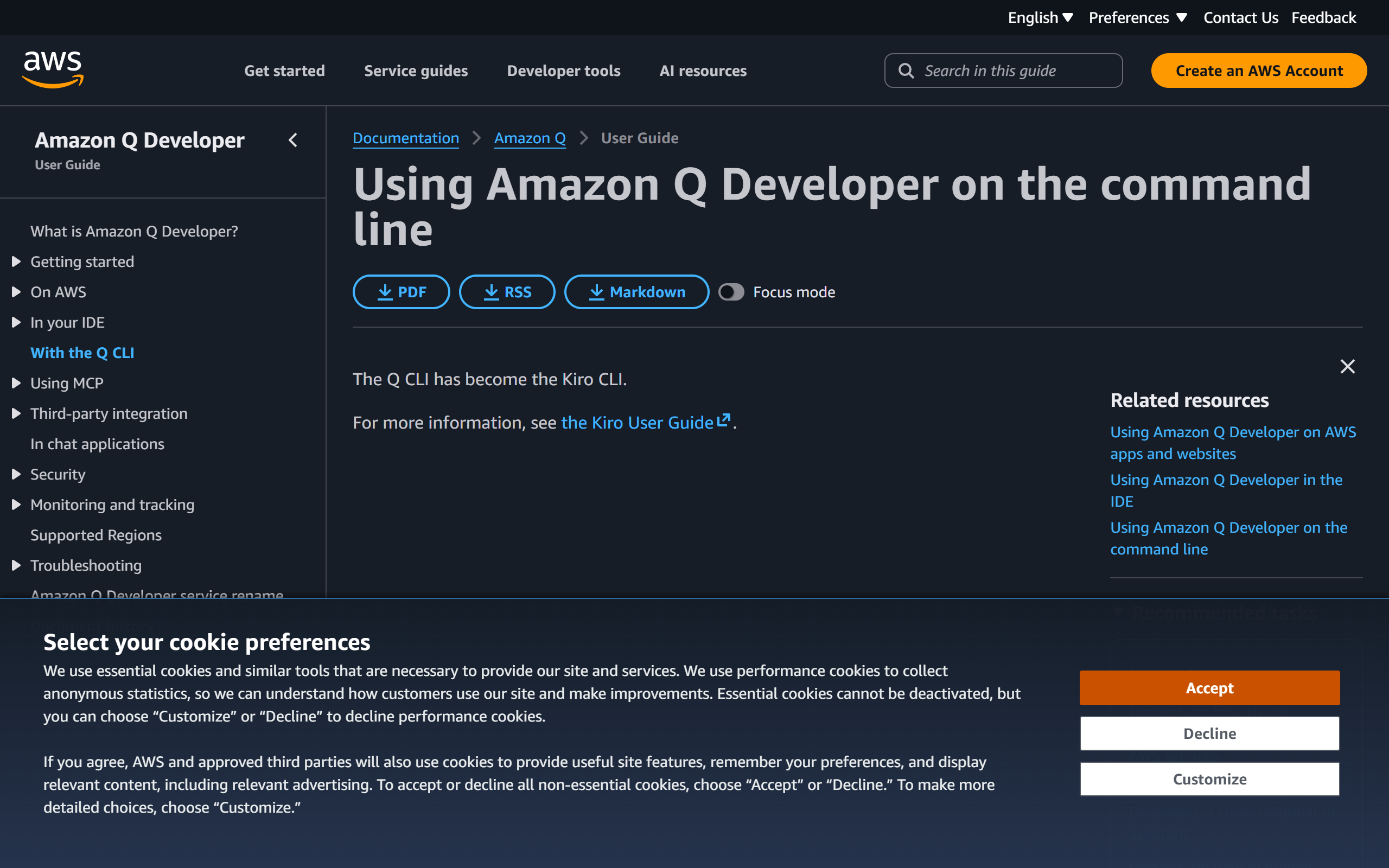
What is Amazon Q Developer CLI?
Key features
Command completion
Auto-suggests relevant commands based on what you're typing in the terminal
Natural language translation
Describe what you want in English and get the correct CLI syntax automatically
Agentic chat interface
Ask questions and receive contextual answers about your code and environment
Context management
The tool understands your project structure and recent commands to provide relevant suggestions
Multi-CLI support
Works with hundreds of popular command-line tools including AWS CLI, Docker, Kubernetes, and Git
Code generation
Create code snippets and scripts directly from natural language descriptions
Pros & cons
Advantages
- Saves time by eliminating the need to search documentation or memorise command syntax
- Works offline for basic features; reduces cognitive load when working with unfamiliar tools
- Integrated directly into your terminal workflow rather than requiring a separate application
- Free tier available, making it accessible to individual developers
Limitations
- Requires AWS account integration and internet connectivity for full agentic features
- Accuracy of command translation depends on how clearly you describe your intent
- Limited to command-line tools; doesn't help with GUI applications or non-terminal workflows
Use cases
Learning new CLI tools without constantly switching to documentation
Writing complex AWS CLI commands without memorising exact syntax
Generating Docker and Kubernetes commands for containerisation workflows
Debugging shell scripts and getting suggestions for command alternatives
Automating routine terminal tasks by generating multi-step commands
Ready to try Amazon Q Developer CLI?
Pricing
Get started with Amazon Q Developer CLI
Click through to Amazon Q Developer CLI and start using it now.
- Free plan available
- No credit card