
Amical
Turn speech into polished text in any app—with local or cloud AI and support for 100+ languages
- Freemium
- Web, macOS, Windows, Chrome Extension, API
- WritingCustomer SupportAudio
- Free plan available
- No credit card
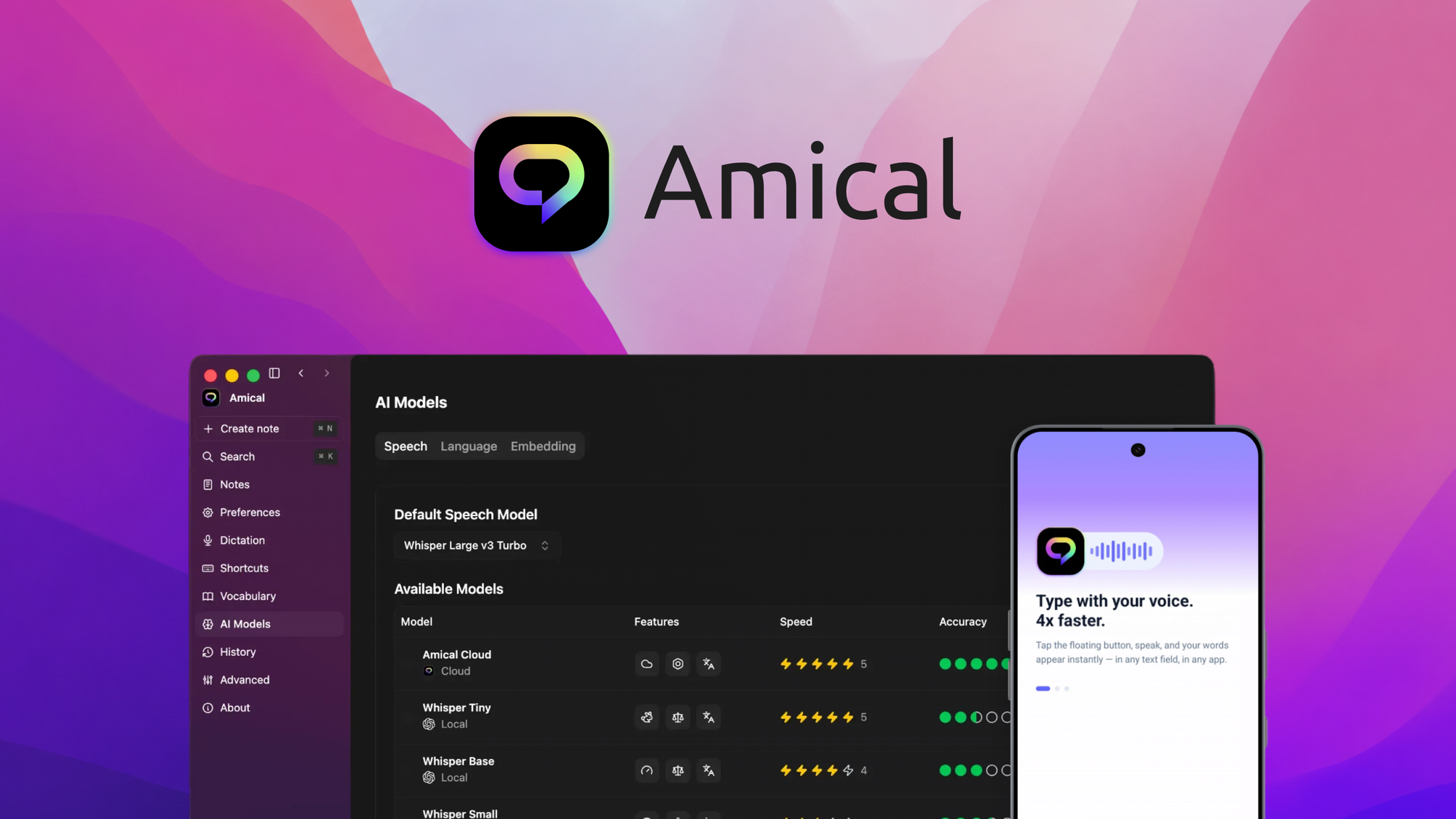
What is Amical?
Key features
Local AI processing for privacy-focused offline transcription
Cloud AI processing for enhanced accuracy and text polishing
Support for 100+ languages and accents
Cross-application compatibility, works in any app
Real-time speech-to-text conversion
Automatic grammar and formatting improvement
Customisable output for different use cases
Pros & cons
Advantages
- Local processing option means no data sent to servers for privacy-conscious users
- Extensive language support covers most major and many minor languages
- Works universally across applications without needing app-specific integrations
- Faster input method than traditional typing, speeds up workflow
- Automatically polishes text rather than leaving raw transcription
- Accessible option for users with mobility or typing difficulties
Limitations
- Accuracy may vary with heavy accents or non-standard pronunciation
- Background noise and audio quality significantly affect transcription
- Requires reliable microphone and audio input setup
- Cloud features need internet connection, limiting offline-only usage
- Speech-to-text technology still makes occasional contextual errors
- Local processing may be slower than cloud alternative
Use cases
Transcribing meetings and conference calls into written notes
Drafting emails, documents, and content pieces by speaking
Providing accessibility support for users with mobility constraints
Quick voice note capture for later reference and editing
Multilingual content creation for global teams
Reducing typing strain during long work sessions
Ready to try Amical?
Pricing
Starter
$X/mo
Cloud and local AI processing, support for multiple languages, cross-app functionality
Pro
$X/mo
Priority cloud processing, full support for all 100+ languages, enhanced text refinement capabilities
Get started with Amical
Click through to Amical and start using it now.
- Free plan available
- No credit card