
AnyWrite - AI Keyboard
AnyWrite - AI Keyboard is an intelligent keyboard app designed to enhance writing and communication on iPhone devices. It integrates AI-powered writing to...
- Freemium
- iOS
- WritingDesignWorkflow Automation
- Free plan available
- No credit card
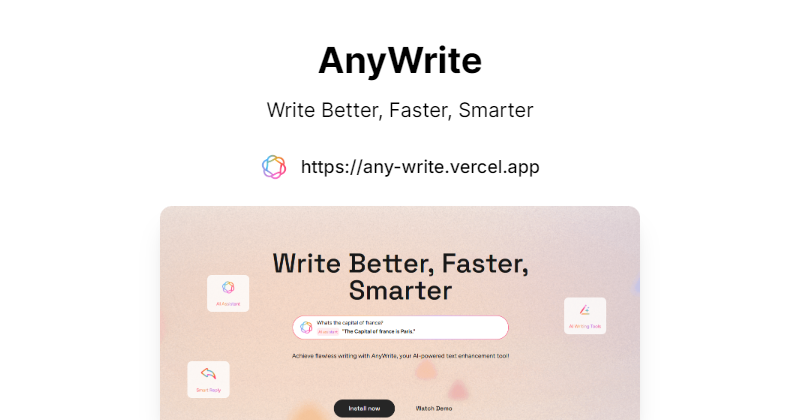
What is AnyWrite - AI Keyboard?
Key features
AI-powered text generation
compose messages and responses with AI assistance
Rephrasing and editing
rewrite sentences for clarity, tone, or formality
Grammar and spelling checks
catch errors as you type
Multi-app integration
works across iPhone's native keyboard in any app
Customisable writing style
adjust tone and voice for different contexts
Freemium access
try core features without payment
Pros & cons
Advantages
- Integrates directly into iPhone's keyboard, so no app switching required
- Works across all apps that use the standard iPhone keyboard
- Freemium option lets you test before committing to paid features
- Helpful for people who write frequently on mobile devices
Limitations
- Limited to iPhone; no Android or web version currently available
- Keyboard integration can sometimes feel slower than native iOS keyboards
- Relies on internet connection for AI features to function
Use cases
Writing professional emails and messages on your phone quickly
Improving grammar and tone in social media posts before publishing
Composing longer messages without switching to a notes app
Getting help with rephrasing awkward sentences in real time
Translating casual writing into more formal language for work contexts
Ready to try AnyWrite - AI Keyboard?
Pricing
Free
Free
Basic AI writing assistance, limited daily uses, access to core rephrasing and grammar features
Premium
Subscription (exact price not specified)
Unlimited AI writing assistance, advanced writing styles, priority support, additional customisation options
Get started with AnyWrite - AI Keyboard
Click through to AnyWrite - AI Keyboard and start using it now.
- Free plan available
- No credit card