
Apache OpenOffice Writer
Easily create stylish reports, research papers, and insert high-quality images, tables, and charts.
- Freemium
- Windows, macOS, Linux
- ResearchImage Generation
- Free plan available
- No credit card
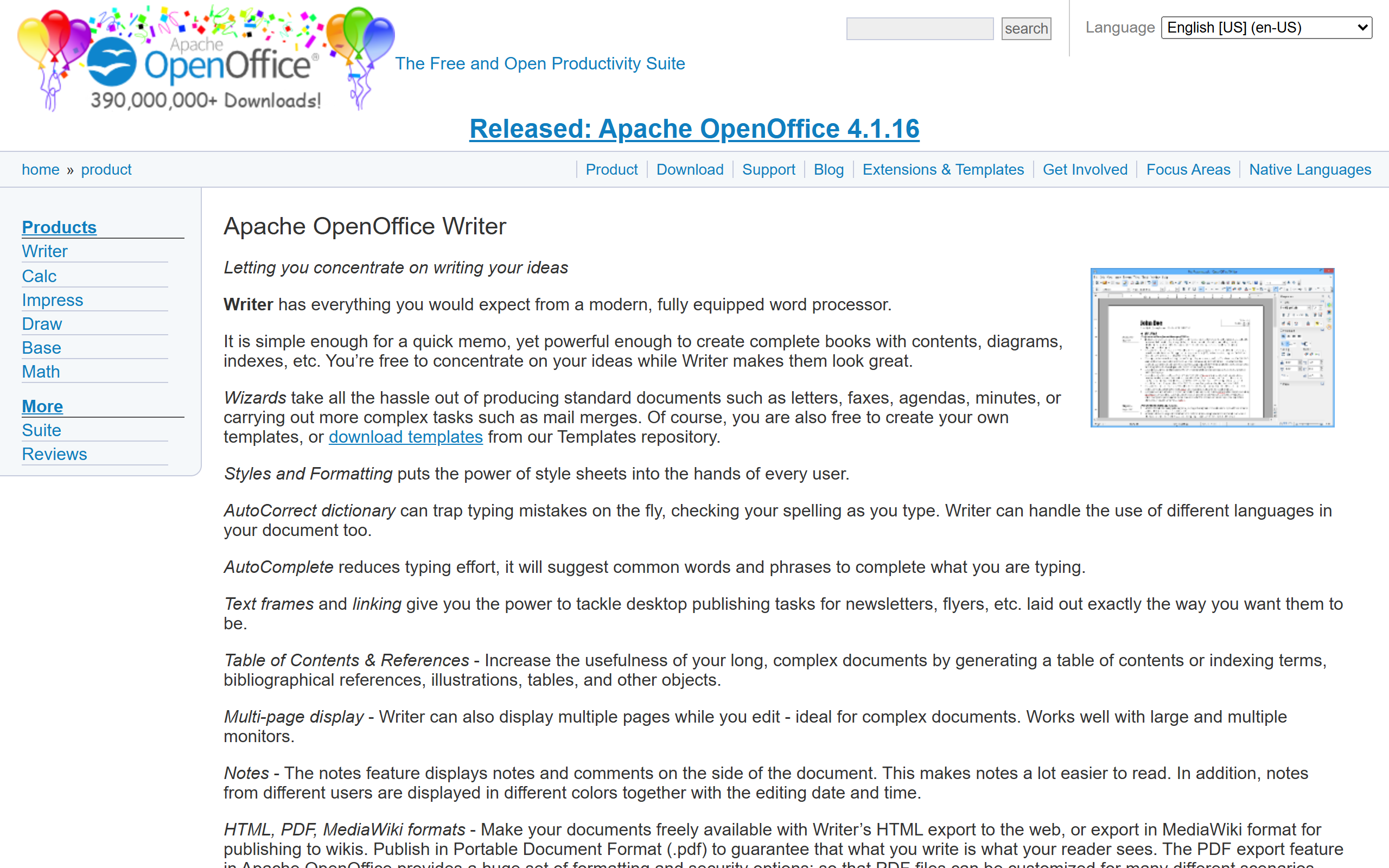
What is Apache OpenOffice Writer?
Key features
Text formatting and styling
apply fonts, colours, sizes, and paragraph styles to create consistent document layouts
Table creation
insert and customise tables for organising data within documents
Image and chart insertion
embed visual content directly into your documents with sizing and positioning controls
PDF export
convert finished documents to PDF format for sharing and printing
Styles and templates
use pre-built document templates or create custom styles for faster formatting
Mail merge
generate multiple documents from a single template and data source
Pros & cons
Advantages
- Completely free with no subscription required
- Open-source software means ongoing community development and transparency
- Works offline; no internet connection needed after installation
- Handles multiple file formats including compatibility with Microsoft Office documents
- Lightweight compared to some commercial alternatives
Limitations
- Interface feels dated compared to modern word processors; learning curve if you're used to newer applications
- Limited collaboration features; cloud-based tools like Google Docs handle real-time teamwork better
- Less consistent with Microsoft Word on complex formatting; some documents may not translate perfectly between programs
Use cases
Writing university essays, dissertations, and academic research papers
Creating business reports and formal documentation
Producing newsletters and marketing materials with images and tables
Drafting proposals and contracts
Writing for individuals and organisations on tight budgets
Ready to try Apache OpenOffice Writer?
Pricing
Free
Free
Full access to all core word processing features including formatting, tables, images, charts, PDF export, and mail merge
Get started with Apache OpenOffice Writer
Click through to Apache OpenOffice Writer and start using it now.
- Free plan available
- No credit card