
Appypie AI
Create apps and websites without coding expertise.
- Free
- Web, iOS, Android
- App BuildersWorkflow AutomationImage Generation
- Always free
- No credit card
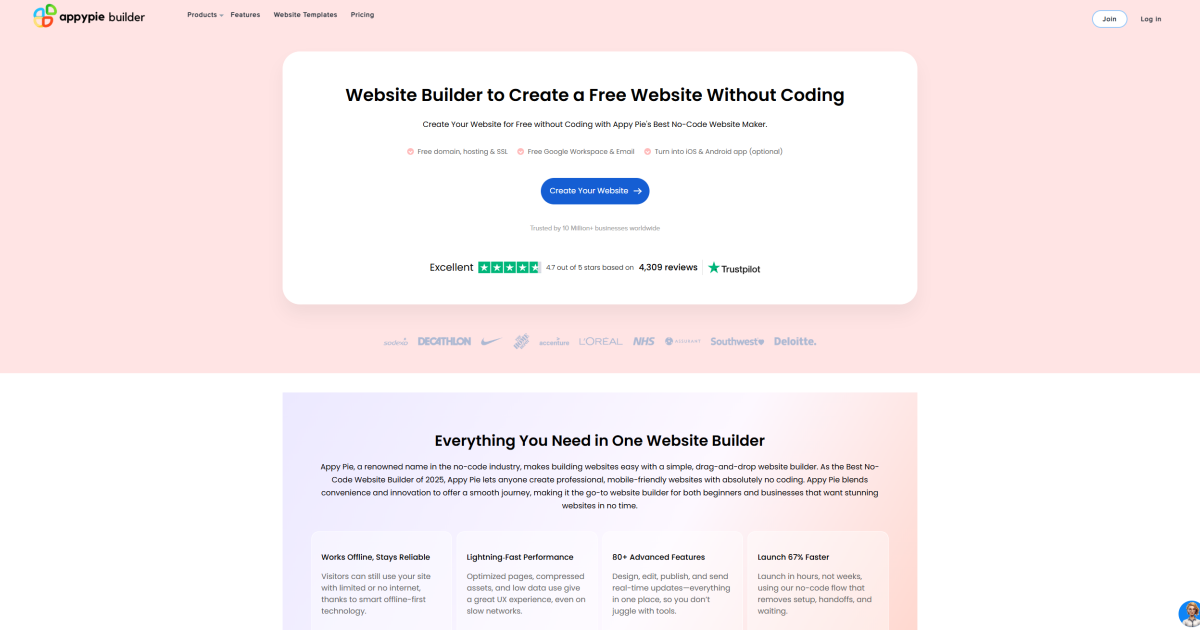
What is Appypie AI?
Key features
Drag-and-drop builder
Visual interface for constructing apps and websites without writing code
Multi-platform support
Create apps for iOS, Android, and web from a single project
Pre-built templates
Choose from existing designs to accelerate development
Hosting included
Your created apps and websites are hosted by Appypie
Integration options
Connect to databases, APIs, and third-party services
Mobile-first design
Built with responsive layouts suitable for smartphones and tablets
Pros & cons
Advantages
- Free tier available, so you can test the platform without payment
- No coding required; focuses on visual building and configuration
- Covers multiple platforms, reducing the need for separate development tools
- Suitable for rapid prototyping and launching MVPs quickly
Limitations
- Free tier likely has limitations on publishing, features, or app performance; paid tiers needed for full capability
- Less flexibility than custom-coded solutions when implementing complex or unusual requirements
- May have restrictions on customisation or advanced functionality compared to traditional development
Use cases
Small business owner creating a basic service app or informational website
Entrepreneur launching an MVP to validate a business idea before investing in development
Non-profit organisation building a community engagement app or donation platform
Freelancer developing simple client portals or booking systems
Creator launching a portfolio or product catalogue website
Ready to try Appypie AI?
Pricing
Free
Free
Basic app and website creation with Appypie hosting; likely includes limited functionality, branding, or publishing options
Get started with Appypie AI
Click through to Appypie AI and start using it now.
- Always free
- No credit card