
Artbreeder
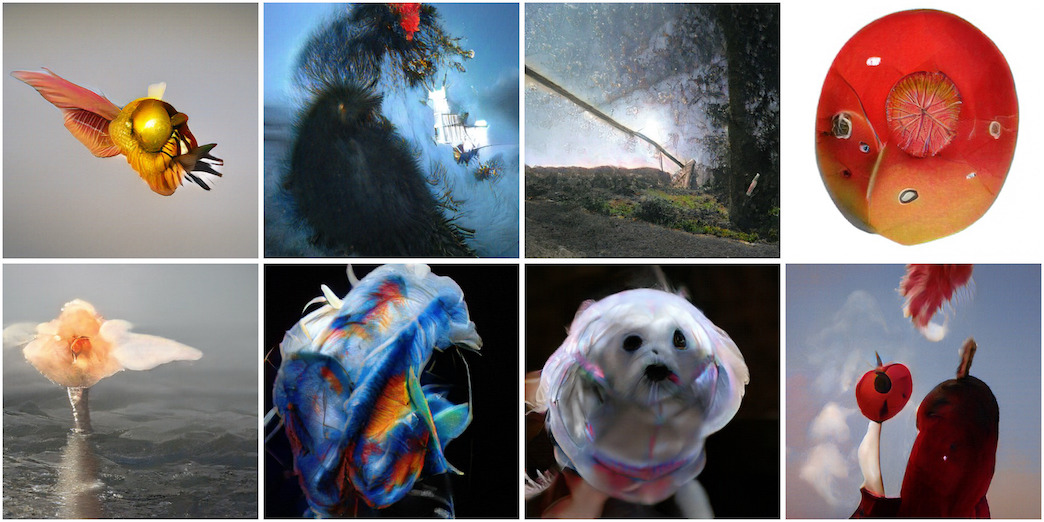
Artbreeder is a new type of creative tool that empowers users creativity by making it easier to collaborate and explore.
- Freemium
- Web
- Customer SupportDesignImage Generation
- Free plan available
- No credit card
What is Artbreeder?
Key features
Image blending
combine multiple images to create new variations by adjusting the influence of each source
Trait adjustment
modify specific attributes like style, colour palette, composition, and mood using sliders
Collaborative browsing
explore and remix images made by other users in the community
Variation generation
create multiple versions of an image with different settings to compare options
Parent tracking
see the lineage of an image, showing which source images or versions led to the final result
Pros & cons
Advantages
- Intuitive interface that doesn't require prompting skills or technical knowledge
- Community-focused approach means you can build on others' work and get inspiration from public galleries
- Iterative workflow feels more like traditional design than text-to-image tools; good for refining ideas step by step
- Free tier is genuinely usable for experimentation
Limitations
- Results depend heavily on quality of source images; blending poor inputs produces poor outputs
- Less flexible than text-prompt tools if you have a specific detailed vision in mind
- Generating images at higher resolutions or in bulk typically requires a paid subscription
Use cases
Concept art exploration for games, film, or illustration projects
Rapidly testing visual directions and colour schemes for design work
Creating variations on a theme to show clients multiple options
Learning how different visual elements combine by experimenting with blending
Building on community creations to develop your own artistic style
Ready to try Artbreeder?
Pricing
Free
Free
Create and remix images with standard resolution; browse and interact with community; limited daily generation quota
Paid subscription
Subscription required for details
Higher resolution outputs; increased daily generation limits; priority processing; additional creation tools
Get started with Artbreeder
Click through to Artbreeder and start using it now.
- Free plan available
- No credit card