Artflow.ai
AI photography and video studio that trains an "Actor" from your photos so generated content consistently looks like you.
- Freemium
- Web
- WritingDesignImage Generation
- Free plan available
- No credit card
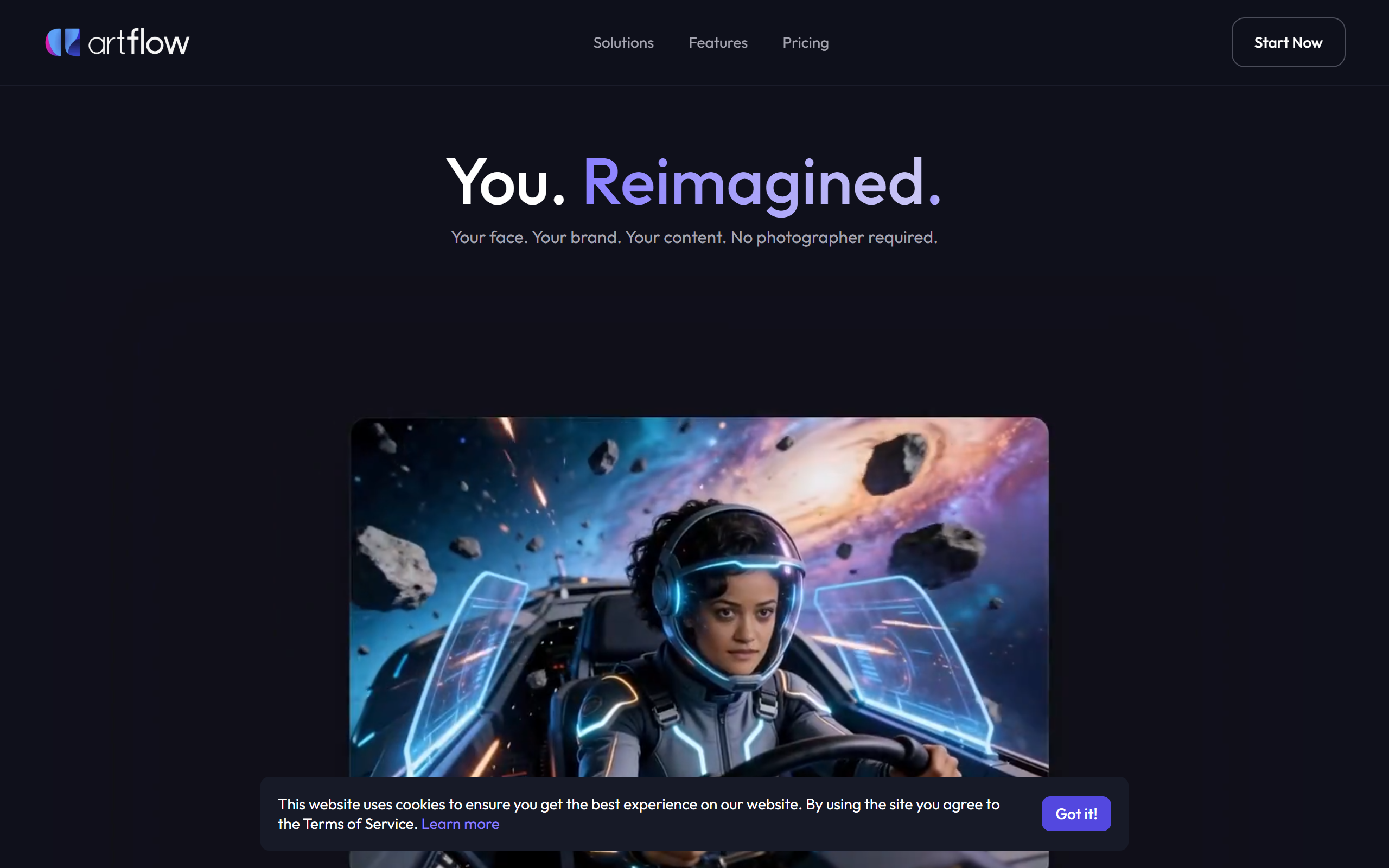
What is Artflow.ai?
Key features
AI Actor creation
Upload several photos to train a personalised AI identity that keeps your face and features consistent across generated images and video.
Text-to-image generation
Produce portraits and scenes from text prompts in a range of styles, including headshots, banners and marketing imagery.
Text-to-video
Generate videos such as talking-head clips and animated scenes from prompts, with consistent character appearance.
Character and story studios
Build digital characters and craft multi-scene narratives with storyboard-style editing.
Editing tools
Background removal, image inpainting and upscaling up to 64 megapixels for print-ready output.
Multi-actor scenes
Support for two actors in a single scene for multi-person compositions.
Template library and resizing
Hundreds of scene templates plus resizing for different social and print formats.
Pros & cons
Advantages
- Maintains a consistent likeness or character across many images and videos, which is the platform's main differentiator.
- Removes the cost of hiring photographers, studios or on-camera talent for personal branding content.
- Includes a free tier so users can test image and video generation before paying.
- Combines image, video, character and story tools in one browser-based workspace, with no design experience required.
- Offers editing extras such as background removal, inpainting and high-resolution upscaling within the same tool.
Limitations
- Training an Actor requires uploading personal photos, which raises privacy considerations for some users.
- Generation runs on a credit system, so heavy users can exhaust monthly allowances quickly.
- Free-tier output includes watermarks and is not suitable for publication.
- Faces and anatomy can be inconsistent on some generations, requiring re-runs rather than fine editing.
Use cases
Business professionals such as coaches, consultants and executives generating consistent headshots and LinkedIn imagery without a photo shoot.
Content creators producing branded characters and visuals across social media and YouTube.
Solopreneurs and freelancers creating marketing imagery, mockups and promotional video on a budget.
Educators and course builders generating talking-head and illustrative content without on-camera talent.
Small business owners producing product mockups and print-ready posters for marketing campaigns.
Ready to try Artflow.ai?
Pricing
Free
Free
Monthly credit allowance with limited image and video generation; output carries a watermark.
Basic
From around 7.50 per month (billed annually)
150 credits per month, premium templates, video model access and watermark-free images.
Creator
From around 15 per month (billed annually)
500 credits per month plus background removal, upscaling and bulk download; marked as the popular plan.
Pro
From around 35 per month (billed annually)
1,500 credits per month with the full editing toolset, watermark-free output and priority processing.
Get started with Artflow.ai
Click through to Artflow.ai and start using it now.
- Free plan available
- No credit card