
Assemblio AI
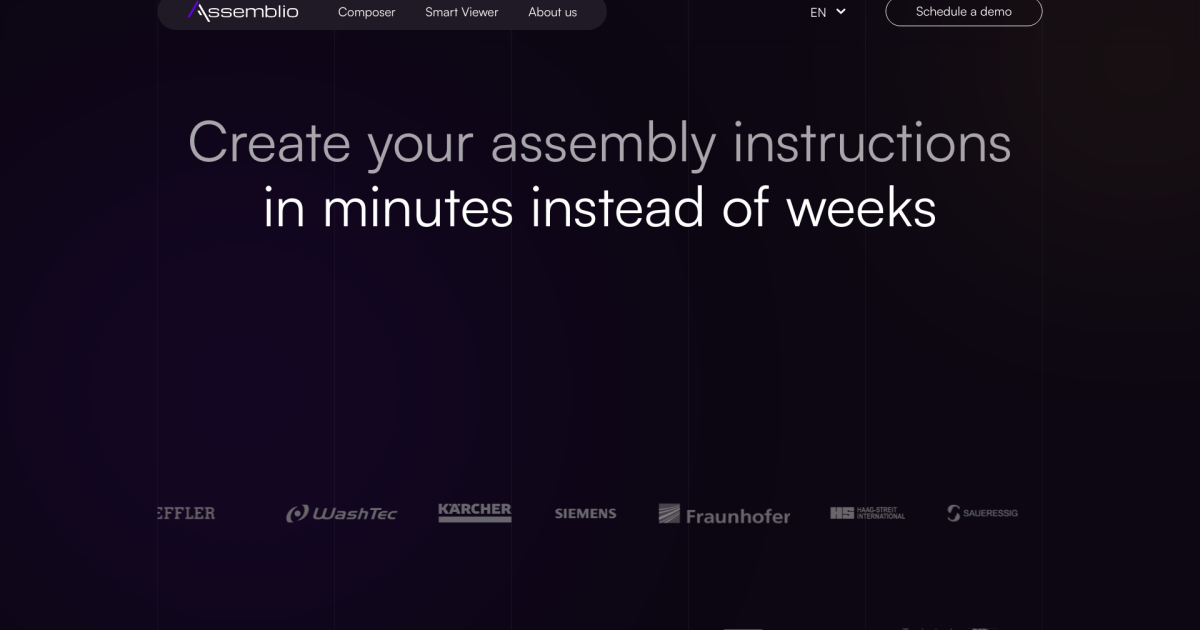
Transform CAD models into interactive assembly instructions effortlessly.
- Always free
- No credit card
What is Assemblio AI?
Key features
CAD file import
Upload CAD models in common formats and convert them into instruction sequences
Interactive step generation
Automatically creates individual assembly steps from your model data
Visual annotations
Add highlights, arrows, and labels to clarify assembly sequences
Multiple output formats
Export instructions as interactive guides, PDFs, or web-based viewers
3D model manipulation
Rotate and zoom 3D representations within the instructions for clarity
Pros & cons
Advantages
- Eliminates manual instruction creation, saving significant time on documentation
- Keeps instructions in sync with your actual CAD model; updates propagate automatically
- Free to use with no subscription required
- Interactive format helps users understand spatial relationships better than static images
Limitations
- Depends on CAD file quality; unclear or poorly organised models may produce less useful results
- Limited information available about supported CAD file formats and compatibility
- May require manual review and refinement of generated instructions for complex assemblies
Use cases
Manufacturers creating assembly guides for end users or technicians
Product designers documenting assembly procedures for quality assurance teams
Support teams generating troubleshooting and maintenance instructions
Hardware companies producing multi-language assembly documentation quickly
Educational institutions teaching assembly and mechanical design concepts
Ready to try Assemblio AI?
Pricing
Free
Free
Full access to CAD-to-instructions conversion, interactive guide generation, and basic export options
Get started with Assemblio AI
Click through to Assemblio AI and start using it now.
- Always free
- No credit card