Audio Muse
All-in-one easy-to-use online Audio tools
- Free plan available
- No credit card
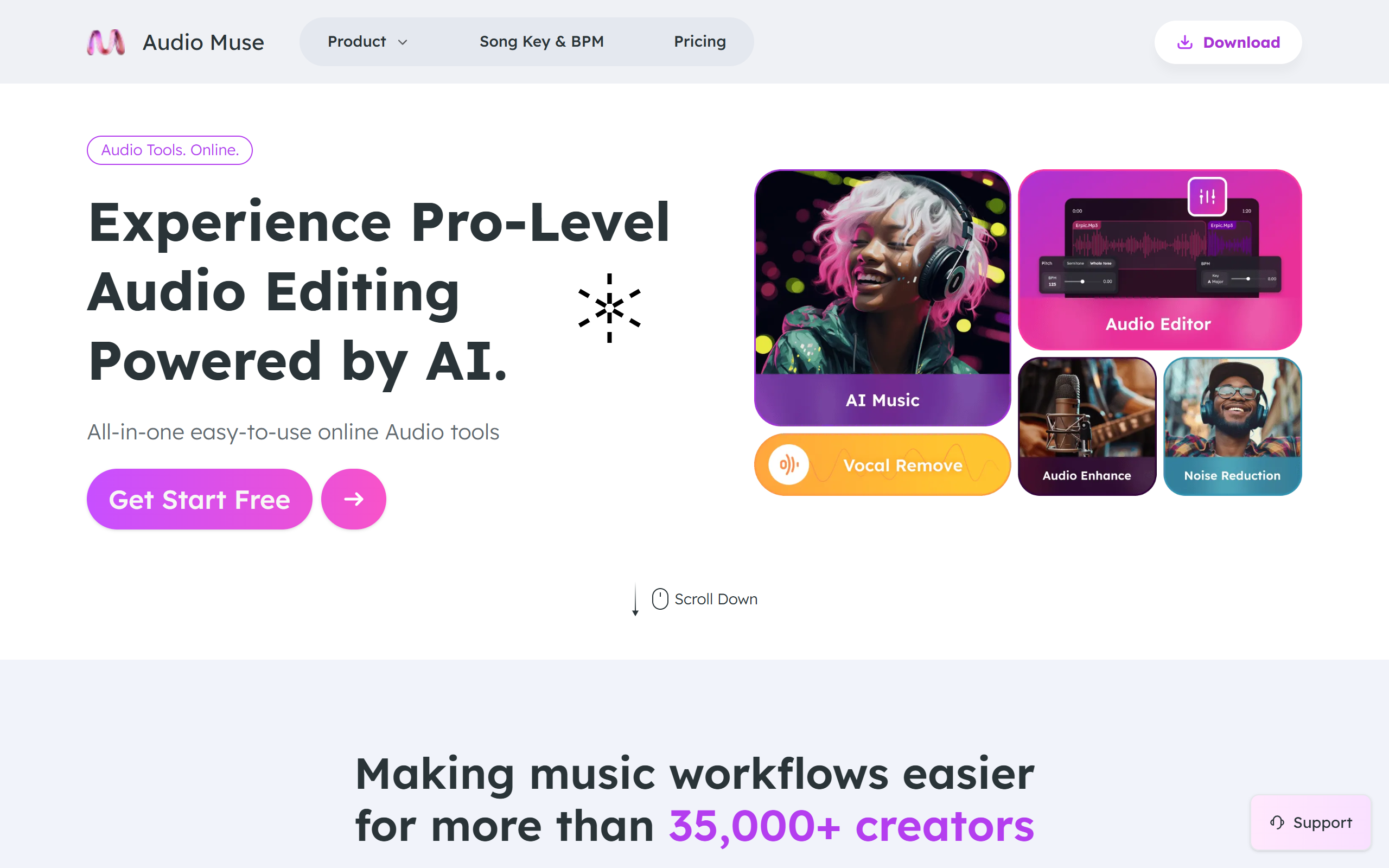
What is Audio Muse?
Key features
Audio editing
trim, cut, and arrange audio clips directly in your browser
Format conversion
convert between common audio formats like MP3, WAV, and OGG
Audio effects
apply EQ, normalisation, and other basic effects to your recordings
Noise reduction
remove background noise from audio files
Speed and pitch adjustment
change playback speed or transpose audio without affecting quality
Batch processing
process multiple files at once to save time
Pros & cons
Advantages
- No installation required; works entirely in your web browser
- Free tier provides access to essential audio tools at no cost
- User-friendly interface makes it accessible to beginners
- Fast processing for most standard audio tasks
Limitations
- Browser-based tools may be slower than desktop software for large or complex files
- Feature set is more limited compared to professional audio editing software like Audacity or Adobe Audition
- Dependent on internet connection; cannot work offline
Use cases
Podcasters editing episodes and removing background noise before publishing
Content creators trimming and normalising audio for YouTube videos
Musicians converting between audio formats for different platforms or devices
Students preparing audio files for presentations or assignments
Casual users making quick edits to voice recordings or music clips
Ready to try Audio Muse?
Pricing
Premium
Pricing varies by region
Higher file size limits, priority processing, advanced effects, and batch processing capabilities
Get started with Audio Muse
Click through to Audio Muse and start using it now.
- Free plan available
- No credit card