
AudioTranscription.ai
AudioTranscription.ai is a state-of-the-art AI transcription service that provides rapid and precise transcription of audio and video files. It ensures sw...
- Freemium
- Web
- VideoArt & IllustrationAI Speech-to-Text
- Free plan available
- No credit card
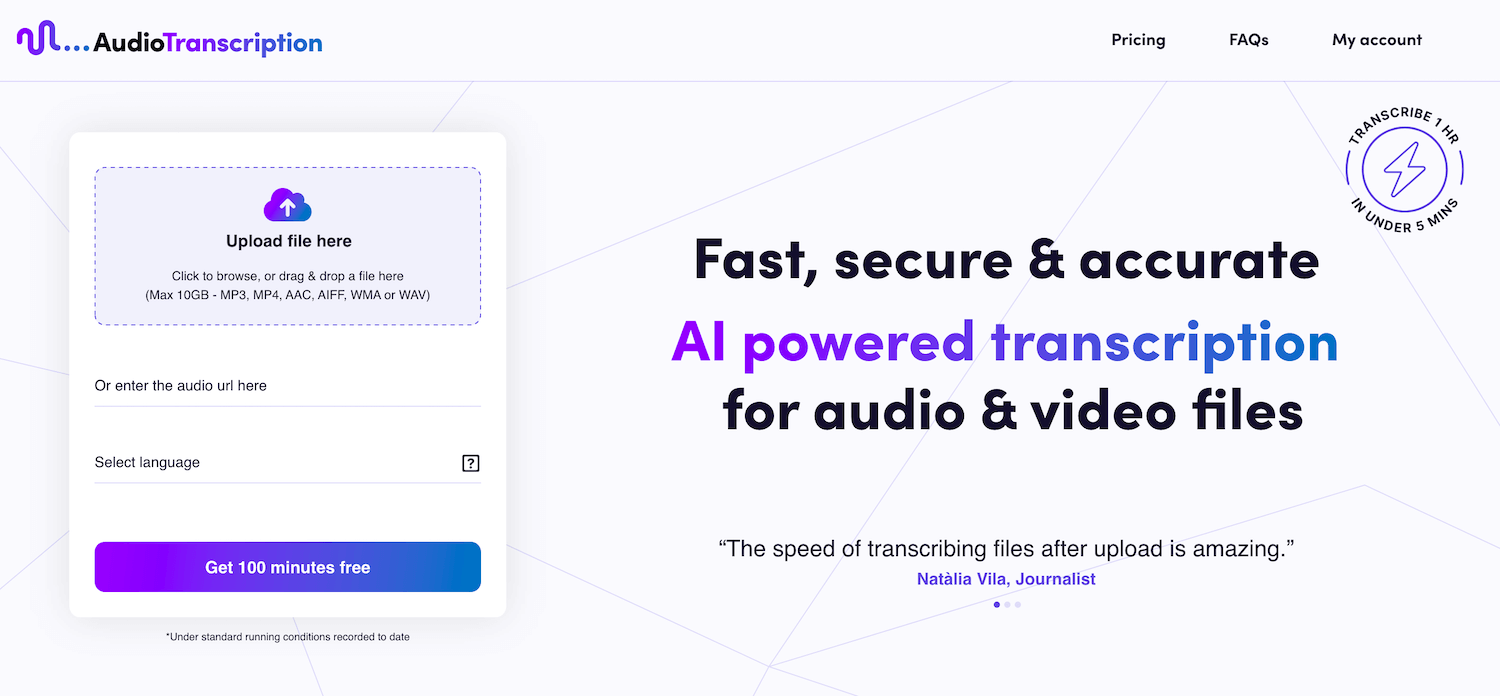
What is AudioTranscription.ai?
Key features
Audio and video file transcription
converts speech to text from various file formats
Batch processing
upload and transcribe multiple files at once
Multiple language support
handles transcription in different languages
Editable transcripts
review and correct the output before finalising
Export options
download transcripts in common formats like PDF and DOCX
Timestamp markers
transcripts include timings so you can locate specific parts of the original audio
Pros & cons
Advantages
- Frees up time compared to manual transcription or hiring transcribers
- Freemium model lets you test the tool before committing financially
- Handles both audio and video files in a single service
- Produces editable output so errors can be corrected quickly
Limitations
- Accuracy depends on audio quality; poor recordings or heavy accents may produce errors
- Free tier likely has restrictions on file length, number of files, or processing speed
- May require editing for technical terms, proper nouns, or specialist vocabulary
Use cases
Transcribing podcast episodes for publication alongside audio
Creating searchable records of recorded interviews or meetings
Generating subtitles or captions for video content
Documenting academic lectures or conference presentations
Creating text versions of audio feedback or voice notes for accessibility
Ready to try AudioTranscription.ai?
Pricing
Free
Free
Limited transcription minutes per month; likely suited for light personal use or testing
Paid plans
Pricing not specified
Higher monthly transcription allowance; likely faster processing and priority support
Get started with AudioTranscription.ai
Click through to AudioTranscription.ai and start using it now.
- Free plan available
- No credit card