
AutoText
Add Cursor-like functionality directly to Gmail
- Free
- Web, Chrome Extension
- WritingAI Tools for Text GenerationProductivity
- Always free
- No credit card
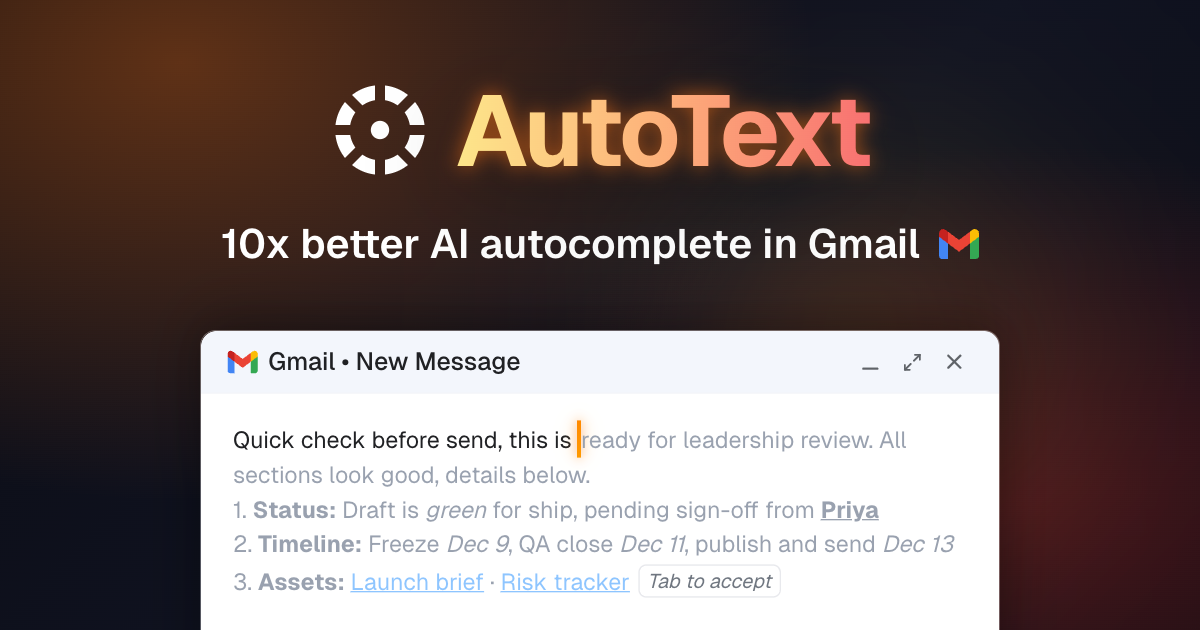
What is AutoText?
Key features
Inline text generation
Generate email content directly within Gmail compose windows
Autocomplete suggestions
Get AI-powered suggestions to finish your sentences as you type
Text refinement
Polish and improve existing email drafts with AI assistance
Cursor-like interface
Familiar hotkeys and behaviour similar to the Cursor code editor
Direct Gmail integration
No need to switch between applications or copy-paste text
Pros & cons
Advantages
- Free to use with no subscription required
- Saves time on email composition, particularly for lengthy or frequent messages
- Works directly in Gmail, eliminating context switching
- Familiar interface for Cursor users
Limitations
- Limited to Gmail, so it won't help with email clients like Outlook or Apple Mail
- Quality of generated text depends on how well you prompt the AI
- May require adjustment for users unfamiliar with AI-assisted writing workflows
Use cases
Drafting professional emails quickly during busy workdays
Generating follow-up messages and routine correspondence
Getting suggestions for tone or phrasing improvements
Reducing repetitive typing for templates and standard responses
Composing longer emails when time is limited
Ready to try AutoText?
Pricing
Get started with AutoText
Click through to AutoText and start using it now.
- Always free
- No credit card