
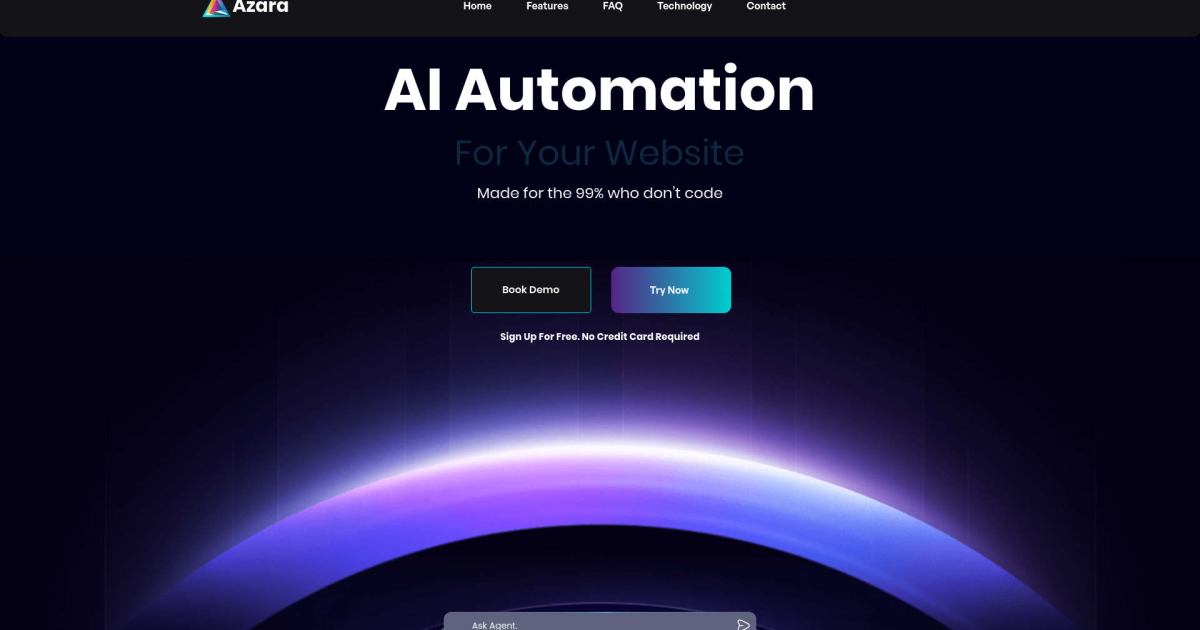
What is Azara AI?
Key Features
AI-driven workflow automation
identifies and automates repetitive tasks across connected applications
Enterprise integration
connects multiple systems and tools to share data and trigger actions automatically
Process learning
the system observes workflows to understand patterns and suggest automation opportunities
Custom automation rules
allows teams to define specific conditions and actions for their workflows
Activity monitoring
provides visibility into automated processes and their outcomes
Pros & Cons
Advantages
- Free tier available, making it accessible for smaller teams or initial experimentation
- Works alongside existing software rather than replacing it, reducing disruption
- Designed specifically for enterprise environments with complex, multi-system workflows
- AI component learns from actual usage patterns rather than requiring manual configuration for every task
Limitations
- Enterprise-focused approach may mean less suitable for small businesses with simple workflows
- Learning curve likely required to fully configure automation rules and integrations
- Integration capabilities depend on whether your specific tools are supported
Use Cases
Automating data transfers between CRM, email, and project management systems
Reducing manual data entry by connecting forms, spreadsheets, and databases
Triggering notifications and alerts based on workflow events across multiple platforms
Automating approval processes that currently require manual handoffs between teams
Creating audit trails and compliance logs by centralising workflow data
Pricing
Basic workflow automation and integration capabilities, suitable for evaluating the platform and small-scale automation
Quick Info
- Website
- www.azara.ai
- Pricing
- Free
- Platforms
- Web, API
- Categories
- Automation, Customer Support, Productivity