
Azur Machine Learning Studio
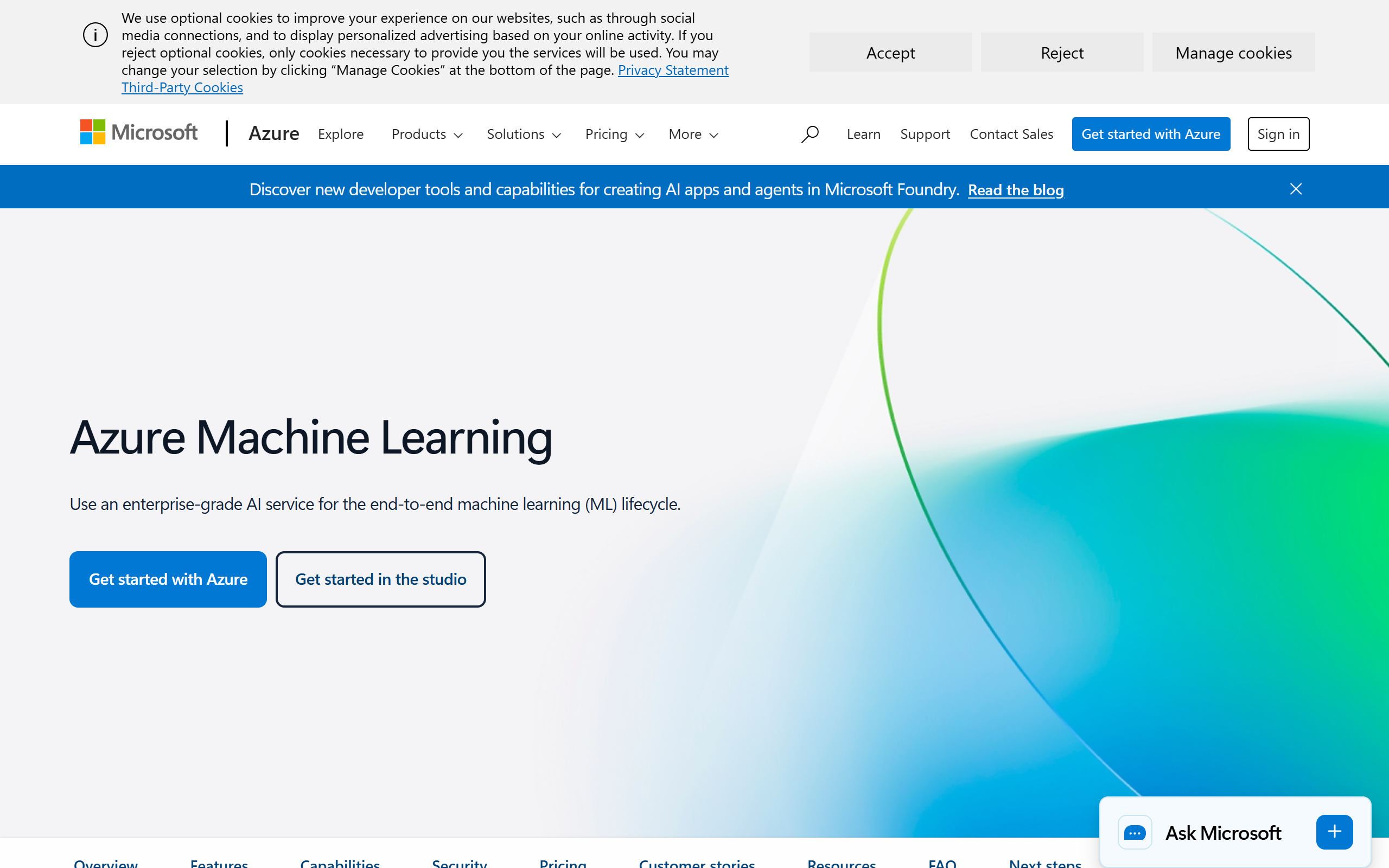
Rapidly create ML models, automate data prep, and explore data visually.
- Freemium
- Web
- Data & AnalyticsImage GenerationEducation
- Free plan available
- No credit card
What is Azur Machine Learning Studio?
Key features
Visual model designer
drag-and-drop interface to build ML pipelines without writing code
Automated machine learning
automatically tests different algorithms and hyperparameters to find the best model
Data preparation tools
clean, transform, and explore datasets before training
Model training and evaluation
built-in algorithms and the ability to use custom code (Python, R)
Deployment options
publish models as web services or integrate with Power BI and other Azure services
Experiment tracking
log and compare different model runs to find your best performer
Pros & cons
Advantages
- Free tier available with limited compute, good for learning and small projects
- Integrates well with other Microsoft tools like Power BI, Excel, and Azure services
- Low barrier to entry for non-programmers thanks to the visual designer
- Handles infrastructure and scaling automatically so you don't manage servers
Limitations
- Can become expensive quickly if you use significant compute resources beyond the free tier
- More limited customisation compared to frameworks like TensorFlow or PyTorch if you need advanced control
Use cases
Building predictive models for sales forecasting or customer churn analysis
Automating data cleaning and preparation workflows for large datasets
Creating classification models for document categorisation or fraud detection
Training models without deep machine learning expertise using automated ML features
Prototyping ML solutions before moving to production systems
Ready to try Azur Machine Learning Studio?
Pricing
Pay-as-you-go
Variable
Charged based on compute hours and storage used; scales with your needs
Get started with Azur Machine Learning Studio
Click through to Azur Machine Learning Studio and start using it now.
- Free plan available
- No credit card