
Background Blur
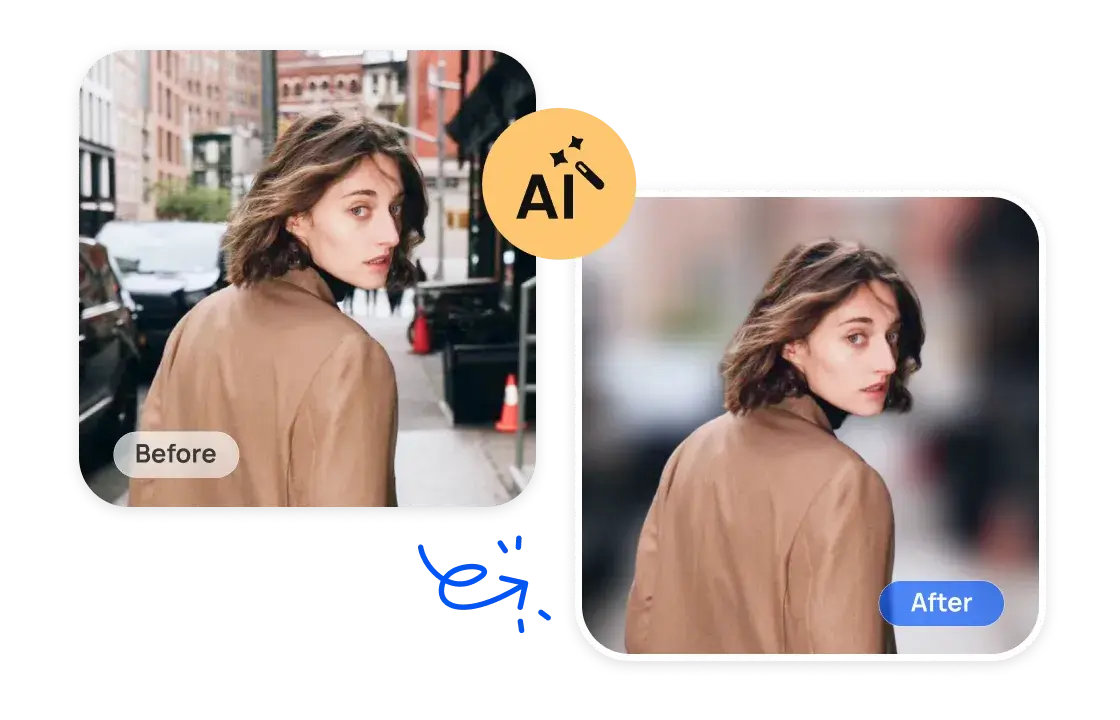
Make blurred background in photos online free with AI! AiPassportPhotos lets you automatically blur background and make photo stand out. Simply upload a p...
- Always free
- No credit card
What is Background Blur?
Key features
Automatic subject detection
AI identifies the main subject and applies blur only to the background
Adjustable blur strength
control how much blur is applied to suit your preference
One-click processing
upload and blur in seconds without manual selection
Free online access
no account required, works in your browser
Download original quality
save the blurred image at full resolution
Pros & cons
Advantages
- Completely free with no sign-up needed
- Fast processing for quick edits
- No software installation required; works on any device with a browser
- Good results on photos with clear subjects and distinct backgrounds
Limitations
- May struggle with complex backgrounds or subjects with irregular edges
- Limited customisation options compared to dedicated photo editing software
- Processing speed depends on your internet connection and the tool's server load
Use cases
Preparing headshots or profile photos for LinkedIn and professional platforms
Improving social media photos by making the subject pop
Creating product photos where background distraction needs reducing
Enhancing casual photos for personal use or sharing
Quick edits before printing or uploading photos elsewhere
Ready to try Background Blur?
Pricing
Get started with Background Blur
Click through to Background Blur and start using it now.
- Always free
- No credit card