
backgroundcut
Create professional-grade videos with advanced tools, lighting adjustments, transitions, filters, and share on popular platforms.
- Freemium
- Web
- VideoDeveloper ToolsCode
- Free plan available
- No credit card
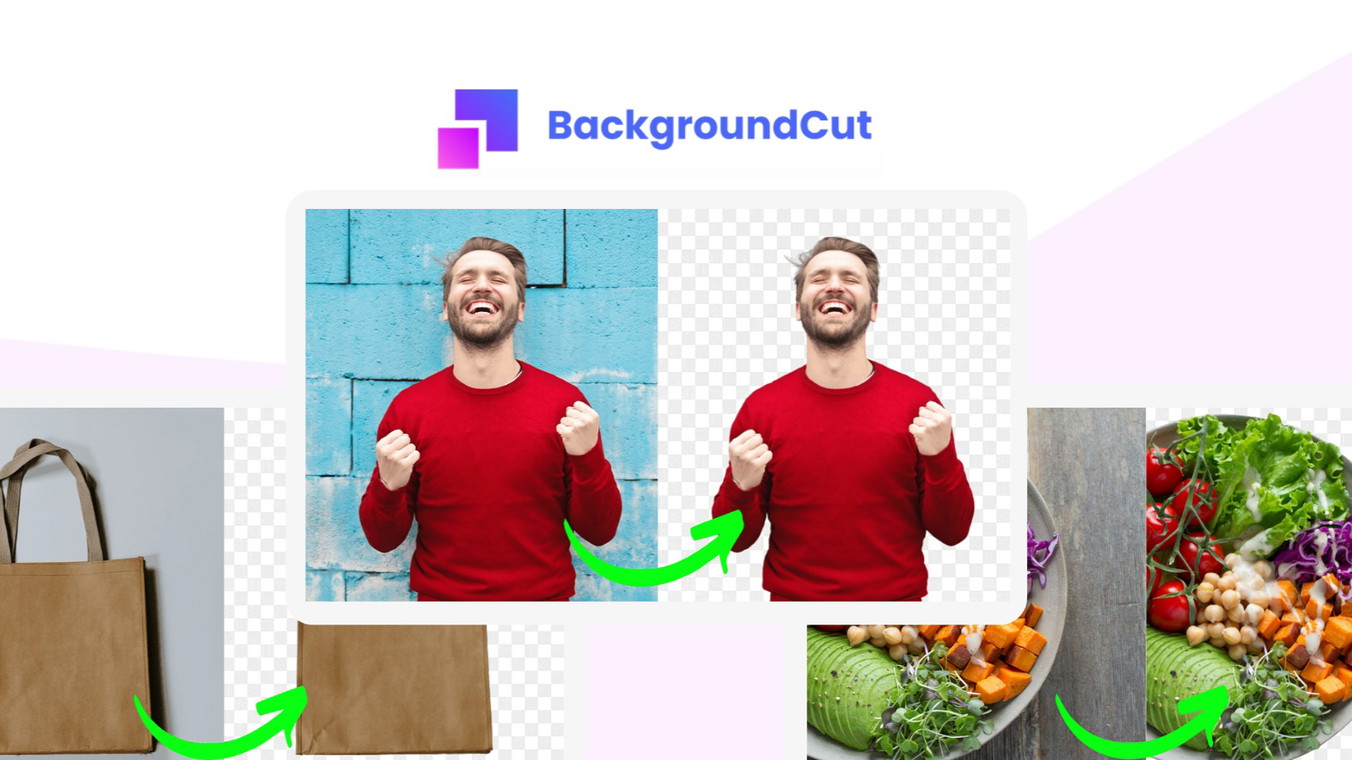
What is backgroundcut?
Key features
Lighting adjustments
modify brightness, contrast, and colour settings to improve video appearance
Transitions
add movement between clips to create smoother, more professional cuts
Filters
apply pre-built visual effects to match your desired look or aesthetic
Multi-platform export
save and share directly to YouTube, Instagram, TikTok, and other social networks
Browser-based editing
work directly in your web browser without installing software
Background removal
edit and adjust video backgrounds to isolate subjects or change scenes
Pros & cons
Advantages
- Free tier available, so you can test the tool before spending money
- No software installation required; works in any modern web browser
- Direct sharing to social platforms saves time on exporting and uploading separately
- Straightforward interface suitable for users without video editing experience
Limitations
- Browser-based tools may struggle with very long videos or high-resolution footage depending on your device
- Free tier likely includes watermarks or limits on export resolution
- Limited information available about advanced editing features compared to dedicated desktop software
Use cases
Creating short promotional or product demo videos for social media
Editing user-generated content for TikTok, Instagram Reels, or YouTube Shorts
Adjusting lighting and colour in interview or talking-head videos for consistent quality
Adding transitions and filters to travel or lifestyle video clips
Quick editing of webinar or meeting recordings for sharing with teams
Ready to try backgroundcut?
Pricing
Get started with backgroundcut
Click through to backgroundcut and start using it now.
- Free plan available
- No credit card