
Bagel Browser
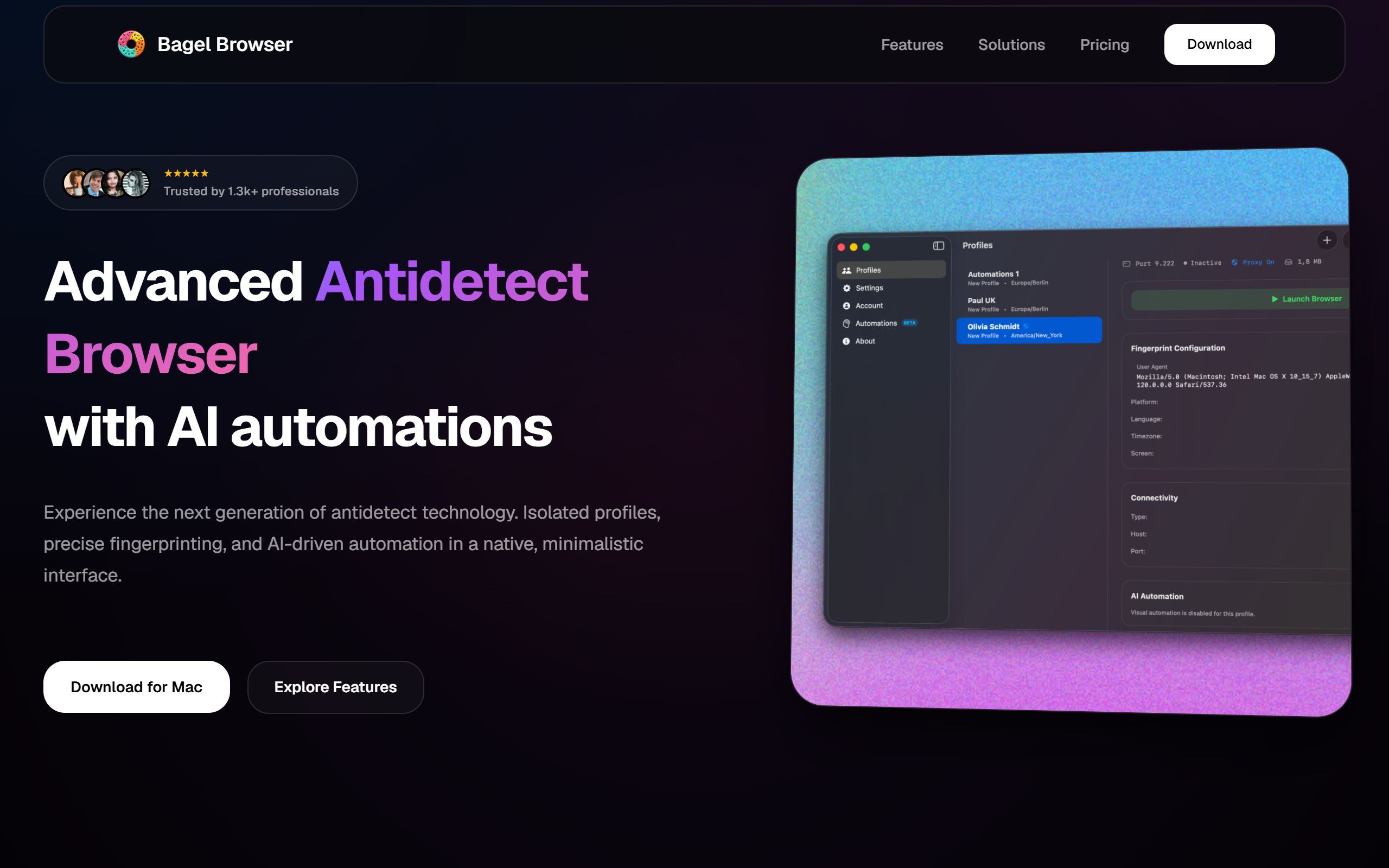
Advanced Antidetect Browser with AI automations
- Freemium
- Web, Windows, macOS
- AutomationAI Browser ExtensionsAI Browser Automation
- Free plan available
- No credit card
What is Bagel Browser?
Key features
Profile isolation
Create and manage multiple separate browser profiles with distinct fingerprints, each appearing as a different user to websites
Browser fingerprint masking
Hides or customises device identifiers, user agents, and browser data to prevent tracking and detection
AI-powered automations
Automate repetitive tasks like logging in, filling forms, clicking links, and navigating websites across multiple profiles
Account management
Organise and switch between numerous accounts without manual credential entry each time
Proxy integration
Built-in support for rotating proxies to further obscure your actual location and IP address
Multi-profile orchestration
Run actions across several profiles simultaneously to handle bulk operations efficiently
Pros & cons
Advantages
- Reduces manual work when managing multiple accounts by automating common tasks
- Effective fingerprint masking helps avoid account linkage and detection by fraud prevention systems
- Freemium pricing makes basic antidetect browsing accessible without upfront cost
- Designed specifically for bulk account management rather than generic browsing
Limitations
- Primarily built for users managing numerous accounts, so may feel over-engineered for casual or single-account use
- Terms of service enforcement varies by platform; using antidetect browsers violates the policies of many mainstream services
- Limited information publicly available about specific automation capabilities and accuracy rates
Use cases
Managing multiple social media accounts for legitimate business purposes like community management or testing
Handling bulk data entry or form submissions across different accounts without manual repetition
Testing websites or applications across different user profiles and regional settings simultaneously
Operating separate work and personal accounts on the same device without session bleed-through
Automating routine account maintenance tasks across dozens of profiles at once
Ready to try Bagel Browser?
Pricing
Free
Free
Basic antidetect browser with profile creation and browser fingerprint masking; limited automation features
Premium
Contact for pricing
Full AI automation suite, advanced fingerprint customisation, priority support, higher automation limits
Get started with Bagel Browser
Click through to Bagel Browser and start using it now.
- Free plan available
- No credit card