
bardeen
Bardeen AI brings cutting-edge artificial intelligence to automate tedious and repetitive tasks, helping you save time and boost productivity. By detecting manual tasks, Bardeen generates custom autom
- Free
- Web, Chrome Extension, macOS, Windows
- AutomationResearchProductivity
- Always free
- No credit card
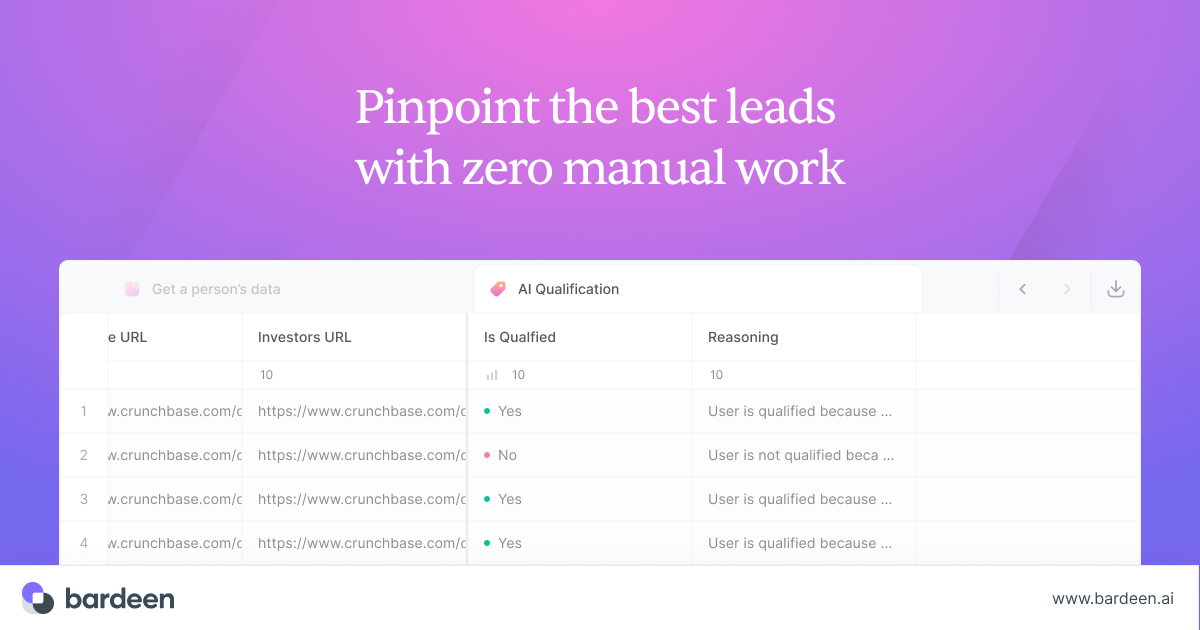
What is bardeen?
Key features
Task detection
AI identifies repetitive actions you perform regularly and suggests automations
Natural language commands
describe automations in plain English rather than building workflows visually
Data organisation
automatically collect, categorise, and structure information from multiple sources
Content summarisation
condense lengthy documents, emails, or web content into key points
Personalised outreach
generate customised messages and communications at scale
Integration support
connects with Slack, Salesforce, Google Workspace, Gmail, LinkedIn, and other common tools
Pros & cons
Advantages
- Free tier removes financial barriers to trying the tool
- No coding required; accessibility for non-technical users
- Works across dozens of popular applications, so likely compatible with your existing stack
- Natural language interface is faster than learning visual workflow builders
Limitations
- No-code tools sometimes struggle with complex or unusual workflows that fall outside common use cases
- Heavy reliance on AI detection means you need to train it on your actual tasks first
- Limited information available on data privacy and where your information is processed
Use cases
Collecting lead data from LinkedIn and automatically adding it to your CRM
Summarising long email threads or Slack conversations for quick review
Generating personalised follow-up messages for sales outreach
Automating data entry between spreadsheets and business applications
Organising research findings or web clippings into structured notes
Ready to try bardeen?
Pricing
Get started with bardeen
Click through to bardeen and start using it now.
- Always free
- No credit card