
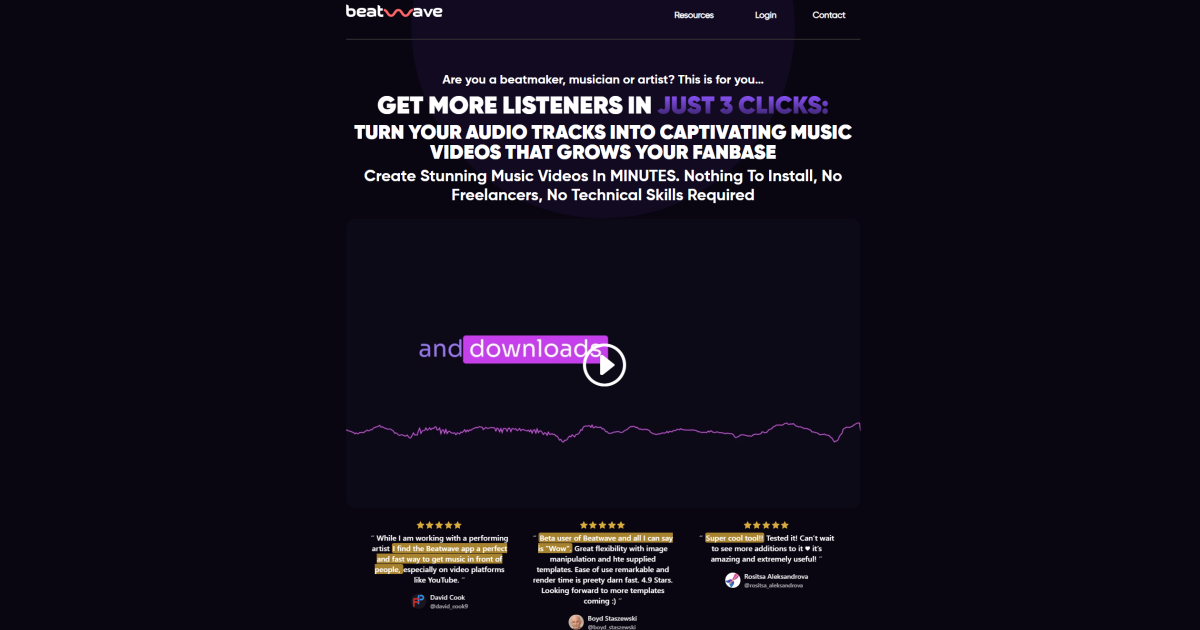
What is Beatwave AI?
Key Features
Audio analysis
examines beat, tempo, rhythm and tonal qualities to inform visual generation
Automatic visual generation
creates video visuals matched to audio characteristics
Beat synchronisation
aligns visual elements with musical beats and transitions
Multiple style options
offers different visual aesthetics or templates for video output
Audio upload
accepts various audio file formats for processing
Quick export
generates finished video files ready to share or publish
Pros & Cons
Advantages
- Free to use with no apparent subscription cost
- Saves significant time compared to manual video creation or hiring editors
- Requires no video editing experience or technical knowledge
- Produces reasonable results for social media, streaming platforms and content distribution
Limitations
- Limited customisation options compared to dedicated video editors
- Video quality and creative variety depend on the underlying AI model capabilities
- May not suit professional music videos or projects requiring specific creative direction
Use Cases
Creating video versions of podcast episodes for YouTube or social media
Generating accompanying visuals for independent music releases
Adding videos to playlist tracks for streaming platforms
Producing visualiser content for DJ sets or electronic music
Creating simple animated videos for audiobook samples or spoken word content
Pricing
Audio to video generation with standard templates and output quality
Quick Info
- Website
- beatwaveapp.com
- Pricing
- Free
- Platforms
- Web
- Categories
- Video, Code, Audio