BeFunky
Online photo editor, collage maker and graphic designer with AI-assisted tools for everyday creators.
- Freemium
- Web, iOS, Android
- DesignImage GenerationDeveloper Tools
- Free plan available
- No credit card
What is BeFunky?
Key features
Photo Editor
Crop, resize, retouch and apply artistic effects and filters to images in the browser.
Collage Maker
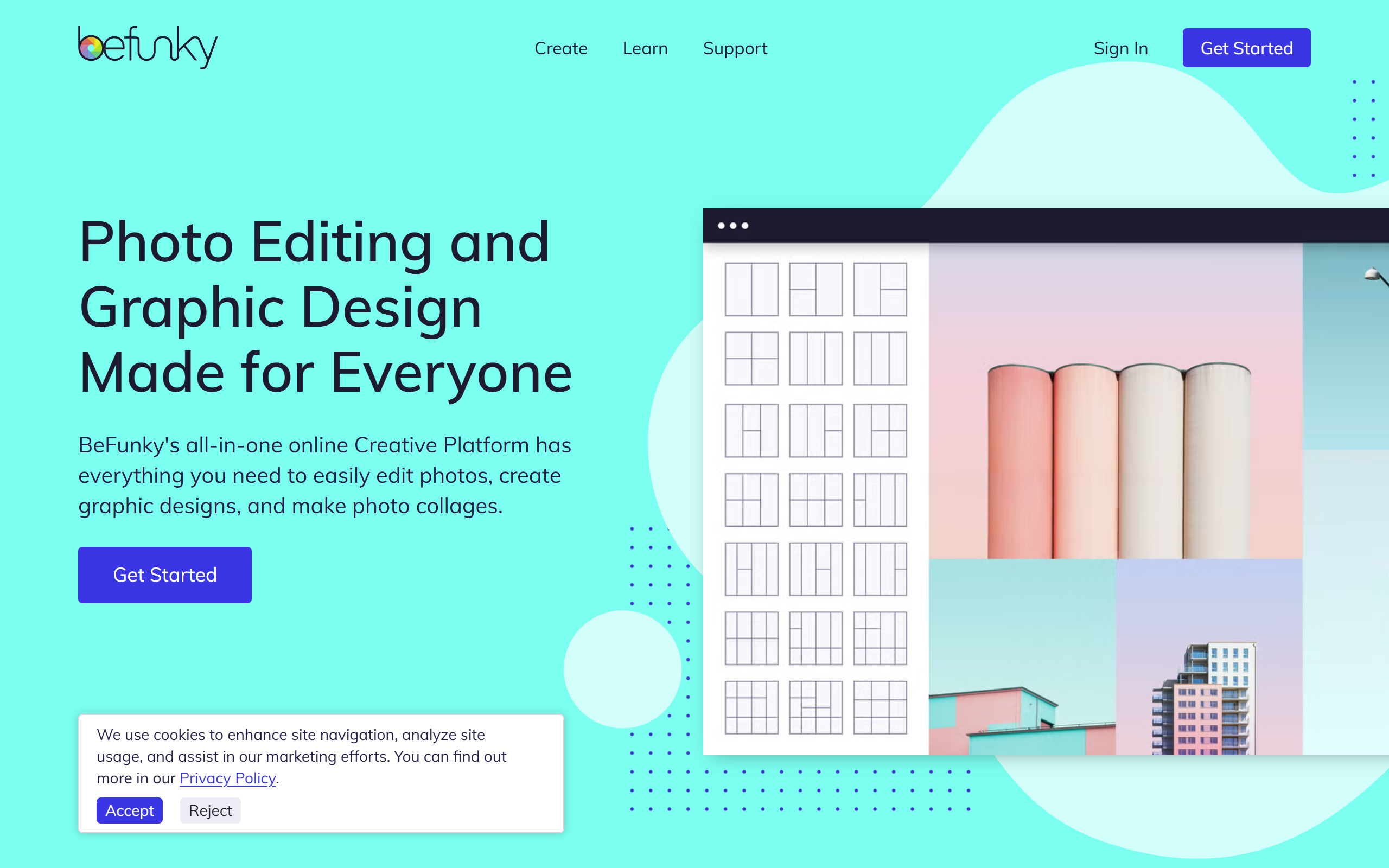
Combine multiple photos into layouts using an automatic wizard or customisable templates.
Graphic Designer
Create social media graphics and other designs from pre-made and smart templates with text and vector elements.
AI editing tools
Background remover, object eraser, photo enhancer, upscaler, sky replacer, deblur and old photo restorer.
Touch-up and virtual makeup
Portrait retouching tools and virtual makeup for headshots and selfies.
Batch processing
Apply edits across multiple images at once, with batch AI editing and background removal on the Pro plan.
Stock library and fonts
Access to over one million free stock images and an extended font library.
Pros & cons
Advantages
- Combines photo editing, collage making and graphic design in one browser-based tool, so no desktop install is needed.
- The free tier covers basic editing and design, letting users try the platform before paying.
- AI tools such as background removal and upscaling are built in, reducing the need for separate apps.
- Templates and a collage wizard make it approachable for users without design experience.
- Mobile apps for iOS and Android extend editing beyond the desktop browser.
Limitations
- Many of the most useful tools, including most AI features, are locked behind the paid Plus and Pro plans.
- Exact Pro plan pricing is not shown clearly on the public pricing page until you reach the upgrade step.
- As a browser-based editor it offers less depth than professional desktop software for advanced work.
- There is no affiliate or referral programme, so creators cannot earn commission from recommendations.
Use cases
Social media managers creating branded graphics and post images from templates.
Bloggers and small business owners enhancing product and lifestyle photos without hiring a designer.
Casual users making photo collages of holidays, events and family pictures.
Photographers retouching portraits and removing or replacing backgrounds quickly.
Marketers running batch edits or batch background removal across large sets of images on the Pro plan.
Hobbyists restoring or upscaling old and low-resolution photos using the AI tools.
Ready to try BeFunky?
Pricing
Free
Free
Basic photo editing, basic batch editing, basic touch-up tools, a limited selection of premium filters, collage layouts and design templates.
Plus
11.99 per month, or 6.99 per month billed annually (83.88 per year)
Full smart editing and AI tools (background removal, object eraser, sky replacer, upscale, deblur, old photo restorer), virtual makeup, premium filters and effects, overlays, frames, collage wizard, premium and smart design templates, vector graphics and extended fonts.
Pro
Contact for pricing
Everything in Plus, plus AI batch editing, batch background removal and monthly credits for batch AI processing.
Get started with BeFunky
Click through to BeFunky and start using it now.
- Free plan available
- No credit card