
Bhava AI
Generate and edit diagrams rapidly from text.
- Free plan available
- No credit card
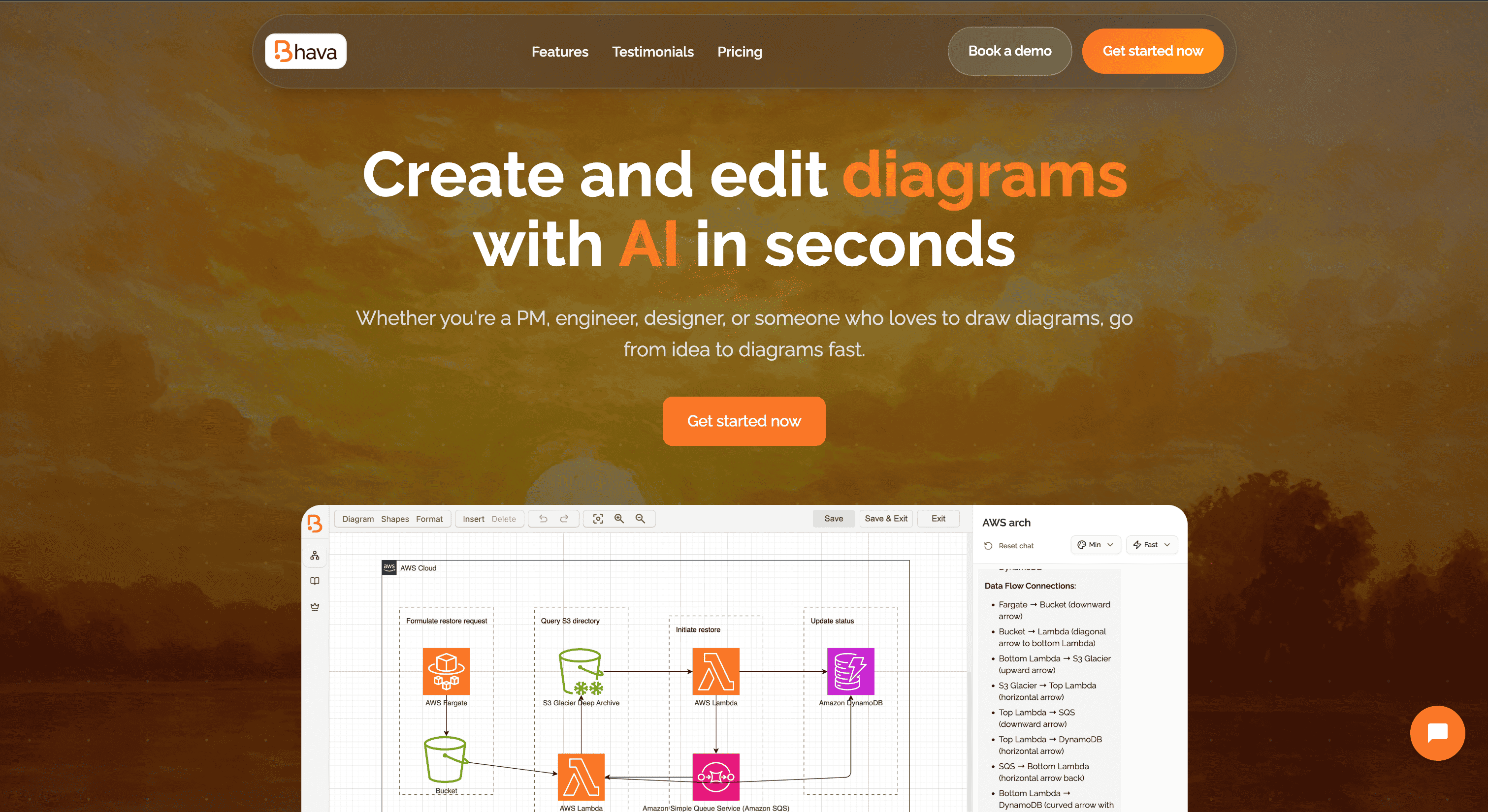
What is Bhava AI?
Key features
Text-to-diagram generation
describe your diagram in text and AI generates it automatically
Text-based editing
modify diagrams by editing the text description rather than clicking elements
Multiple diagram types
supports flowcharts, sequence diagrams, mind maps, and other common formats
Quick iteration
regenerate or adjust diagrams faster than manual drawing tools
Export options
download diagrams in standard formats for use in documents and presentations
Pros & cons
Advantages
- Much faster than manual diagram creation for people who think in text
- Lower barrier to entry than learning complex diagramming software
- Text-based workflow integrates well with documentation and development processes
- Free tier available for basic use without payment
Limitations
- Diagram customisation and fine-tuning may be limited compared to professional tools like Visio or Lucidchart
- Output quality depends on how clearly you describe what you want, requiring clear communication skills
- May struggle with complex or highly specific diagram requirements that need manual adjustment
Use cases
Creating flowcharts and process diagrams for technical documentation
Generating system architecture diagrams for engineering teams
Building mind maps and brainstorming visualisations quickly
Producing sequence diagrams for API and software design documentation
Sketching out organisational structures or project workflows during planning meetings
Ready to try Bhava AI?
Pricing
Get started with Bhava AI
Click through to Bhava AI and start using it now.
- Free plan available
- No credit card