Bitskout
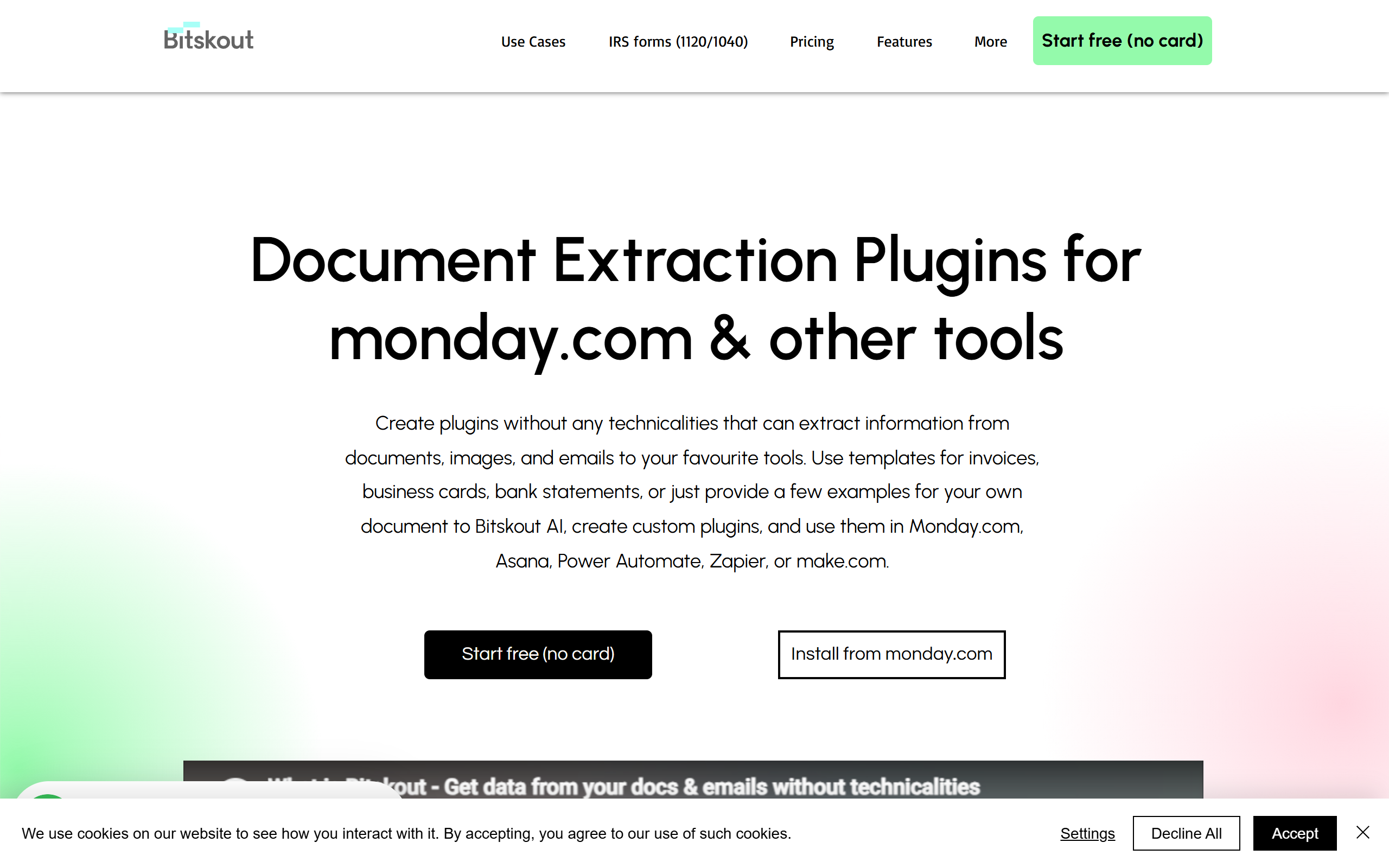
Automate data extraction, reduce manual data entry, and access accurate data for better business decisions.
- Freemium
- Web, API, Chrome Extension
- Data & AnalyticsBusiness
- Free plan available
- No credit card
What is Bitskout?
Key features
AI-powered document data extraction from images and PDFs
Optical character recognition for digitising text from documents
Template-based extraction for common document types like invoices and receipts
Custom extraction rules without requiring code
Document classification to sort incoming documents by type
Batch processing for handling multiple documents at once
API access for integrating extraction into workflows
Email integration to extract data from attachments
Data validation to check extracted information for accuracy
Pros & cons
Advantages
- Significant time savings compared to manual data entry
- Reduces errors from manual transcription and typing mistakes
- Free tier available for testing and small-scale use
- No coding required to set up extraction rules
- Handles various document formats and layouts
- Scalable for high-volume document processing
- Easy integration with business workflows via API
Limitations
- Accuracy can vary with poor-quality images or heavily stylised documents
- Handwritten text extraction may require additional configuration
- Costs can increase significantly with high document volumes
- Learning curve for more advanced customisation features
- Requires some setup work to define extraction rules for custom documents
Use cases
Processing invoices and receipts for accounting and expense management
Extracting information from job applications and CVs in recruitment
Digitising customer information from forms and registration documents
Automating data capture in customer service workflows
Converting paper documents to structured data for research or archiving
Automating insurance claim form processing
Extracting data from compliance documents for audit purposes
Ready to try Bitskout?
Pricing
Free
Free
Limited monthly document processing, access to common templates, basic extraction rules, suitable for trying the platform and small-scale use
Pay-as-you-go
$0.50-$2.00 per document
No monthly commitment, pay only for documents you process, access to full feature set, best for variable workloads
Professional
$299/mo
Includes monthly document quota, priority support, advanced integrations, custom template building, dedicated assistance
Enterprise
Contact sales
Custom volume packages, SLA guarantees, dedicated account management, on-premise deployment options, bespoke integration support
Get started with Bitskout
Click through to Bitskout and start using it now.
- Free plan available
- No credit card