BlackInk AI
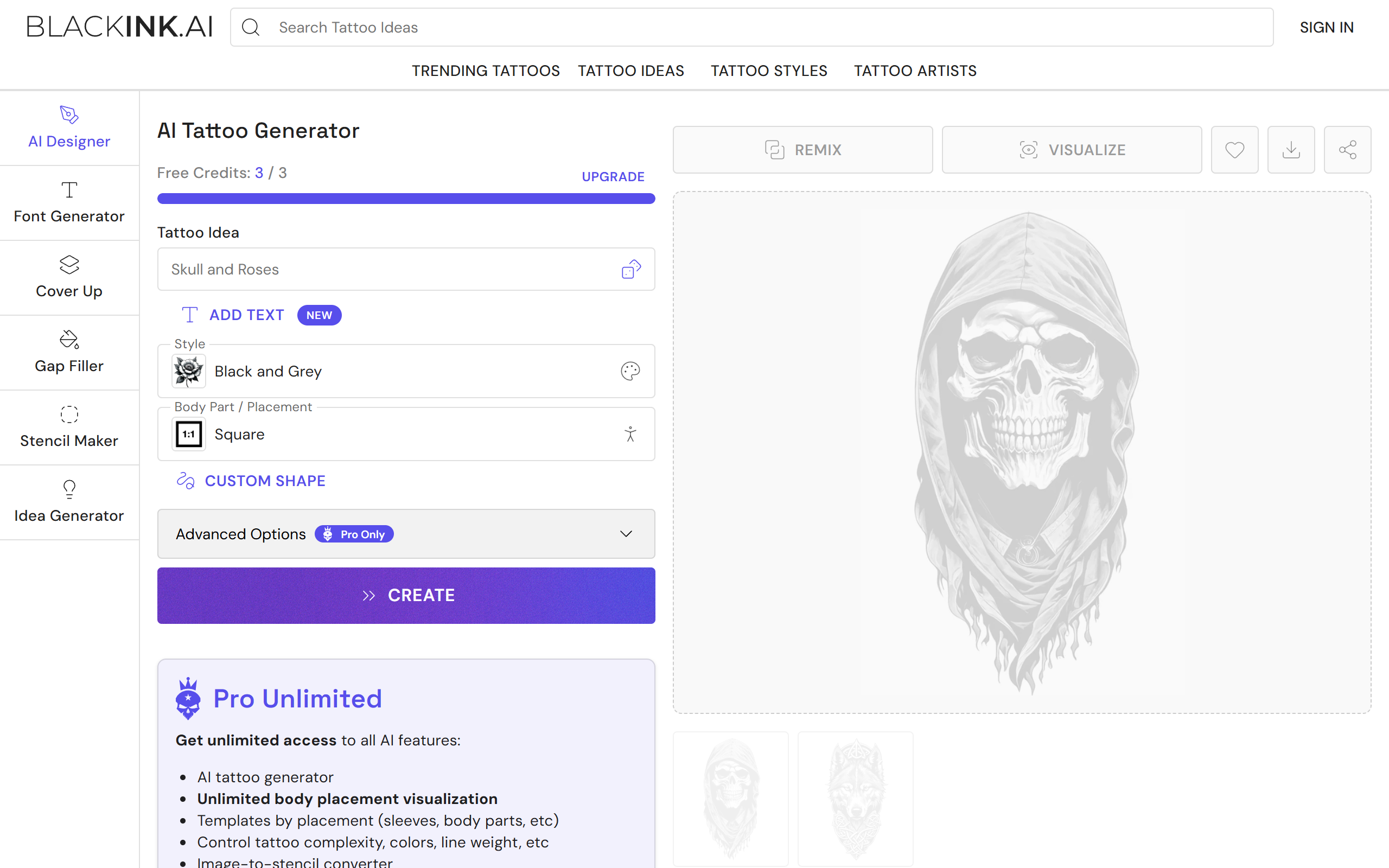
AI tattoo generator that turns text prompts into custom tattoo designs and visualises them on the body.
- Freemium
- Web
- DesignImage GenerationCode
- Free plan available
- No credit card
What is BlackInk AI?
Key features
AI Tattoo Generator
Generates 2-4 tattoo images per run from a text prompt with control over style, shape and detail.
28 Tattoo Styles
Offers blackwork, realism, ignorant, chicano and other styles to match a chosen vision.
Body Placement Visualisation
Shows how a design would look on specific body parts and placements such as full sleeves.
Templates by Placement
Provides placement-specific templates including sleeves, back and other body parts.
Detail and Complexity Control
Lets users set simple, medium or complex output and adjust colours and line weight.
Image-to-Stencil Converter
Uploads a user image and converts it into a tattoo stencil while keeping the original private.
4x Super Resolution Downloads
Produces upscaled, unblurred image downloads on the paid plan.
Pros & cons
Advantages
- The generator produces multiple design variations quickly, usually within around 30 seconds.
- Body placement previews help users see a design on themselves before committing to a real tattoo.
- A free tier with a few credits lets people test the tool before paying.
- The stencil converter and private uploads make it useful to working tattoo artists, not just hobbyists.
- Annual and quarterly billing options bring the effective daily cost down for committed users.
Limitations
- The free plan is limited to 3 credits, makes designs public and may delete them after 30 days.
- Free users get only one body placement visualisation and no access to advanced styles or controls.
- The product is web-only, with no dedicated iOS or Android app.
- AI-generated tattoo output still needs interpretation and adjustment by a real tattoo artist.
Use cases
Tattoo enthusiasts generating and refining ideas before an artist appointment.
First-timers trying different looks to find a design they will feel confident about long term.
Tattoo artists producing multiple custom concepts to help clients pick a direction faster.
Illustrators exploring tattoo styles, shapes and compositions for creative inspiration.
People converting their own artwork or photos into clean tattoo stencils.
Users visualising a candidate design on a specific body placement such as a sleeve or back.
Ready to try BlackInk AI?
Pricing
Free
Free
3 credits to try the product, access to the style and tattoo ideas directory, limited trial of the AI generator, one body placement visualisation, generic templates and common styles only, no complexity or colour control, no super resolution downloads, designs are public and may be deleted after 30 days.
Pro Unlimited (Monthly)
15 per month
Unlimited tattoo designs and visualisations, all tools and 28 styles, placement templates, complexity, colour and line weight control, unlimited 4x super resolution downloads, unlimited stencil conversion, private designs kept forever.
Pro Unlimited (Quarterly)
39.99 every 3 months
All Pro Unlimited features billed quarterly, marketed as Best Value at about 0.44 per day.
Pro Unlimited (Annual)
72.00 per year
All Pro Unlimited features billed annually at about 0.19 per day, marketed as Save 60 percent.
Get started with BlackInk AI
Click through to BlackInk AI and start using it now.
- Free plan available
- No credit card