
BlinkDisk
Modern file backups for absolutely everyone.
- Freemium
- Web, macOS, Windows
- Developer ToolsCodeBusiness
- Free plan available
- No credit card
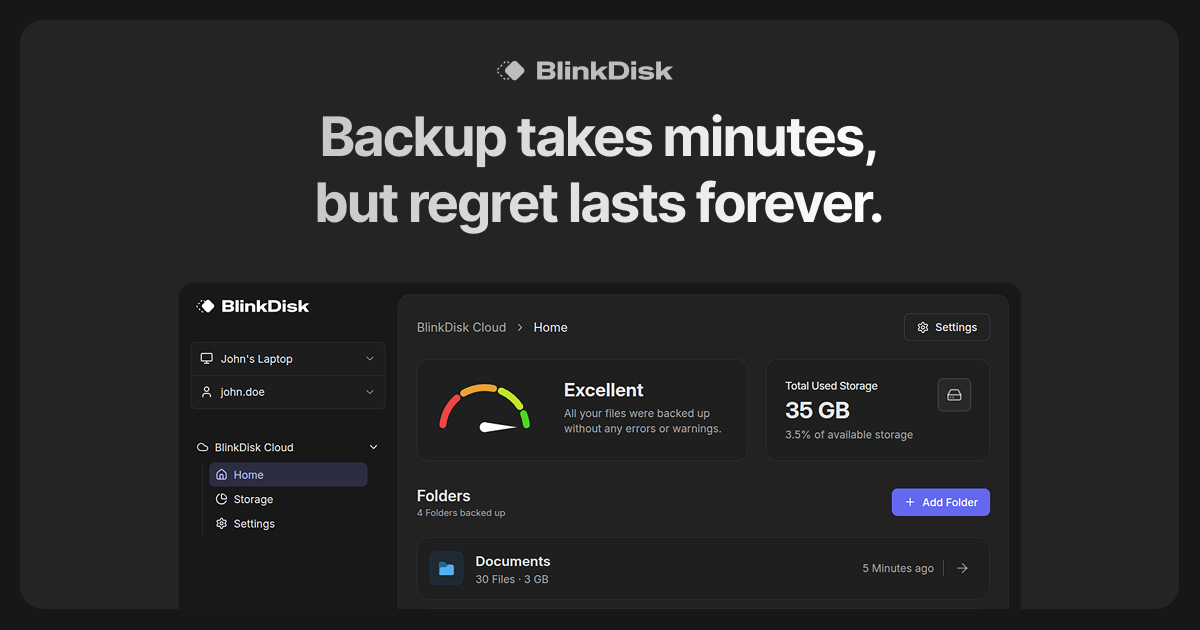
What is BlinkDisk?
Key features
Automatic file backups
Set up scheduled backups to run without manual intervention
Cloud storage
Backs up files to secure cloud servers for off-device protection
File versioning
Access previous versions of files to recover from accidental changes
Selective backup
Choose which folders and file types to back up rather than archiving everything
Restore functionality
Recover individual files or entire backup sets when needed
Cross-device sync
Access backed-up files across multiple devices
Pros & cons
Advantages
- Free tier removes barriers to entry for users who want basic backup protection
- Designed for non-technical users; straightforward setup and interface
- Automatic scheduling means backups happen without remembering to run them manually
- Cloud-based approach protects against local hardware failure
Limitations
- Free tier likely includes limited storage, requiring paid upgrade for larger backup needs
- Cloud-dependent approach means you need reliable internet connection for backups and restores
Use cases
Personal file protection: Individuals backing up documents, photos, and personal projects
Protection against accidental deletion: Recovering files deleted by mistake
Device migration: Transferring files when upgrading to a new computer
Multi-device synchronisation: Keeping important files accessible across work and personal devices
Small business file protection: Freelancers and small teams protecting client work and business documents
Ready to try BlinkDisk?
Pricing
Paid tiers
Variable (specific pricing not confirmed)
Increased cloud storage capacity and potentially additional features like priority support
Get started with BlinkDisk
Click through to BlinkDisk and start using it now.
- Free plan available
- No credit card