Blip AI
Turn your speech into ready-to-send text in any app — just press a hotkey and speak
- Paid
- Windows, macOS, Chrome Extension
- WritingAI Tools for TranscriptionAudio
What is Blip AI?
Key features
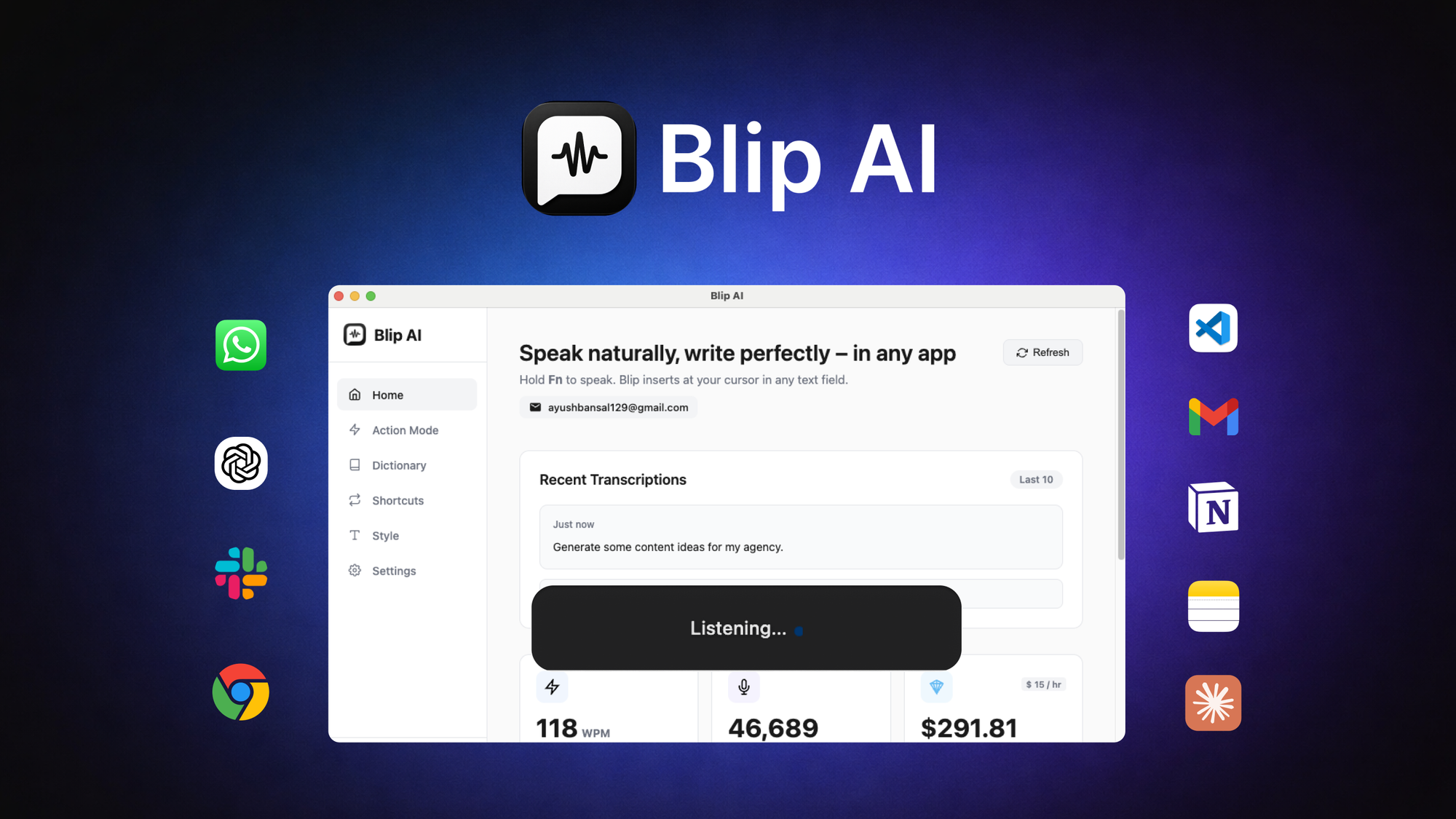
Hotkey activation
Press a single keyboard shortcut to start recording your speech
Cross-app compatibility
Works within any application that accepts text input
Direct text insertion
Transcribed text appears ready to send without extra steps
Fast processing
Converts speech to text quickly so you can continue working
Simple interface
Minimal setup required; it runs in the background
Pros & cons
Advantages
- Speeds up writing tasks by dictating instead of typing
- Works universally across apps rather than requiring specific integrations
- No need to open separate software or switch windows
- Useful for accessibility and reducing repetitive strain from typing
Limitations
- Accuracy depends on audio quality and accent; background noise may affect results
- May require occasional editing of transcribed text, particularly for technical terms
- Requires internet connectivity for processing in most cases
Use cases
Composing emails and messages without typing
Writing longer documents or notes by speaking paragraphs
Social media posting through voice dictation
Quick message responses in messaging apps
Accessibility tool for users who struggle with keyboard input
Ready to try Blip AI?
Pricing
Paid subscription
Variable (check AppSumo for current pricing)
Full access to speech-to-text conversion across all apps
Get started with Blip AI
Click through to Blip AI and start using it now.