
BoltAI
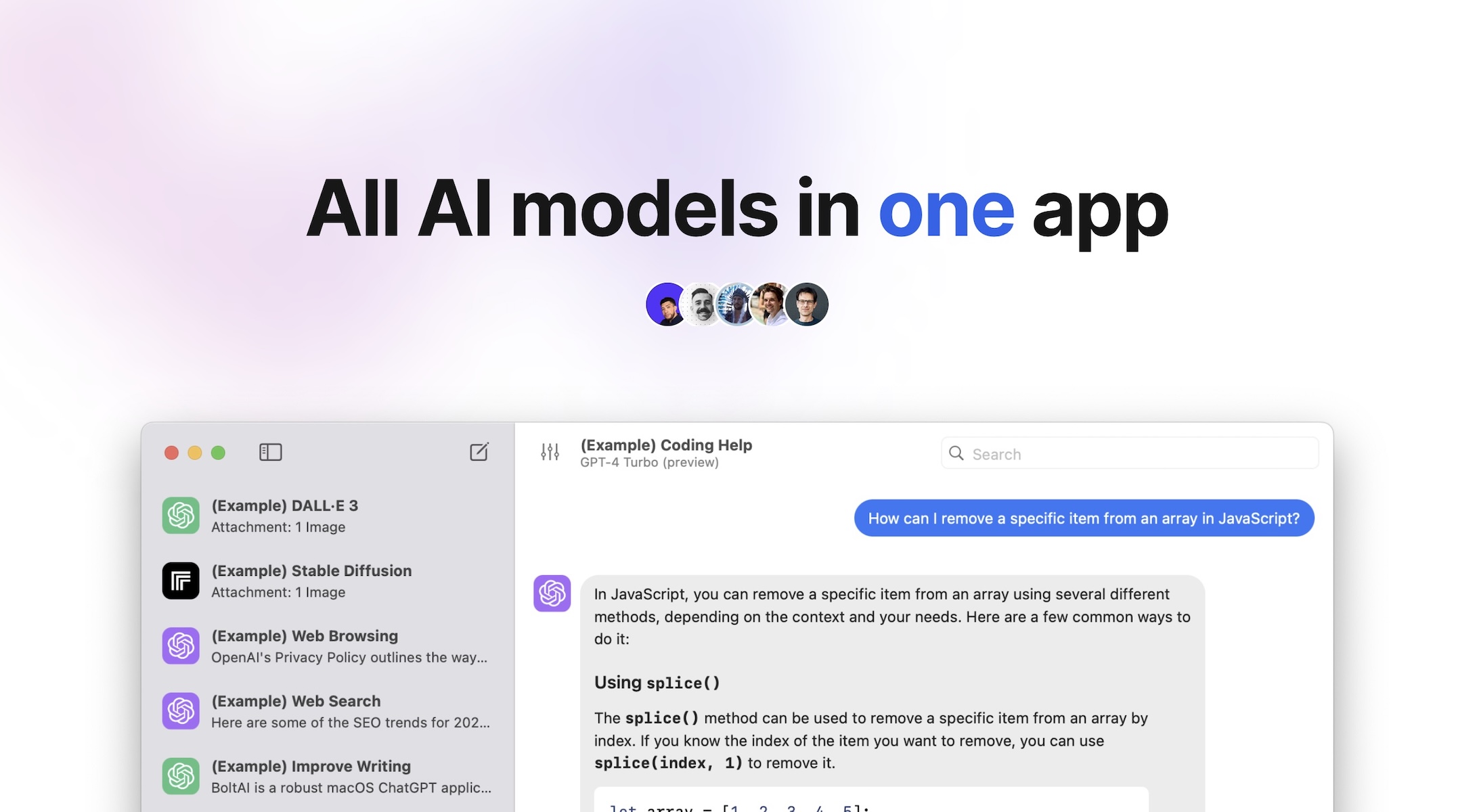
BoltAI is an innovative native ChatGPT application tailored for Mac users, offering a seamless experience by integrating OpenAI, Anthropic, Azure AI, and other services directly within macOS applicati
- Free plan available
- No credit card
What is BoltAI?
Key features
Multi-provider support
Connect to OpenAI, Anthropic, Azure AI, and other services from a single interface
Inline AI assistance
Access AI directly within macOS applications rather than switching to a browser
Prompt library
Browse and save custom prompts to speed up repetitive tasks
Secure API key management
Store and manage credentials locally with encryption
Customisable AI behaviour
Adjust model parameters and system instructions to suit your needs
Chat interface
Full conversation history and context management built into the app
Pros & cons
Advantages
- Eliminates context switching by integrating AI into your existing Mac workflow
- Supports multiple AI providers, giving you flexibility to choose the best tool for each task
- Native Mac application means better integration with macOS than web-based alternatives
- Freemium model lets you try the core features before paying
Limitations
- Mac-only availability; no native Windows or Linux versions
- Requires managing your own API keys and accounts with various AI providers
- Inline features may not work consistently across all macOS applications
Use cases
Writers and editors using AI to draft, refine, and edit content within their writing tools
Developers getting code suggestions and explanations without leaving their editor
Researchers summarising papers or generating research notes directly in their workspace
Support staff using AI to draft responses to customer queries within their ticketing system
Professionals comparing outputs across multiple AI models for important decisions
Ready to try BoltAI?
Pricing
Get started with BoltAI
Click through to BoltAI and start using it now.
- Free plan available
- No credit card