
BooBar
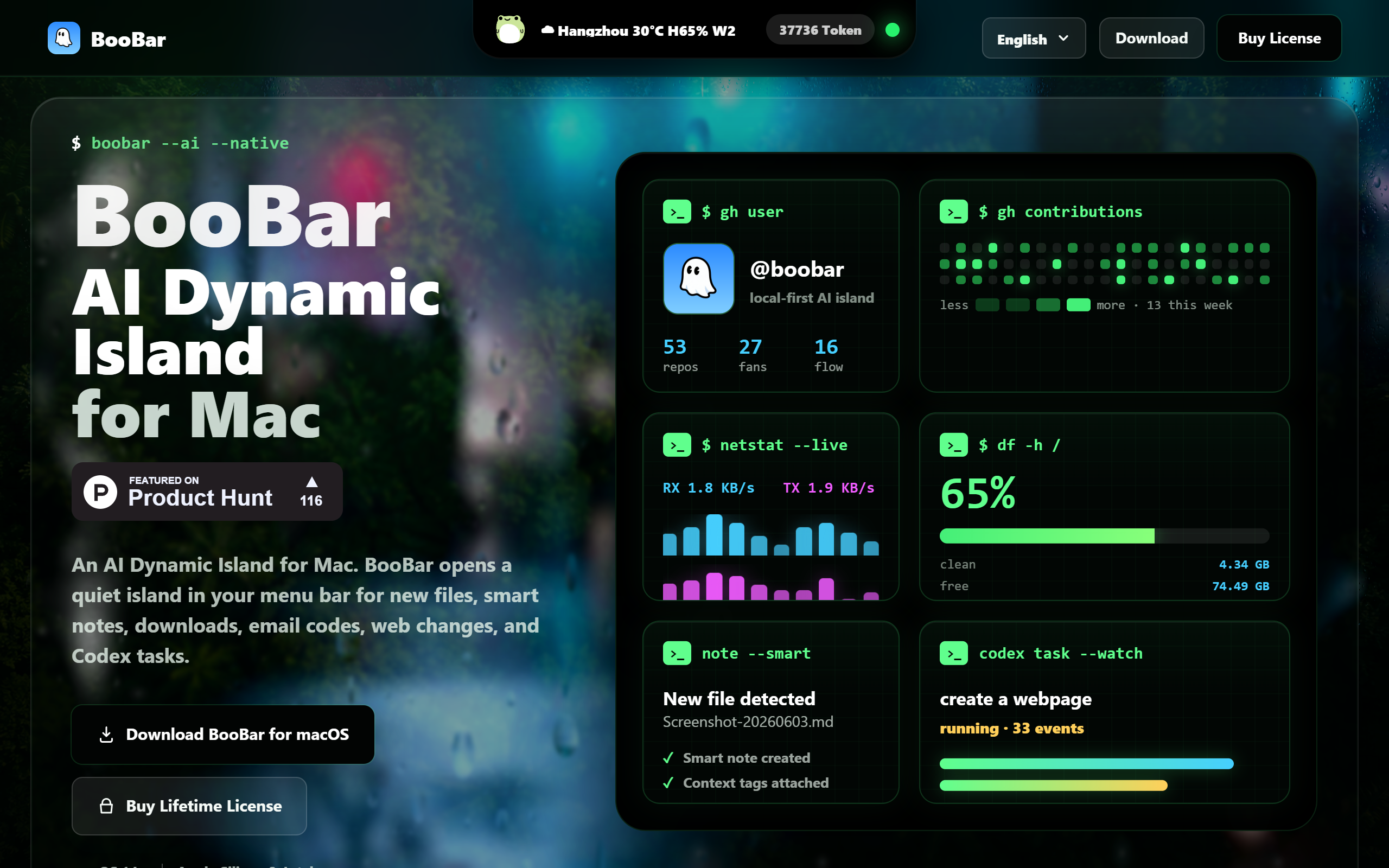
AI Dynamic Island for Mac that tracks files, downloads and AI tasks in a calm menu bar queue.
- Freemium
- macOS
- Other
- Free plan available
- No credit card
What is BooBar?
Key features
AI Dynamic Island
Notifications for downloads, email codes, web changes and AI task runs appear as calm prompts in a top-screen island queue.
Smart Notes
Once a file stabilises, BooBar generates a searchable note with a summary, OCR clues and context tags.
Natural-language search
Query File Cards, archive history and move records conversationally rather than digging through folders.
Local-first processing
File watching, stability checks, basic classification and action logs run on the Mac by default, with cloud AI optional.
AI model switching
Uses local rules first, then Codex or OpenAI-compatible models to suggest names, tags and destinations.
File organisation with confirmation
Suggests names, tags and archive destinations and asks for confirmation before important actions.
Coding task tracking
Monitors Codex and Claude Code task status alongside file and download activity in the menu bar.
Pros & cons
Advantages
- Local-first design keeps file watching and classification on the Mac by default, sending only necessary snippets to cloud AI when enabled.
- A one-time purchase of 9.99 dollars early-bird (regular 14.99 dollars) avoids the recurring subscription common to similar utilities.
- A free trial download lets users test the app before buying, and there is a 30-day no-questions refund window.
- Consolidates downloads, screenshots, email codes, web changes and AI task status into a single non-intrusive menu bar interface.
- Supports both Apple Silicon and Intel Macs on macOS 14 and later.
Limitations
- macOS only, with no Windows, Linux, web or mobile version, so it is unusable outside the Apple desktop ecosystem.
- Cloud AI features depend on Codex or an OpenAI-compatible model, which may require a separate API key or account to use fully.
- Public pricing for the 2-Mac and 3-Mac licences is not clearly stated on the pricing page beyond the single-Mac figure.
- It is an early-stage product with support handled only through an email address rather than a wider support channel.
Use cases
Mac users who download many files and want them automatically summarised, tagged and filed without manual sorting.
Developers running Codex or Claude Code tasks who want a calm menu bar view of task status alongside their files.
People who frequently copy email verification codes and want them surfaced in the Dynamic Island queue.
Knowledge workers who want to search screenshots and archived files using natural language instead of folder navigation.
Privacy-conscious users who prefer local processing and want control over when content is sent to cloud AI.
Ready to try BooBar?
Pricing
Free Trial
Free
Downloadable trial of BooBar to test the AI Dynamic Island, file organisation and search before purchase.
1 Mac Licence
9.99 (early-bird, regular 14.99)
One-time lifetime licence for one Mac. Includes AI Dynamic Island, file organisation, natural-language search, local rules, Codex and OpenAI-compatible model switching, device validation and 30-day refund window.
2 and 3 Mac Licences
Contact for pricing
Multi-device one-time licences for two or three Macs with the same feature set; exact prices not stated publicly.
Get started with BooBar
Click through to BooBar and start using it now.
- Free plan available
- No credit card