
Brand Kit
Brand Kit — AI tool
- Free plan available
- No credit card
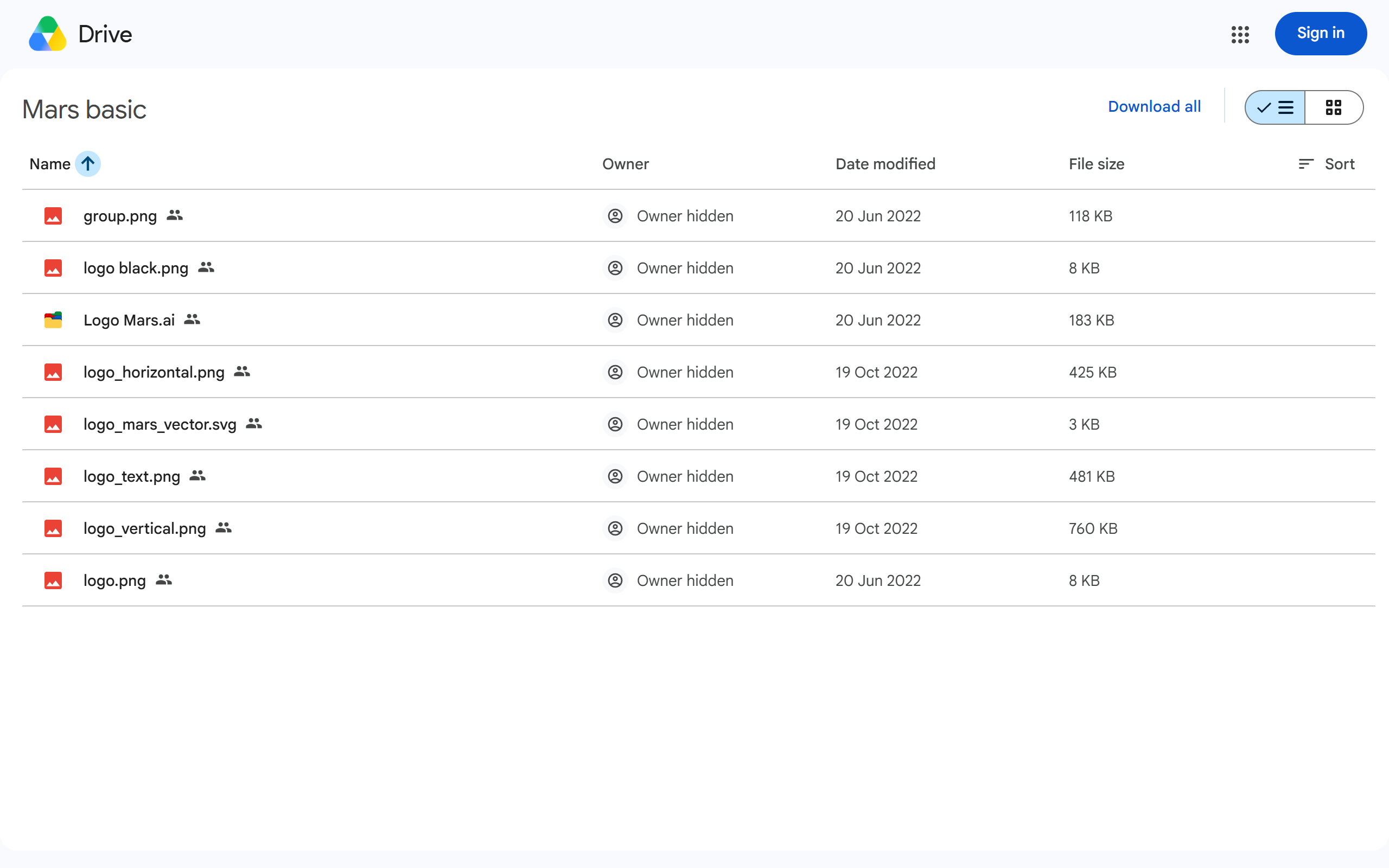
What is Brand Kit?
Key features
Centralised brand asset storage
keep logos, colour palettes, and typography guidelines in one location
Brand guideline templates
pre-built frameworks to establish and document brand rules
Google Drive integration
direct access within Google's ecosystem for easy file management
Collaborative access
share brand standards across team members with appropriate permissions
Quick reference system
organised structure for quick lookup of brand standards during projects
Pros & cons
Advantages
- Free to use with a Google account; no software installation required
- Integrates naturally with Google Drive and Docs, which many teams already use
- Simple interface focused on organisation rather than complex design tools
- Accessible to non-designers; helps teams apply brand guidelines consistently
Limitations
- Limited design functionality compared to dedicated brand management platforms
- Dependent on Google Drive; less suitable if your organisation uses alternative cloud storage
- Minimal information available about advanced features or customisation options
Use cases
Small marketing teams establishing their first brand guidelines document
Freelancers managing multiple client brand assets
Internal communications teams ensuring consistency across company materials
Startups building brand standards without budget for enterprise tools
Remote teams sharing design resources and specifications
Ready to try Brand Kit?
Pricing
Get started with Brand Kit
Click through to Brand Kit and start using it now.
- Free plan available
- No credit card