Bricks
The AI Spreadsheet We've All Been Waiting For
- Free plan available
- No credit card
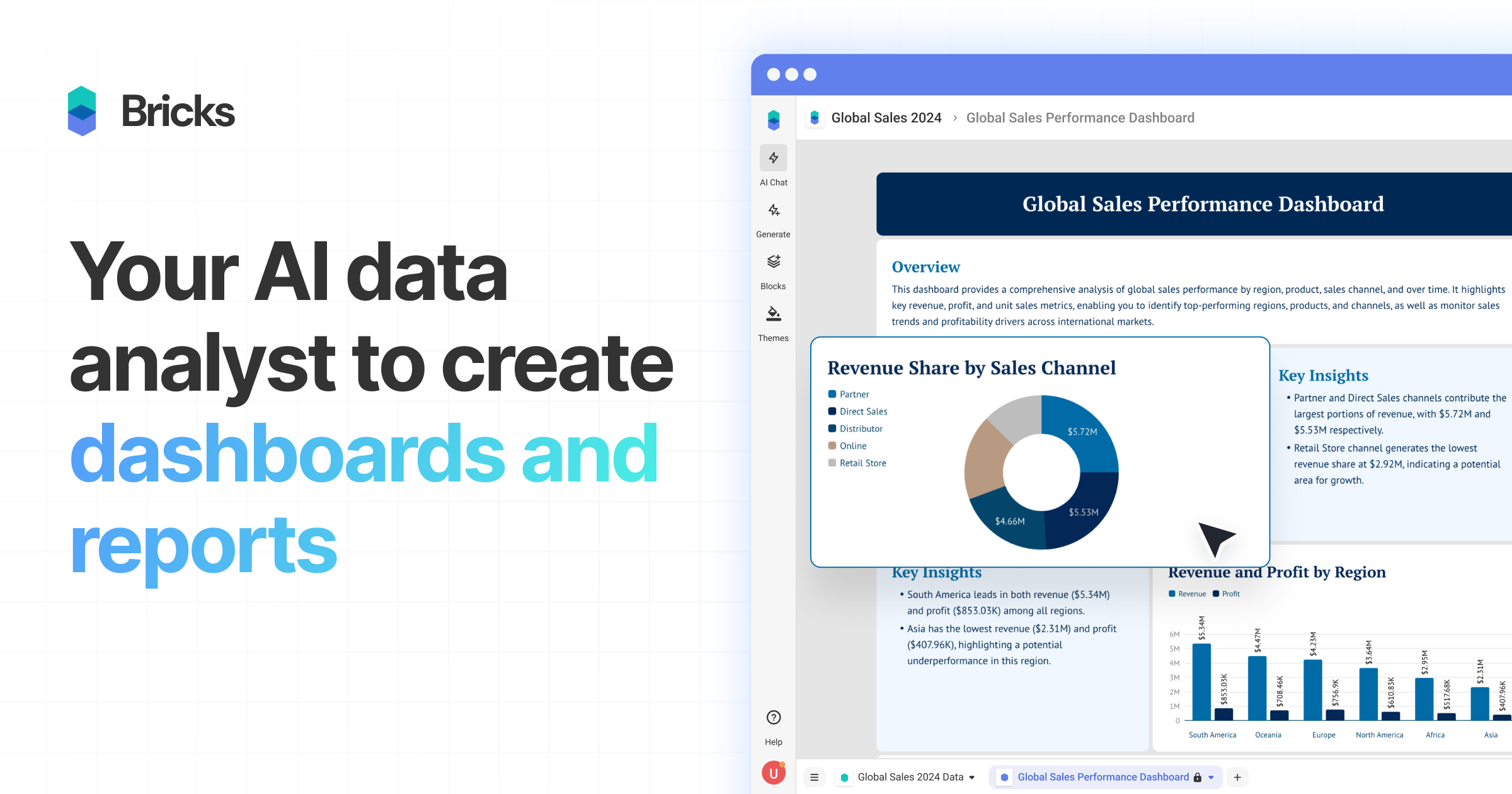
What is Bricks?
Key features
AI-powered dashboard generation
Automatically creates visualizations and dashboards from uploaded CSV and Excel files with minimal manual configuration
Editable dashboards
Users can customise and modify generated dashboards to suit specific needs and preferences
No-code interface
Designed for users without technical or coding expertise to create professional data visualizations
Data import and integration
smooth uploading and processing of CSV and Excel files with automatic data structure recognition
Interactive visualizations
Dynamic charts, graphs, and data displays that support filtering and exploration
Collaborative features
Built-in functionality for teams to share and work with dashboards together
Pros & cons
Advantages
- Extremely user-friendly with minimal learning curve, no programming or technical skills required
- Fast dashboard creation process saves significant time compared to building visualizations from scratch
- AI assistance intelligently suggests appropriate visualizations based on data content and structure
- Freemium model allows users to get started and evaluate the tool without upfront investment
Limitations
- As a newer tool, it may have fewer advanced customization options compared to established BI platforms like Tableau or Power BI
- Limited information available about data security, compliance certifications, or enterprise-grade features
- May face scalability limitations with very large datasets compared to dedicated data warehousing solutions
Use cases
Marketing teams visualising campaign performance and KPI metrics from spreadsheet data
Sales organizations creating quick dashboards to track pipeline and revenue metrics
Business analysts turning client data exports into presentable reports without IT support
Small business owners monitoring operational metrics and financial performance
Project managers tracking project status and resource allocation from spreadsheet trackers
Ready to try Bricks?
Pricing
Free
Free
Basic dashboard creation, limited visualizations, single user access, suitable for individuals and small projects
Pro
Contact for pricing
Advanced visualizations, team collaboration, more storage and data limits, priority support
Enterprise
Contact for pricing
Custom features, dedicated support, advanced security and compliance options, unlimited users and data
Get started with Bricks
Click through to Bricks and start using it now.
- Free plan available
- No credit card