
Browlytics
Browser time tracking & Web activity analytics
- Free
- Web, Chrome Extension, Windows, macOS
- AI Tools for Time TrackingData & AnalyticsProductivity
- Always free
- No credit card
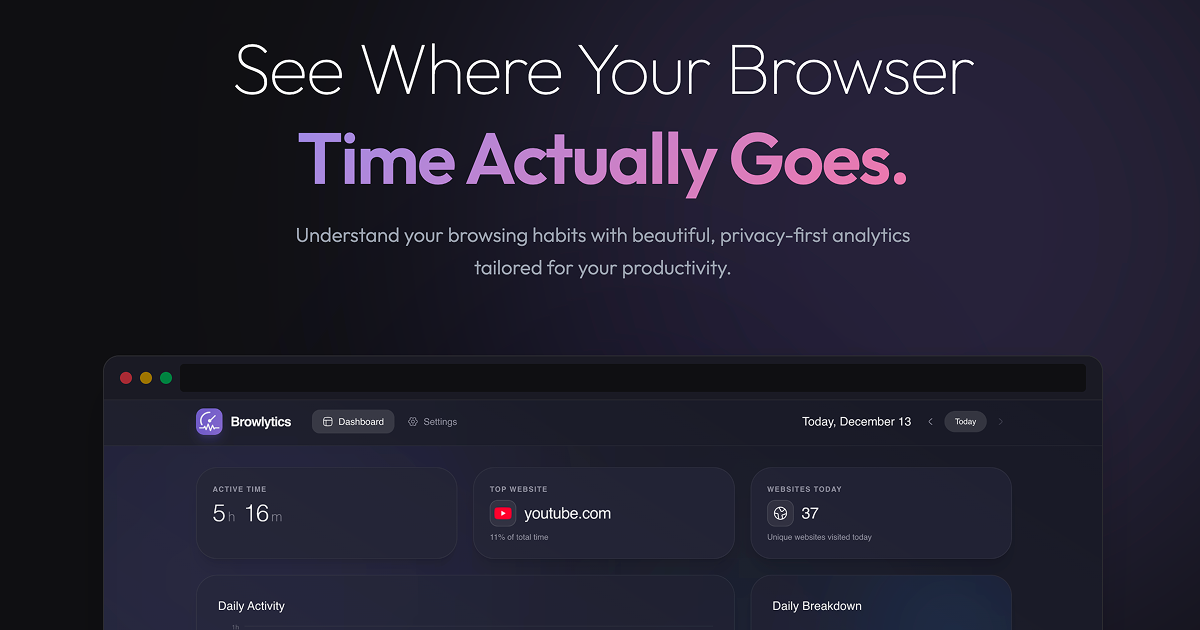
What is Browlytics?
Key features
Time tracking
Automatically records how long you spend on each website and application throughout your day
Activity reports
Generates summaries of your browsing habits, showing which sites consume the most time
Category breakdown
Organises websites by type (work, social media, entertainment, etc.) for easier analysis
Daily and weekly views
Displays your activity patterns across different time periods to identify trends
No manual input required
Runs passively in the background without requiring you to start or stop timers
Pros & cons
Advantages
- Completely free with no hidden costs or premium tier required
- Minimal setup, works as a browser extension that starts tracking immediately
- Helpful for identifying time-wasting habits and improving focus on important work
- Useful for freelancers or remote workers who need to track billable time across clients
Limitations
- Limited customisation options; you cannot easily exclude certain websites from tracking or set activity categories yourself
- Privacy considerations: you're storing browsing data locally or in the cloud, which some users may find uncomfortable
- Lacks integration with project management or invoicing tools, so time data cannot easily feed into other workflows
Use cases
Remote workers tracking time spent on client work versus internal tasks
Students monitoring study sessions and identifying distracting websites during focused work
Freelancers gathering data to support accurate billing for time-based projects
Managers wanting anonymised team activity insights to understand productivity patterns
Individuals establishing baseline browsing habits before making changes to improve digital wellbeing
Ready to try Browlytics?
Pricing
Free
Free
Full access to time tracking, activity reports, and browsing analytics with no limitations
Get started with Browlytics
Click through to Browlytics and start using it now.
- Always free
- No credit card