
Browse.sh
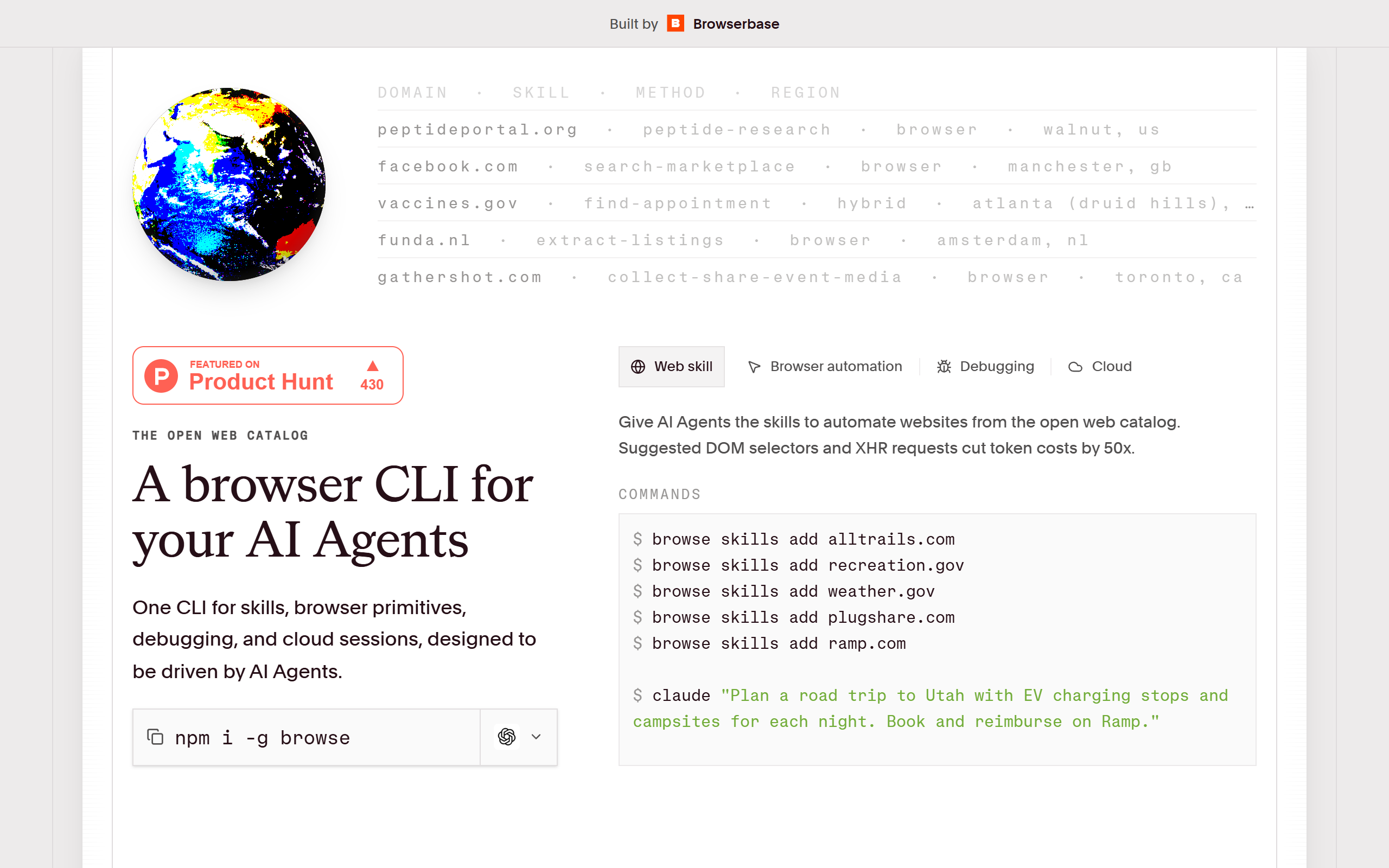
Open catalogue of browser automation skills and a CLI that lets AI agents drive the web.
- Open Source
- CLI, API, Web
- Other
- Open source
- Free forever
What is Browse.sh?
Key features
Skill catalogue
A searchable library of hundreds of pre-built, site-specific automation playbooks that agents can install on demand.
Browse CLI
An open-source command line tool installed with npm install -g browse for driving browsers from the terminal.
Browser primitives
Agents can control pages directly with click, scroll, type, hover and press actions.
Fetch and search
Pull clean content from any URL with automatic fallback to full browser rendering, plus structured web search in a single command.
Local or cloud execution
Run skills against a local browser during development or route through Browserbase cloud sessions for production.
Agent surfaces
Exposes llms.txt as a compact index and llms-full.txt as an expanded catalogue so agents can discover skills.
Network and console tailing
Tail network and console output to debug browser workflows as they run.
Pros & cons
Advantages
- The CLI and skills are open source and free to use, with no subscription required for local execution.
- Skills are stored as readable plain-text markdown, so they are easy to inspect, edit and contribute to rather than opaque embeddings.
- Reusing site-specific playbooks reduces token spend, with a published Craigslist benchmark showing around 45 percent cost saving per run.
- The catalogue already covers a wide range of verticals including travel, commerce, government and finance.
- It works with common agent setups such as Claude Code, Cursor and Codex, and can scale from a local browser to Browserbase cloud without code changes.
Limitations
- Production-scale and cloud browser sessions rely on a Browserbase account and API key, which is a separate paid service.
- There is no public pricing page for the hosted Browserbase usage, so cloud costs are not transparent on the Browse.sh site itself.
- It is aimed at developers and AI engineers working at the command line, so it is not suited to non-technical users.
- Skill quality varies by site and some skills are read-only, with transactional flows limited and gated behind explicit confirmation.
Use cases
AI engineers building agents that need reliable, repeatable automation for specific websites without re-learning each site.
Product and platform teams looking to cut token spend by reusing tested browser playbooks instead of generic agent loops.
Developers using Claude Code, Cursor or Codex who want pre-built web expertise installable with a single CLI command.
Teams extracting structured data such as listings, prices, reviews or availability from commerce, travel and real estate sites.
Automation engineers prototyping browser workflows locally and then promoting them to Browserbase cloud for production.
Ready to try Browse.sh?
Pricing
Open source CLI
Free
The Browse CLI and the full skill catalogue are open source and free to install and run locally with npm install -g browse.
Browserbase cloud
Contact for pricing
Production-scale execution on Browserbase cloud browser sessions requires a Browserbase account and API key; no public pricing is listed on the Browse.sh site.
Get started with Browse.sh
Click through to Browse.sh and start using it now.
- Open source
- Free forever